 11
11
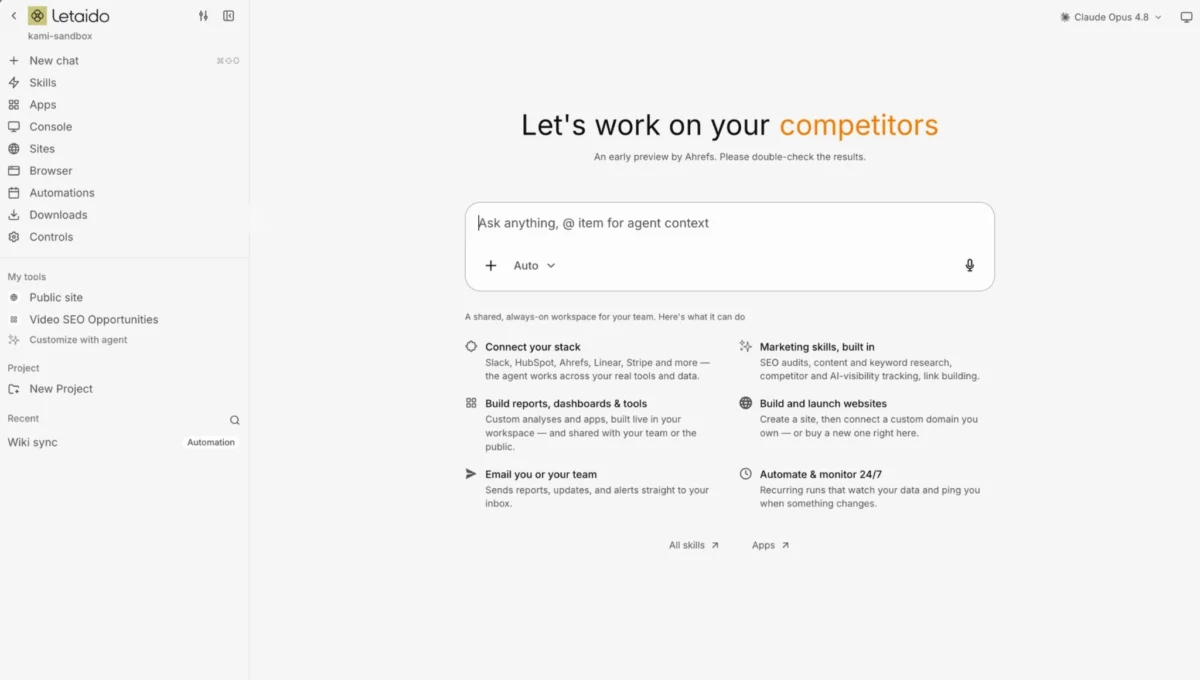
While the concepts of "learning to build," "shipping your own tools," and "automating busywork" are widely discussed, a critical gap has existed in explaining how to actually begin. This challenge was starkly illustrated by Canva’s recent initiative, where 5,000 employees were given a full week to explore AI, yet a significant portion struggled to initiate projects. This difficulty often stems from AI development tools that mimic traditional developer workflows, requiring users to manage files, navigate terminals, and deploy to servers.
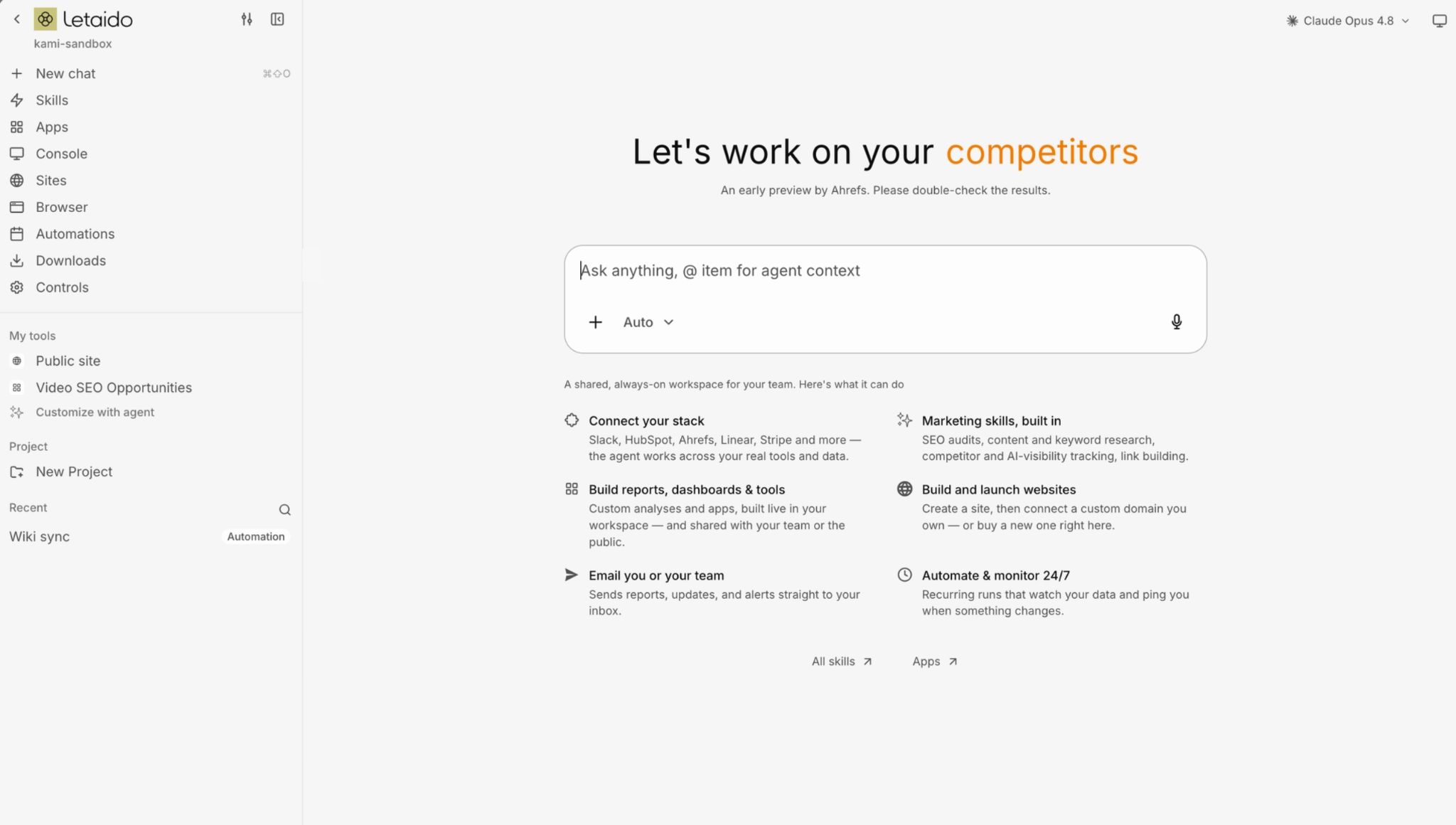
However, a paradigm shift is emerging, allowing marketers to create custom tools and workflows without needing such technical expertise. Letaido, an AI workspace operating entirely within the browser, offers a solution by eliminating the need for any software installation, file management, or continuous laptop operation for automations.
Letaido: An AI Workspace Redefining Marketing Tool Creation
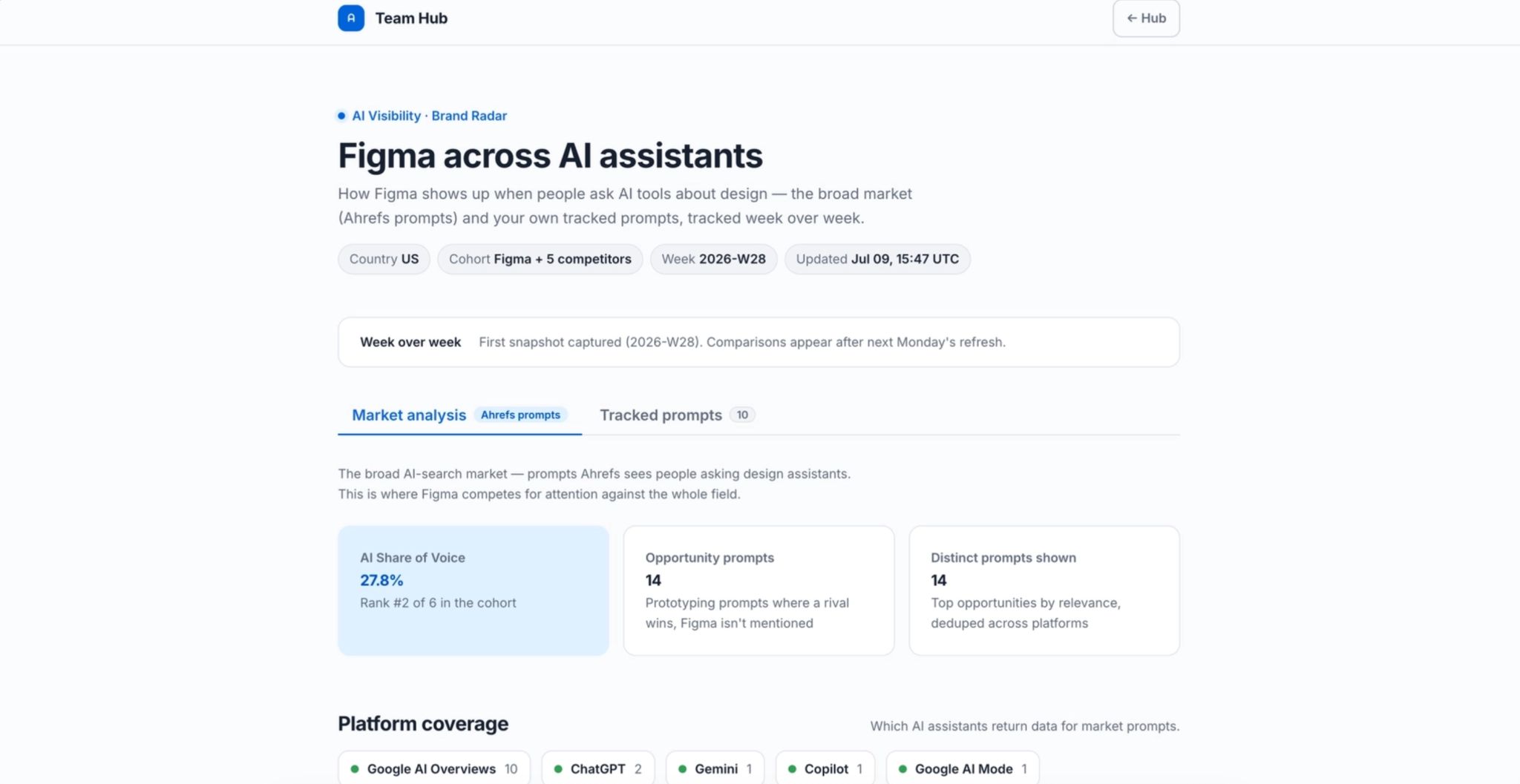
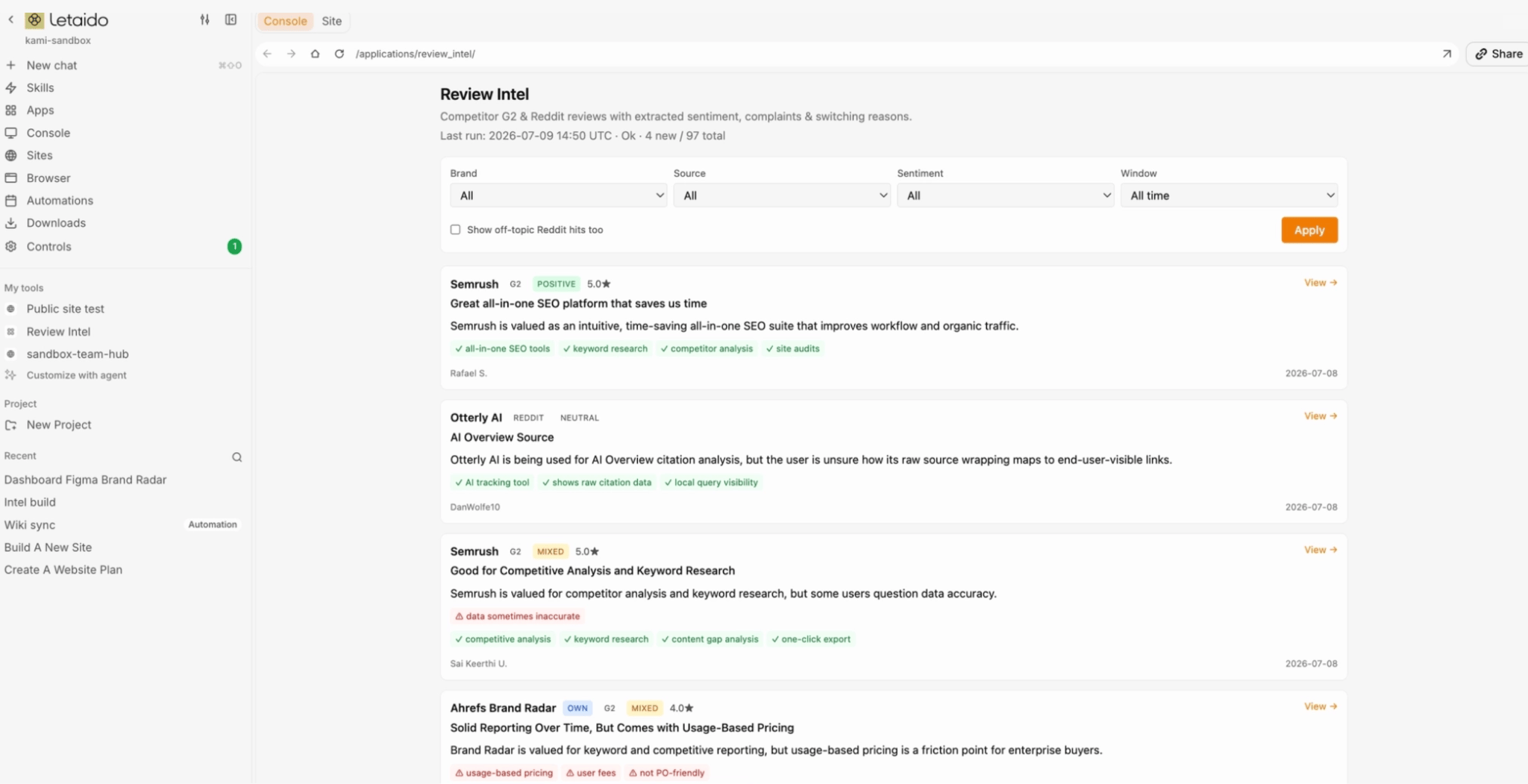
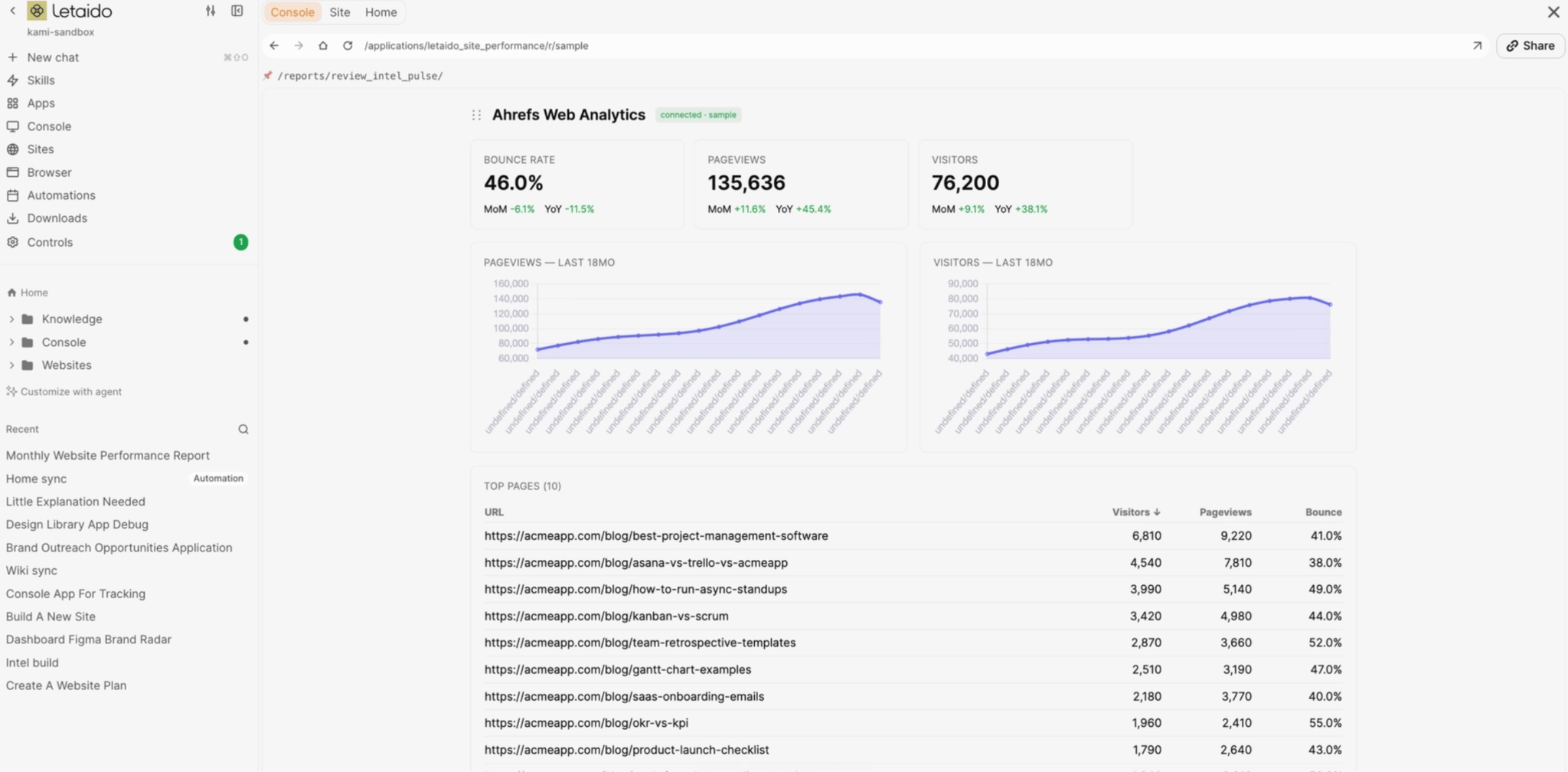
Letaido is an AI-powered marketing platform designed to democratize the creation of essential marketing tools and workflows. It enables users to build reporting dashboards, competitor monitors, keyword clustering tools, and content workflows that were previously reliant on developer teams or significant budgets. The platform allows users to describe desired workflows in plain language, akin to instructing a new team member, and the AI constructs them accordingly.
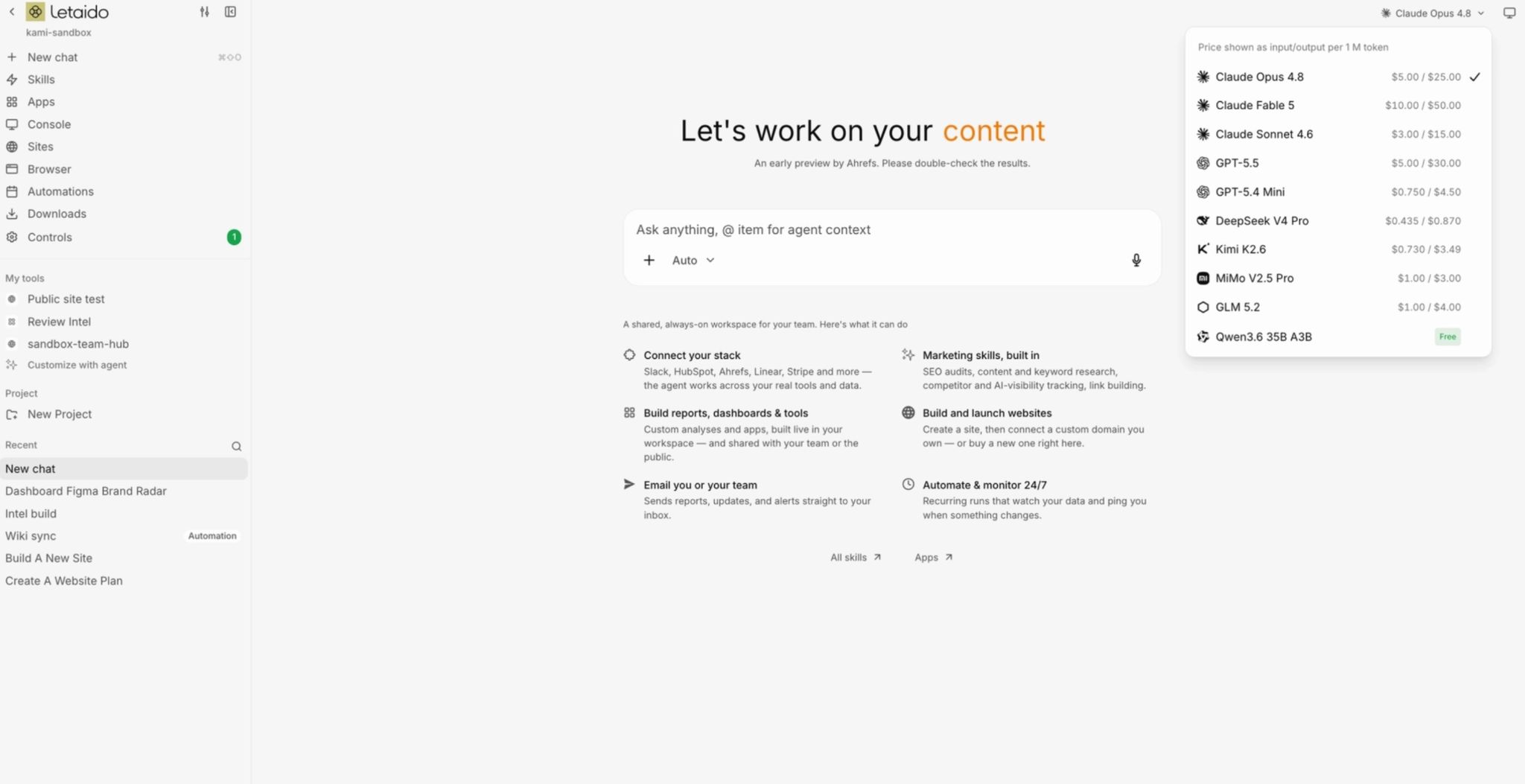
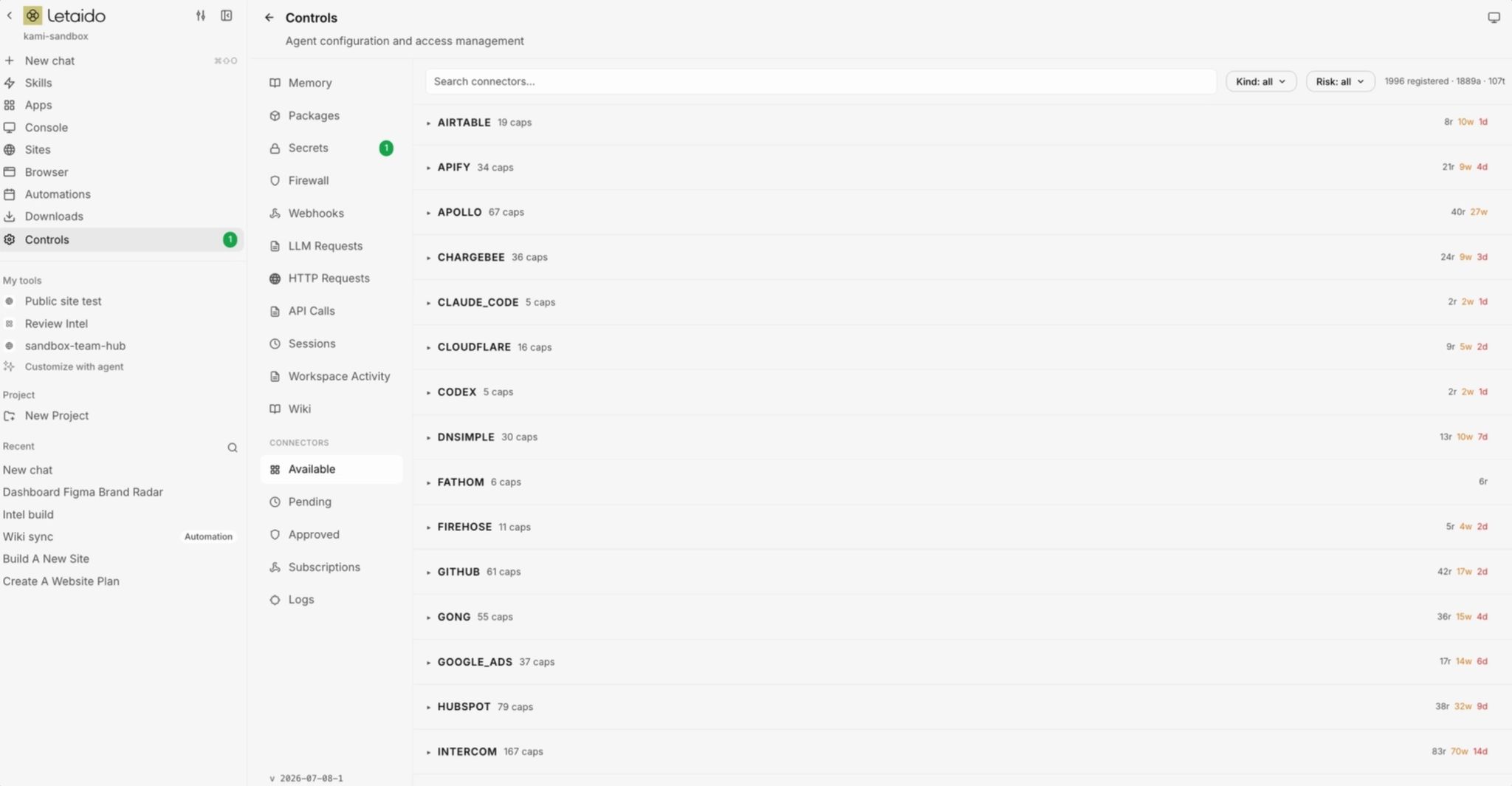
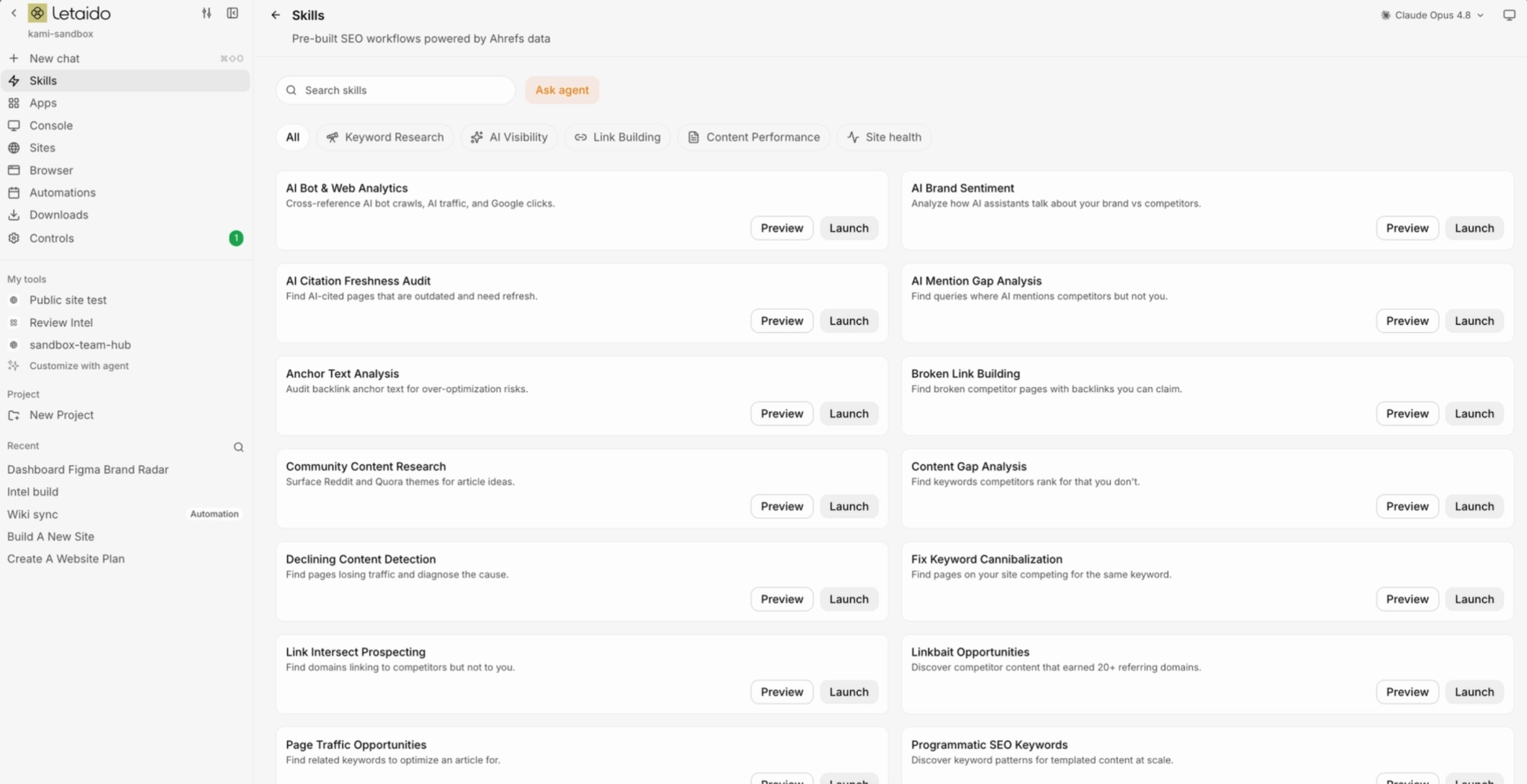
The platform integrates with over 35 marketing tools, including Slack, HubSpot, Notion, GitHub, Linear, Mailchimp, Stripe, WordPress, and Airtable, through native connectors. It also offers a diverse range of AI models, allowing users to switch between Claude, GPT, Gemini, and others on a per-task basis, eliminating the need for separate subscriptions or API keys. A key feature is the pre-built "marketing skills" library, maintained by Ahrefs, which provides agents with best-practice steps to follow, preventing users from starting from scratch.
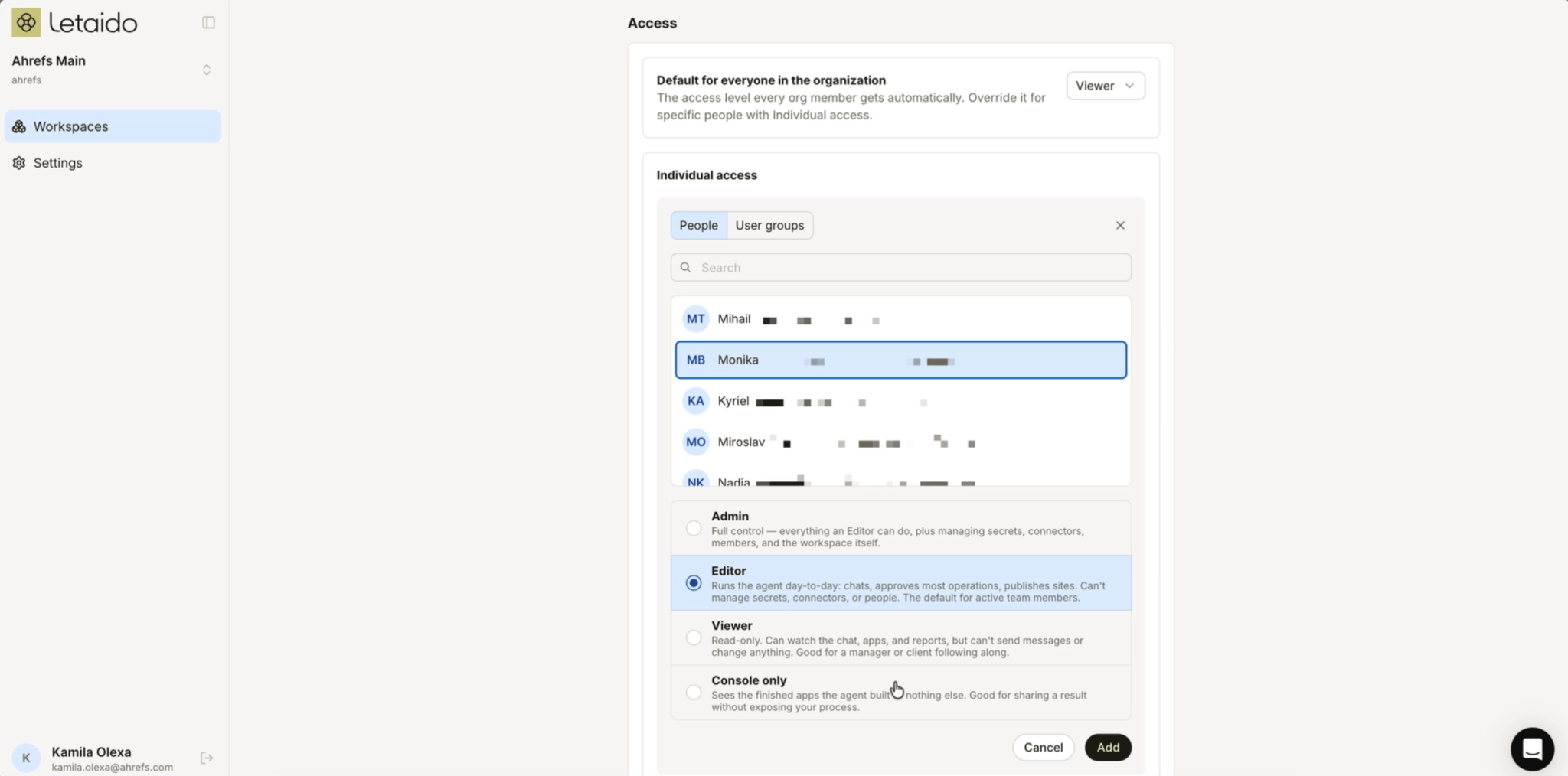
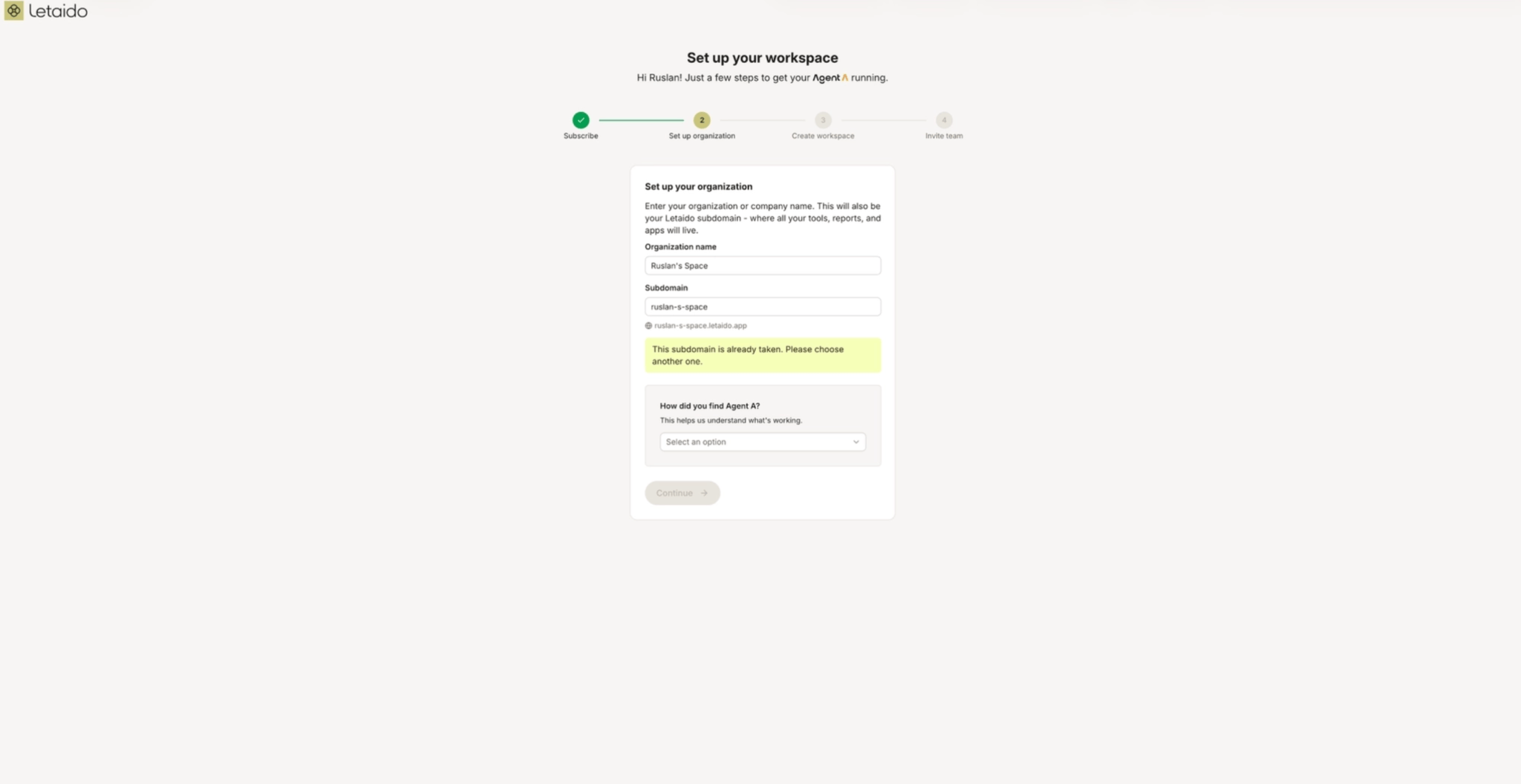
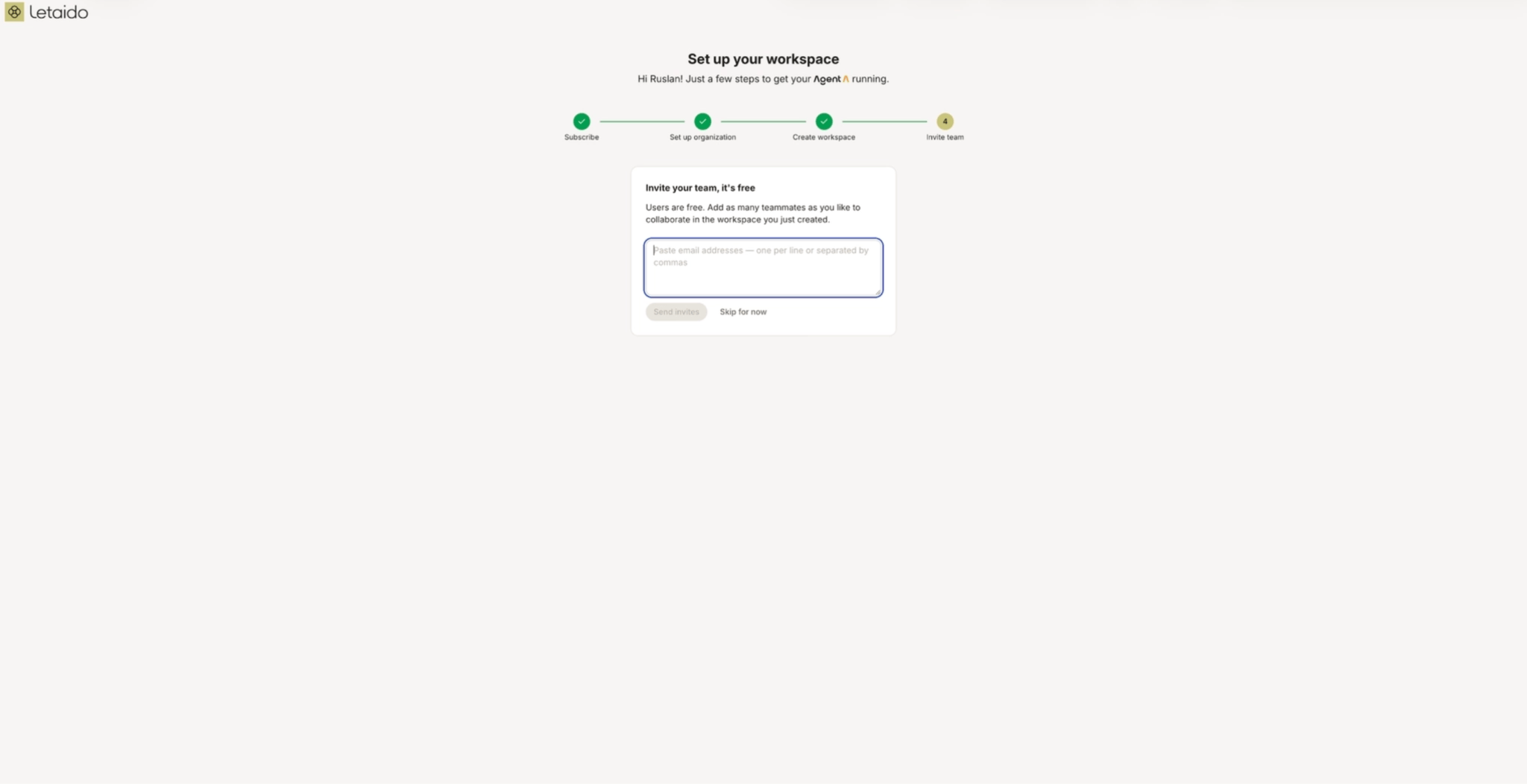
Letaido supports team collaboration, with all configurations, connectors, memory, and apps accessible to the entire team, fostering cumulative progress. The pricing model is per workspace rather than per user, making it cost-effective for teams. Roles are structured to maintain security, with members able to build and chat, while owners and administrators manage connectors and secrets.
For external sharing, Letaido allows the creation of guest links for apps or reports, generating public sites with default Letaido domains. Users can also customize domains, with Letaido handling security certificates. This capability is crucial for sharing client reports or specific project outputs.
Streamlined Setup and Building Process
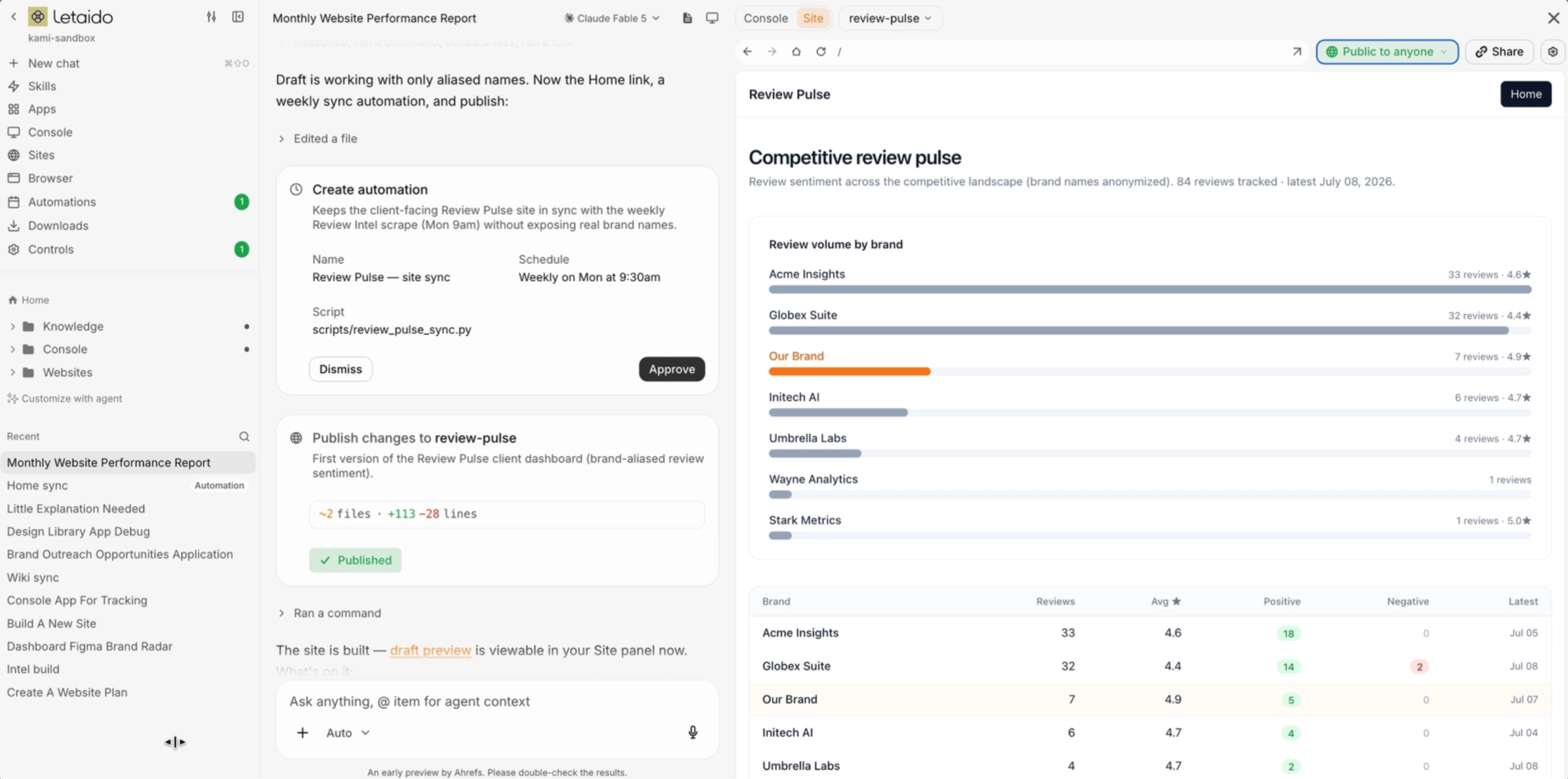
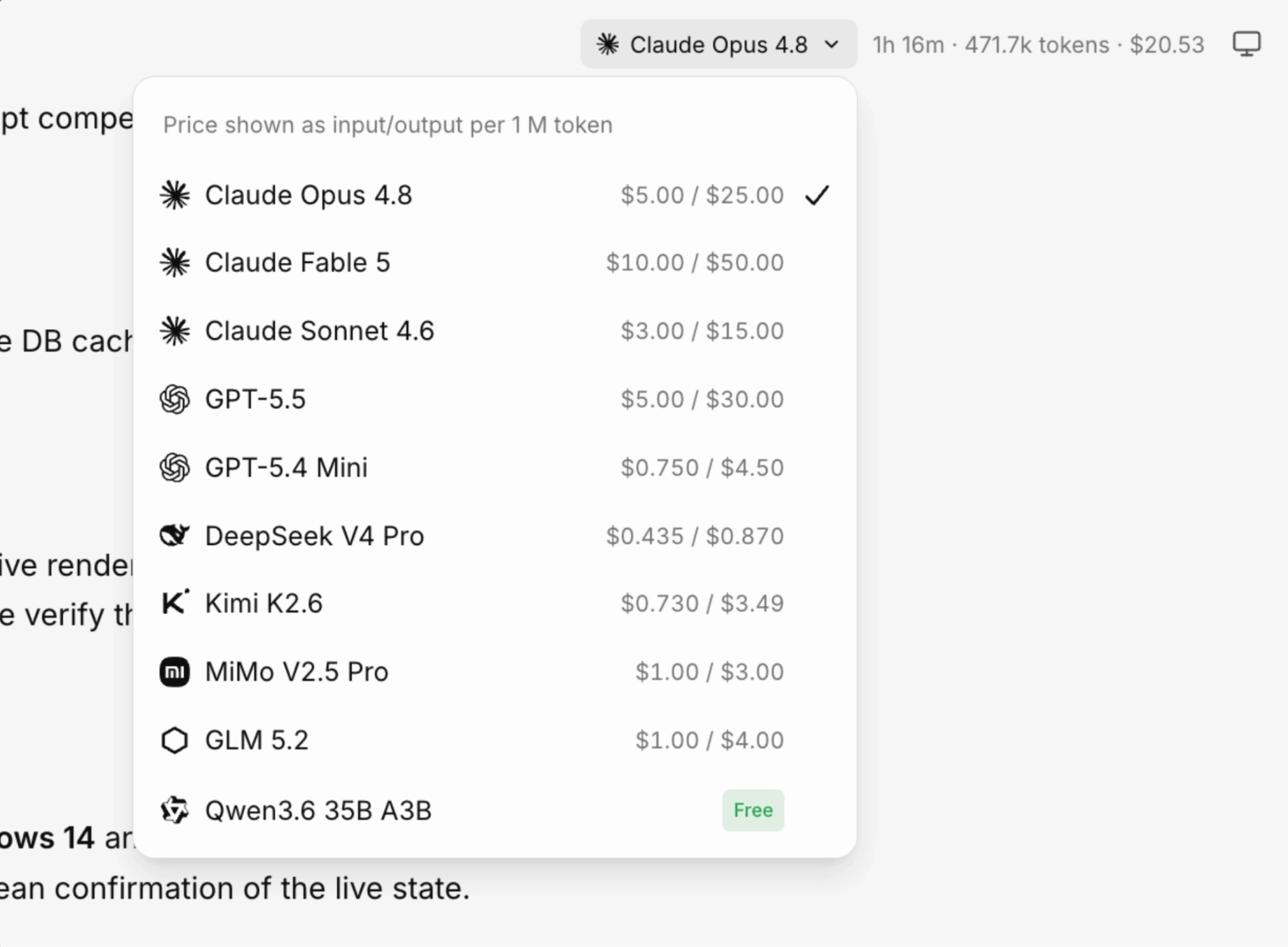
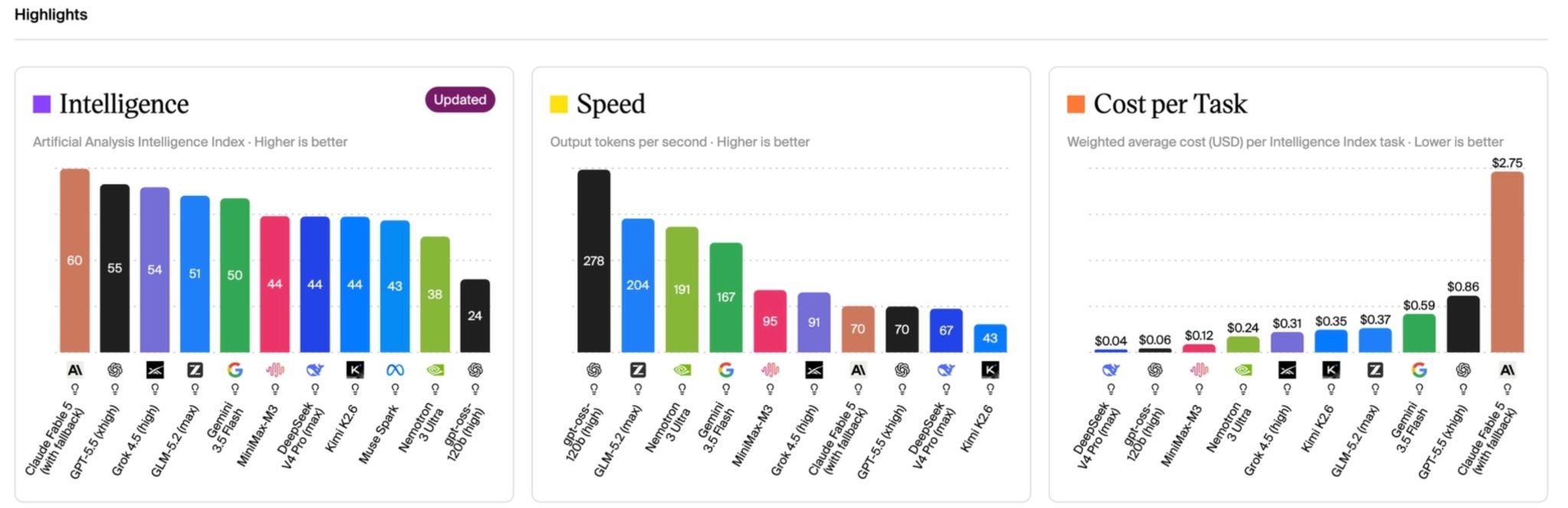
The setup process for Letaido is designed for simplicity, eschewing complex editors or Git management. Users select an AI model based on task requirements, considering factors like quality, speed, and cost. The platform provides $50 in AI credits, allowing experimentation with different models. For instance, a task involving keyword research, clustering, and content idea generation could incur costs ranging from $0.03 to $0.38 per run, depending on the chosen AI model. Users are advised to leverage cheaper models for high-volume, repetitive tasks and reserve premium models for complex strategic decisions.
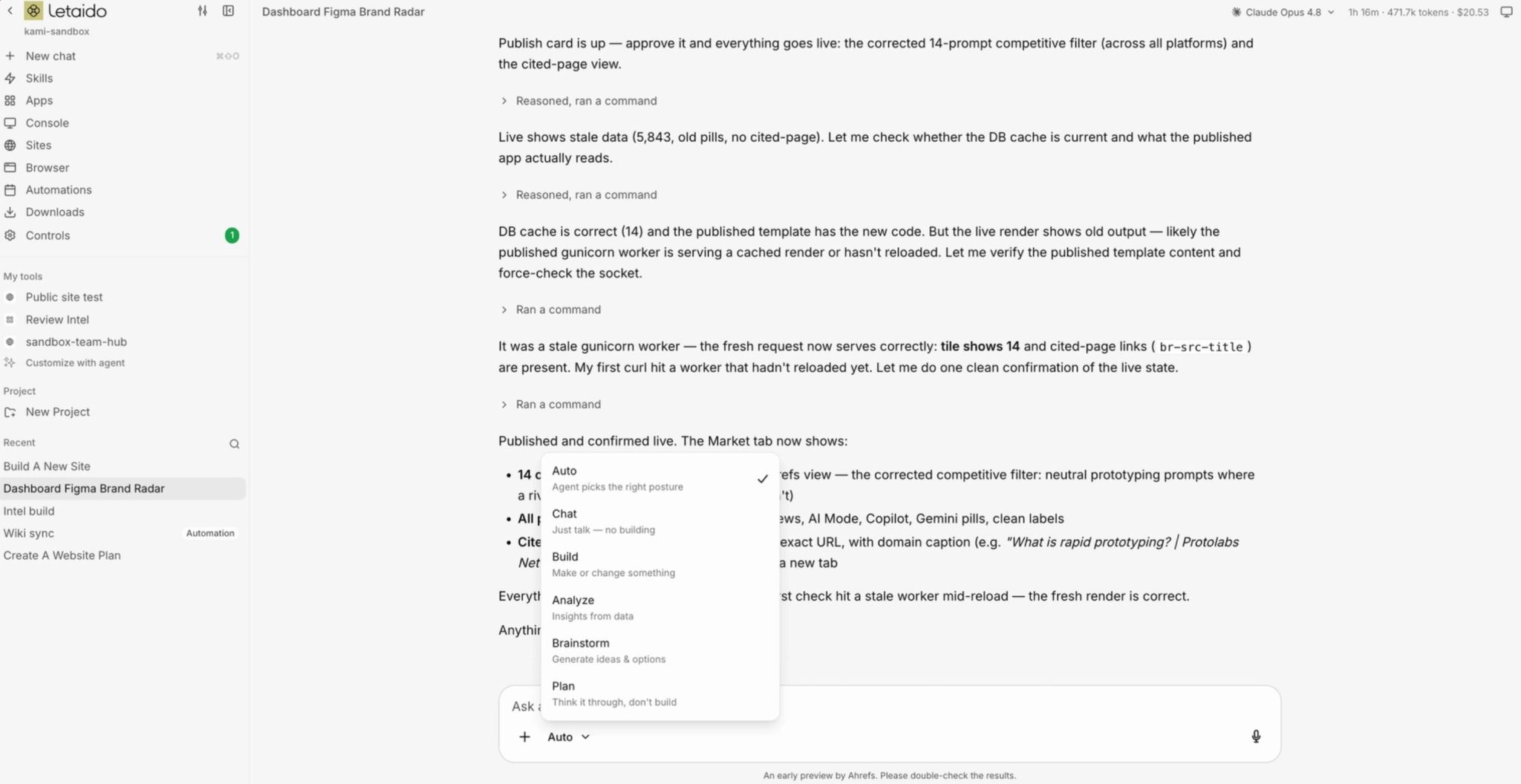
A crucial aspect of Letaido is its "building modes," which dictate the agent’s approach. "Auto" is the default, but users can switch to other modes as needed.
Knowledge Management and Asset Creation
Letaido facilitates the creation of a knowledge base through two primary methods:
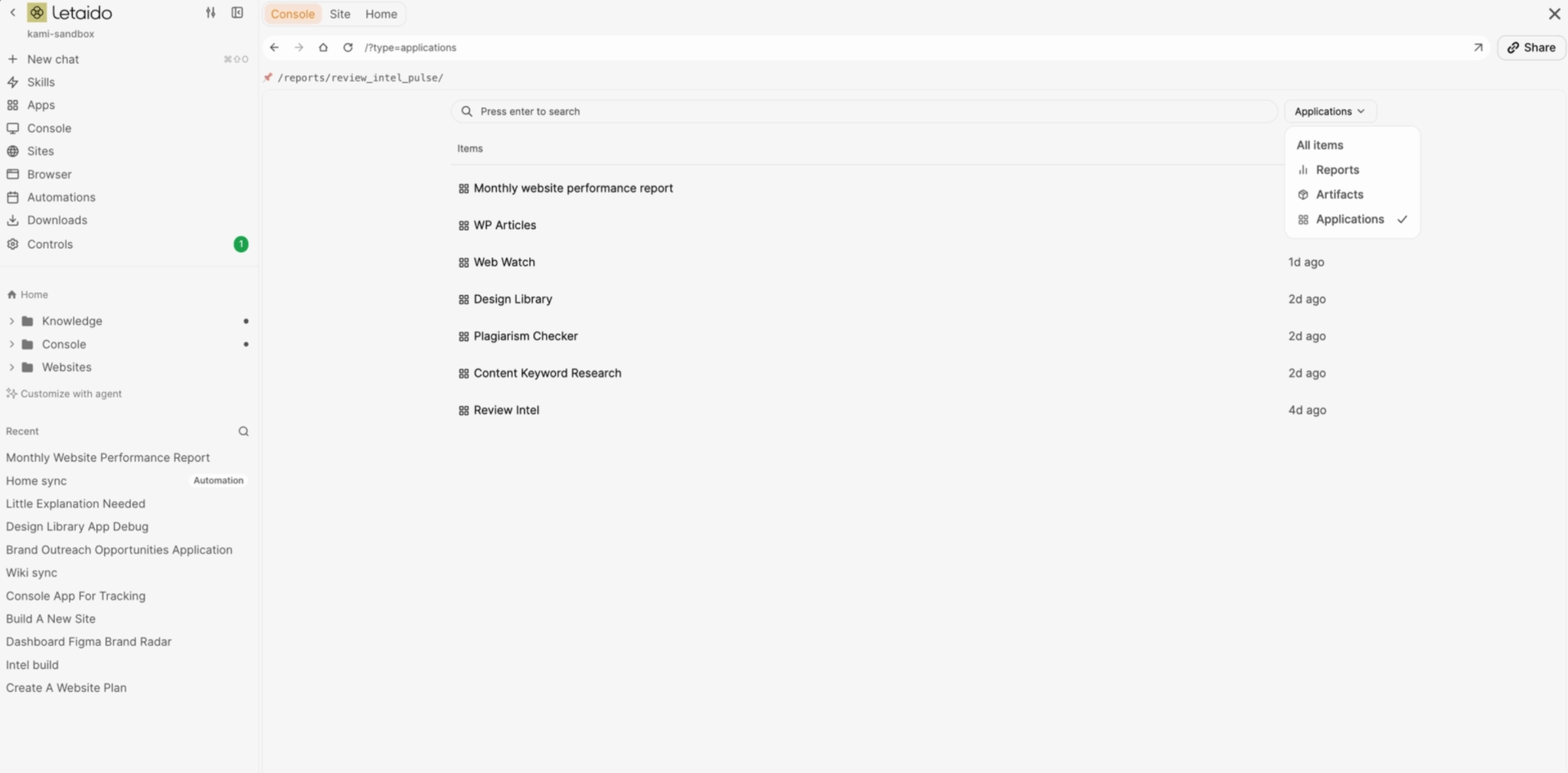
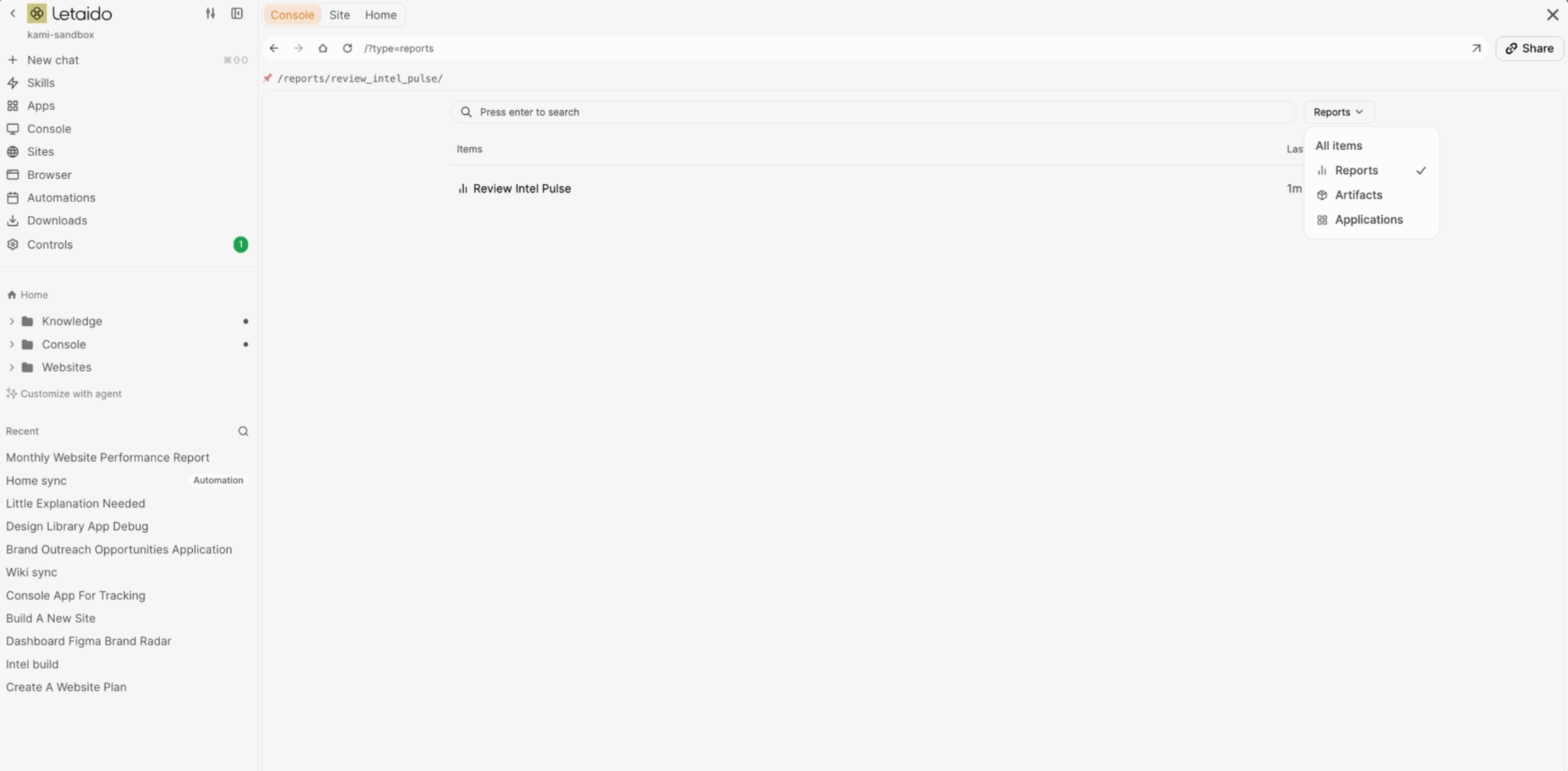
Users can build various assets within Letaido:
Integrations and Data Mapping
Letaido seamlessly integrates with external tools through connectors. Once a tool like HubSpot is connected, the agent can access and act upon its data. Connectors can read data, post summaries to Slack, publish to WordPress, update CRM records, or send emails. A comprehensive list of available connectors is provided.
The process of building with Letaido involves four key steps: writing the prompt, pointing it to data, sharing with the team, and starting with a familiar workflow. Prompts need to be specific to ensure consistent execution.

Mapping data involves identifying all tools used for work and documenting the specific data points each holds. This data can then be pushed to Letaido via:
Getting Started and Real-World Applications
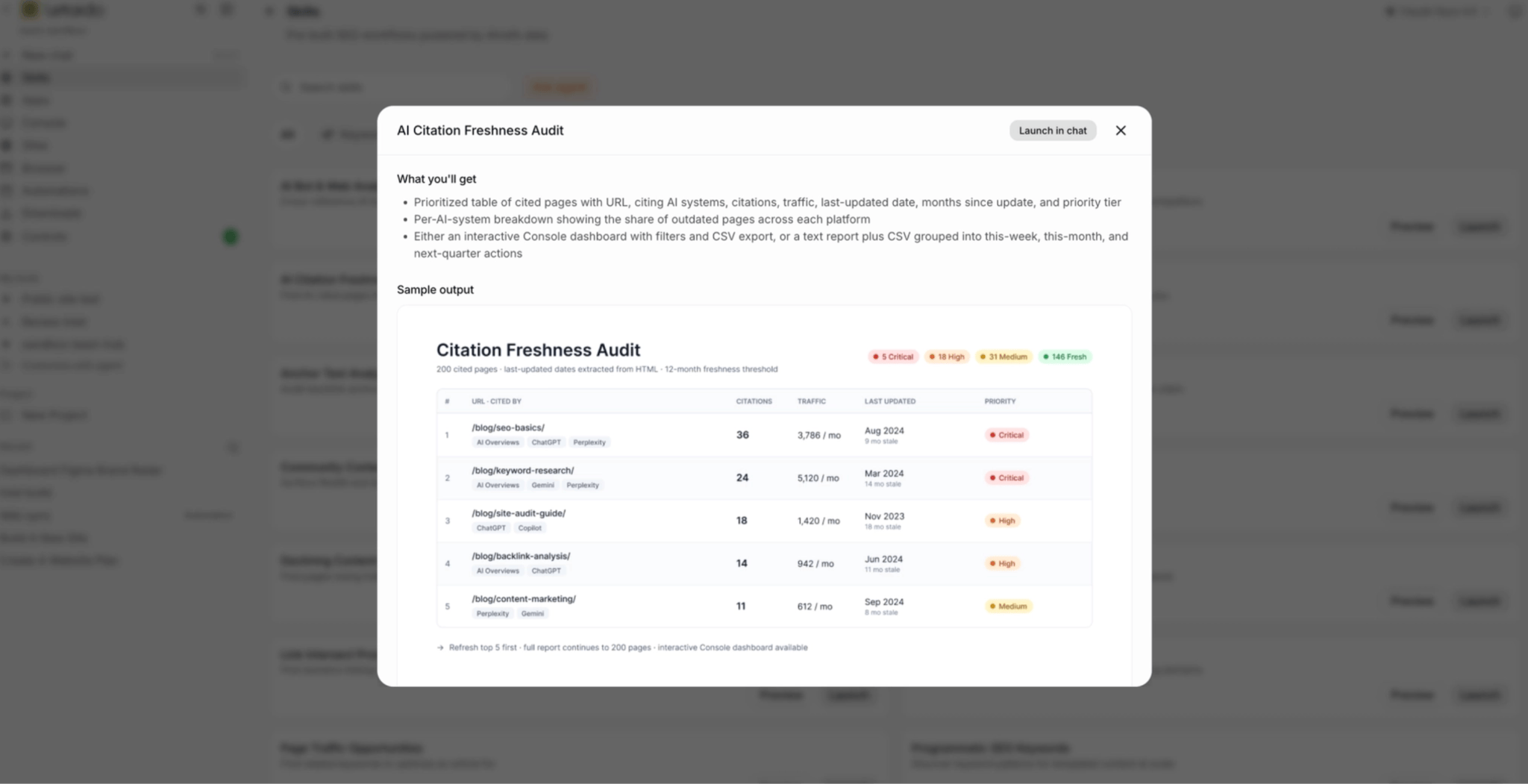
To begin building, users are encouraged to start with a single workflow they are familiar with. Letaido offers pre-built examples for automating SEO, product marketing, and content marketing tasks. These include:
While the current AI hype is significant, Letaido emphasizes that these tools do not replace strategy, taste, or relationships. They are designed to automate repetitive tasks, freeing up marketers to focus on more strategic and creative aspects of their roles. The leverage comes from connecting steps into seamless workflows that can run on command or on a schedule. The platform encourages users to start with one small build and iterate based on their specific quality standards.