 11
11
Atlassian, the global leader in team collaboration and productivity software, has officially announced the rollout of seven new artificial intelligence features designed to transform the user experience within Trello. These enhancements are being deployed across all paid Trello tiers, including the Standard, Premium, and Enterprise plans. The primary objective of this update is to alleviate the burden of repetitive administrative tasks—often referred to as "busywork"—allowing users to dedicate their time and cognitive resources to high-impact creative and strategic endeavors.
By integrating advanced generative AI directly into the Trello interface, the platform aims to evolve from a static organizational tool into a dynamic project partner. Each of the seven features targets a specific point of friction in the project management lifecycle, ranging from the initial creation of a board to the granular management of individual tasks and the visual customization of the workspace. This strategic move follows a broader industry trend of embedding AI into productivity suites, yet it maintains the core Kanban-style simplicity that has defined Trello for over a decade.
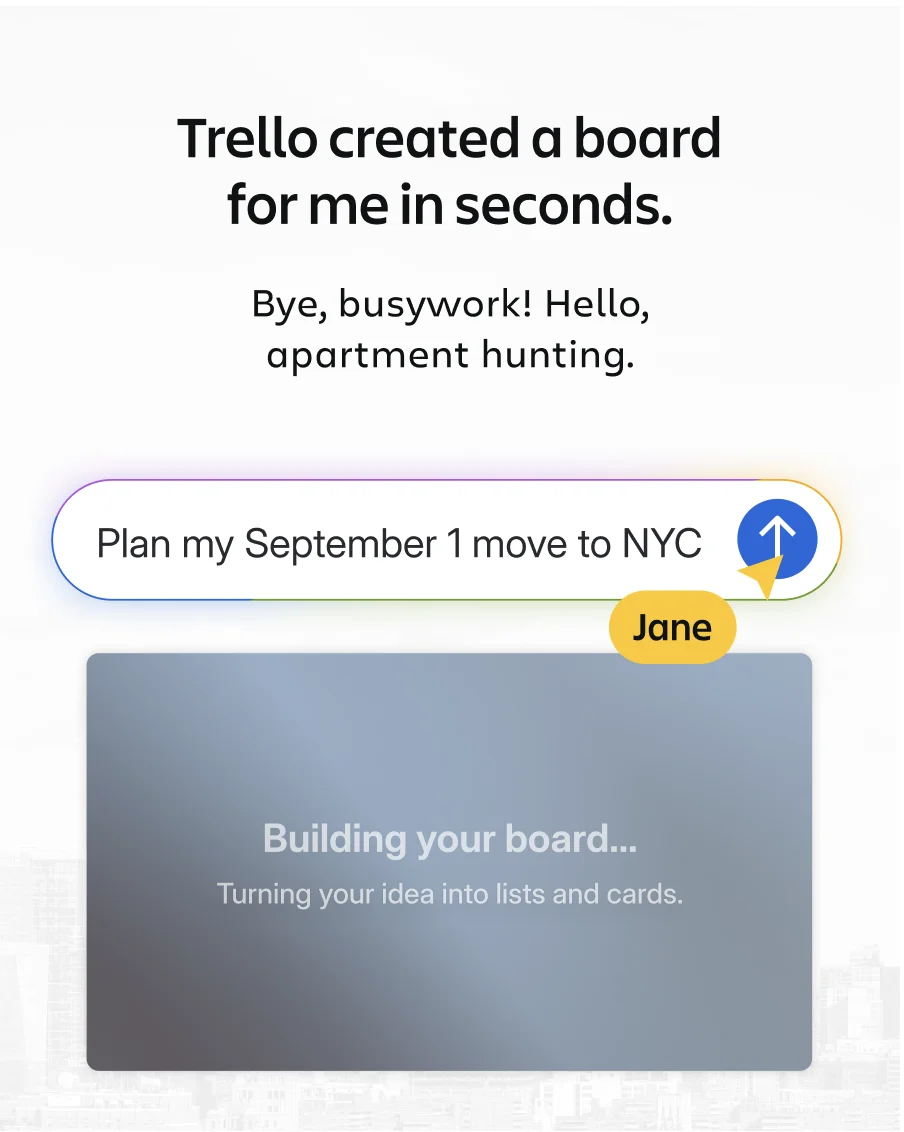
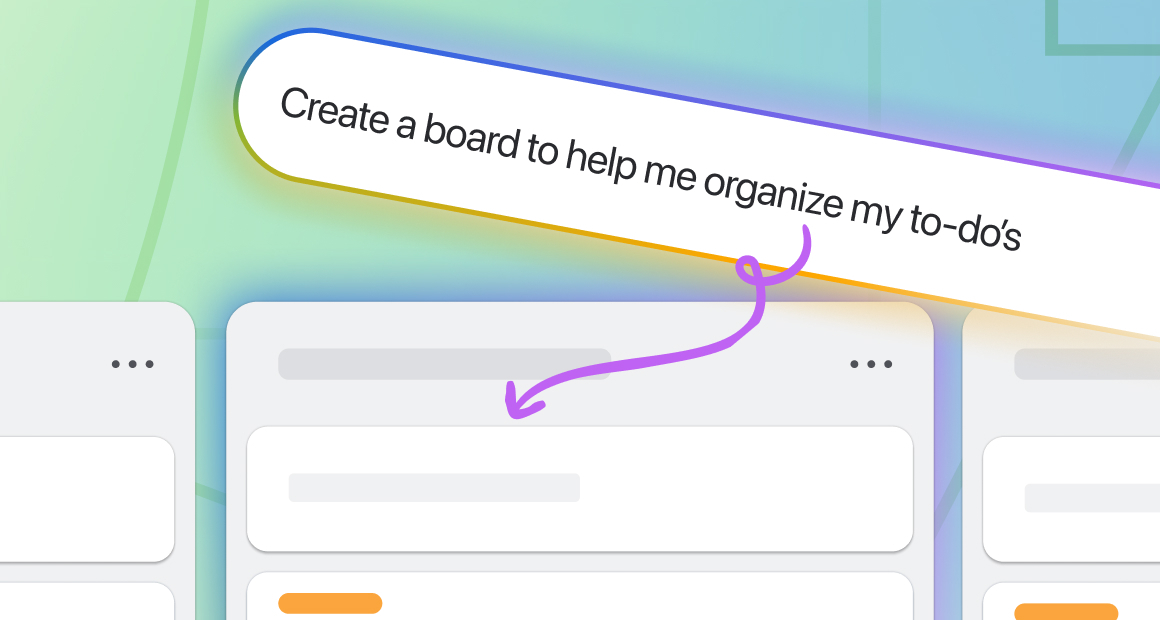
The first major addition is the AI Board Builder, a tool designed to solve the "blank canvas" problem that often delays the start of new projects. Instead of manually creating lists and cards or searching through generic templates, users can now describe their specific goal in a natural language prompt. For example, a user might request a board for "planning a corporate offsite," "training for a first 5K race," or "organizing weekly meal planning." Within seconds, Trello’s AI generates a structured, ready-to-use board complete with relevant lists and cards tailored to the user’s specific requirements. Unlike traditional templates, which require significant manual customization, the AI-generated boards are personalized from the outset. Furthermore, these boards default to private settings, ensuring that users have the opportunity to refine and edit the structure before sharing it with team members or stakeholders.

In addition to streamlining the creation process, Atlassian has introduced AI Card Merge, a feature that addresses the common issue of "board rot"—a phenomenon where duplicate cards and redundant information clutter a workspace over time. Users can now consolidate duplicate information by simply dragging one card onto another. The AI then intelligently blends the titles, descriptions, and metadata of both cards. This process preserves essential data such as links, attachments, custom fields, and labels. To ensure no historical context is lost, the original details from the merged cards are kept below a divider for future reference. The system also applies logic to deadlines; for instance, if two cards have different due dates, the earliest date is prioritized in the new merged card. To-do items from both cards are automatically converted into a single, unified checklist. Recognizing the need for flexibility, Trello allows users to undo a merge, as the original cards are archived rather than permanently deleted.
The third feature is the AI Checklist Generator, which assists users in breaking down broad objectives into actionable steps. By clicking a single button, a card’s title and description are analyzed by the AI to suggest a comprehensive checklist of necessary tasks. Users can steer the output by naming the checklist, which provides the AI with more context regarding the desired outcome. These checklists remain fully editable, allowing for the reordering of items or the regeneration of the list if the initial suggestions do not meet the user’s expectations. This tool is intended to reduce the cognitive load associated with project decomposition, ensuring that no critical steps are overlooked during the planning phase.

One of the most significant updates regarding time management is the introduction of AI-recommended focus time. This feature bridges the gap between a to-do list and a functional schedule. By connecting a digital calendar to Trello, users can open any card and receive recommendations for open time blocks in their day to complete that specific task. Users have the autonomy to accept or dismiss these suggestions, and they can also establish natural-language rules to govern when and how the AI suggests focus blocks. For teams requiring more proactive management, Trello can be configured to check daily for cards due within the next five days, automatically blocking out time on the user’s calendar. Crucially, while the AI can view the calendar to make informed suggestions, it will never modify a user’s schedule without explicit permission.
Visual customization also receives an AI upgrade through the new AI-generated images for backgrounds and covers. This feature eliminates the need for users to spend time searching through external image libraries for the perfect visual assets. By providing a brief description of the desired image, users can generate custom backgrounds for their boards or covers for their cards in seconds. Atlassian notes that while this may seem like a minor aesthetic update, a visually appealing and professionally curated board encourages higher levels of user engagement and consistent platform usage, which is vital for long-term project success.

The sixth feature focuses on micro-efficiency through the implementation of natural language due dates. Users can now set deadlines directly within a card’s title during the creation process. By typing phrases such as "Submit report by Friday," "Follow up tomorrow," or "Complete by December 1," Trello’s AI recognizes the date reference and automatically populates the due date field. This system understands relative dates, specific calendar dates, and weekday references, removing the need for users to navigate through a calendar picker for every new task. This integration of data entry and scheduling is designed to make the process of card creation as seamless as possible.
Finally, Atlassian teased an upcoming feature currently in development within Trello Labs: AI-generated widget cards. Expected to launch later this month, these cards represent a new evolution of the Trello card format. By using a "/widget" command followed by a prompt, users can create cards that display live, richly formatted information from the web. Potential use cases include cards that track "daily AI news headlines," provide an "inspirational quote of the day," or display the "US Open schedule" directly on the board. This feature signals Trello’s direction toward becoming a centralized hub that not only manages internal tasks but also integrates relevant external information into the workspace.

These seven features are currently available to all users on Trello’s paid plans. Customers on the Standard, Premium, or Enterprise tiers can access these tools immediately by interacting with the "Create" button or using the new drag-and-drop and natural language functionalities. For users currently on the free version of Trello, Atlassian is offering a 14-day Premium free trial, providing an opportunity to test the AI capabilities before committing to a subscription or an upgrade.
The rollout of these features reflects Atlassian’s broader strategy to leverage artificial intelligence to enhance human productivity rather than replace it. By automating the "chores" of project management—such as board setup, duplicate reconciliation, and scheduling—the company aims to empower teams to work more effectively. The focus remains on providing a personalized experience that respects user privacy while offering the benefits of modern generative technology. As these tools become integrated into daily workflows, Atlassian has invited its user base to provide feedback and suggest future AI-driven enhancements, indicating that this rollout is just the beginning of a sustained effort to modernize the Trello ecosystem.