11

The launch of the new Pixel 11 Pro series introduces devices that, while polished and capable, present an evolutionary rather than revolutionary leap. For many, distinguishing the new Pixel 11 Pro from its predecessors might prove challenging without a detailed feature rundown. The design philosophy appears to prioritize refinement over radical redesign, leading to an aesthetic that remains largely consistent with previous generations. The most notable visual updates are the introduction of a fresh palette of colors, described by some as "gorgeous," and the subtle integration of a small, glowing light on the phone’s rear. However, the practical utility of this light is, at present, somewhat limited.

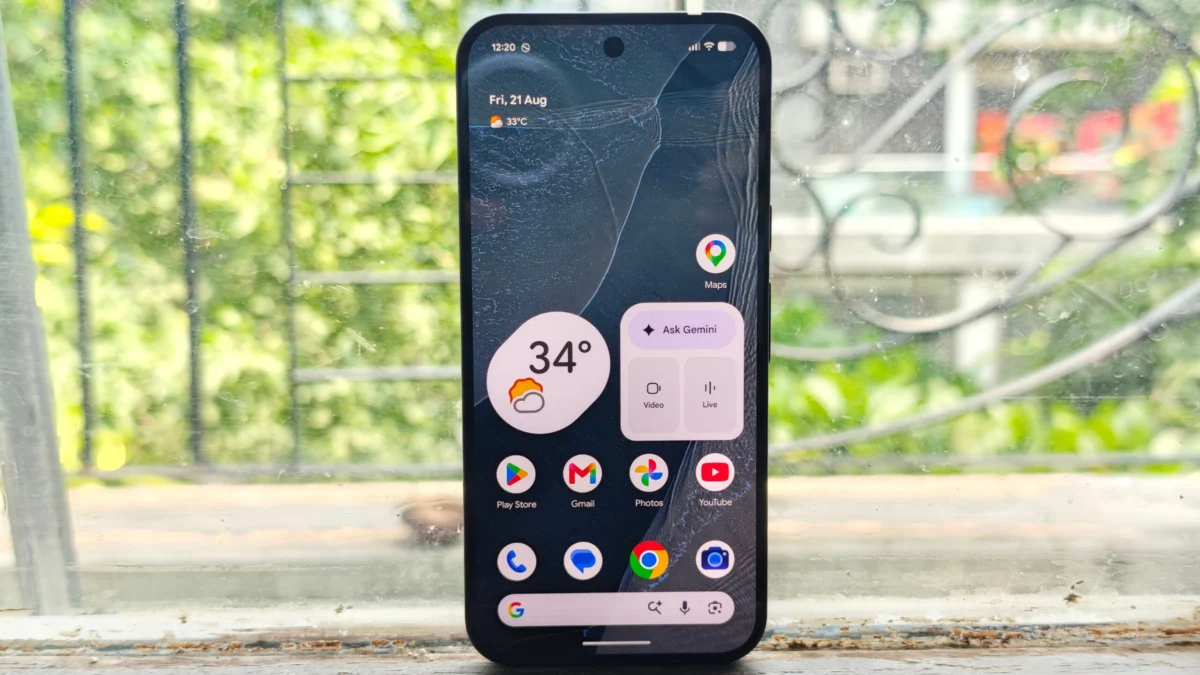
Beyond the aesthetics, the Pixel 11 Pro arrives equipped with an array of new Gemini features, Google’s advanced artificial intelligence capabilities. Yet, there’s an ongoing debate within the tech community regarding the extent to which these AI enhancements truly drive consumer purchase decisions for new smartphones. In day-to-day operation, users are most likely to perceive improvements in the Pixel 11 Pro’s camera system, which boasts snappier performance and offers a broader spectrum of customization options for photography enthusiasts. Otherwise, the overall user experience of the Pixel 11 Pro XL largely mirrors that of its previous-generation counterpart, feeling akin to a substantial software update delivered via a "Pixel Drop."

Having extensively used the Obsidian Pixel 11 Pro XL for nearly a week, this reviewer can attest that despite the iterative nature of the updates, the device maintains Google’s reputation for producing solid and enjoyable smartphones. The build quality and general usability remain high, offering a consistently pleasant experience for daily tasks.

Among the suite of new features, Rambler stands out as a personal favorite. This innovative, AI-powered dictation tool represents a significant advancement in speech-to-text technology. Rambler is engineered to intelligently process spoken language, automatically identifying and eliminating common filler words such as "um" and "ah," while simultaneously formatting the speech for improved readability and clarity. This sophisticated capability positions Rambler as a direct competitor to established dictation applications like Wispr and Willow, aiming to offer a more refined and professional transcription experience.

(Image: A photo of Google’s dictation tool called Rambler, showcasing its interface with transcribed text.)
(Image Credits: Ivan Mehta)

The tool’s versatility is further enhanced by its impressive performance in challenging conditions. Rambler adeptly handles seamless transitions between multiple languages and maintains high accuracy even in noisy environments, making it a reliable companion for a variety of users. While there is speculation that this powerful feature might eventually be rolled out to other Android devices, its immediate availability on the Pixel 11 Pro series provides a compelling, practical advantage for Pixel owners. For individuals who frequently rely on dictation for note-taking, drafting emails, or composing messages—a category the reviewer falls into—Rambler offers a highly valuable and potentially indispensable daily utility, surpassing many other AI features in immediate practical impact. The reviewer’s experience indicates that Google’s new dictation tool performs on par with, if not superior to, some of the leading solutions currently available in the industry. Indeed, the very section detailing Rambler was composed almost entirely using the tool itself, requiring virtually no post-transcription edits, a testament to its remarkable efficiency and accuracy.

The Pixel 11 Pro integrates several enhancements powered by Google’s Gemini AI. One such feature is "Proactive Suggestions," designed to deliver context-aware recommendations drawn from various applications. During the initial five days of use, these suggestions made intermittent appearances, notably surfacing during text message conversations when friends inquired about the reviewer’s schedule. Gemini effectively offered insights into available time slots. However, a significant limitation was identified: Gemini’s understanding of availability was restricted solely to Google Calendars, failing to integrate information from other calendar applications the user might employ. This oversight diminishes its comprehensive utility.

Furthermore, the consistency of these proactive suggestions proved to be a mixed bag. In instances where Gemini should logically have accessed information from emails, such as a friend requesting the reviewer’s address, the feature did not activate, highlighting areas for improvement in its contextual awareness and data integration.

Another promising aspect of Gemini is its "agentic capabilities," which empower the AI to assist users in completing multi-step tasks, such as placing a food order. Unfortunately, this particular feature is geographically restricted, currently available only to users in the United States. As the reviewer is based in India, a comprehensive test of Gemini’s agentic functions was not possible, leaving its full potential unexplored in this review.

The new "Live Translate" feature offers considerable utility for those consuming content in foreign languages. It is particularly beneficial when watching live streams or videos that lack pre-translated captions, providing real-time translation overlays. A practical consideration for users is the requirement to download specific language packs in advance to utilize this feature effectively.

Google’s marketing campaign for the Pixel 11 Pro this year prominently featured a core message: the device was designed to help users spend less time looking at their screens. The primary, and arguably sole, feature introduced to embody this vision is "HiLight," an LED notification light located on the back of the phone. This new addition replaces the temperature sensor found in last year’s model, signifying a deliberate design choice aimed at enhancing user interaction.

(Image: A close-up photo of the Pixel HiLight feature glowing brightly on the back of the Pixel 11 Pro XL in a vibrant color.)
(Image Credits: Ivan Mehta)

HiLight’s conceptual premise is to allow users to keep their phone face down while still receiving subtle, visual alerts. The light itself is aesthetically pleasing, capable of illuminating in a range of vibrant colors including green, yellow, pink, purple, or white, adding a stylish flourish to the device. However, its practical application is currently hampered by significant limitations. The light only activates under very specific circumstances: either when Gemini is actively engaged (listening or thinking) or when receiving phone calls exclusively from pre-designated "favorite contacts." Crucially, it does not currently provide visual alerts for text messages or other ubiquitous notifications, severely curtailing its widespread usefulness.

The ability for HiLight to indicate that Gemini is listening or processing information might offer a niche benefit for users initiating complex AI tasks, providing a non-intrusive visual cue of system activity. Yet, the reviewer struggles to envision many scenarios where their phone would be face down, without earbuds for audio cues, and where such a visual indication for Gemini’s activity would be a critical requirement. Similarly, for calls from favorite contacts, users already have the option to set distinct ringtones, negating much of HiLight’s advantage, especially if the phone is on silent and the user is unlikely to be constantly monitoring the device’s back.

Despite its current shortcomings, HiLight possesses considerable potential for future development and customization. The reviewer expresses a strong desire for expanded functionality, such as the ability to assign specific colors for incoming text messages or WhatsApp notifications from various contacts. Furthermore, the capacity to differentiate alerts by assigning unique colors to different applications would transform HiLight into a far more practical and personalized notification system, allowing users to quickly ascertain the urgency of an alert without needing to pick up or flip their phone.

Google has implemented notable hardware upgrades to the Pixel 11 Pro XL’s camera system, opting for larger sensors for both the main and telephoto lenses, a significant improvement over the Pixel 10 Pro XL. Theoretically, this design choice should enable the cameras to capture more light, resulting in richer details and improved low-light performance. While a rigorous pixel-level analysis was not conducted, the practical impact is evident: thanks to a combination of the new, more powerful processor and optimized software updates, the camera application feels remarkably snappier. This translates into a more fluid user experience, allowing for faster launches of the camera app and quicker capture times between shots, minimizing frustrating delays.

(Image Gallery: A collection of diverse photographs taken with the Pixel 11 Pro XL, showcasing its general camera capabilities across various lighting conditions and subjects.)
(Image Credits: Ivan Mehta)

The acclaimed Night Sight, Google’s signature low-light photography mode, has also seen significant speed enhancements. This improvement means users no longer need to hold the phone steady for extended periods when capturing images in dim conditions, substantially reducing the likelihood of blurry photos and making night photography more accessible and consistent.

The "Pro Res Zoom" feature, which intelligently utilizes AI to upscale specific areas of a photo when exceeding 30x digital zoom on the Pro XL, has been further refined. The maximum digital zoom level has been extended from last year’s 100x to an impressive 120x. While achieving a perfectly legible photo at such extreme magnifications remains challenging due to the inherent difficulty of maintaining hand stability, even with AI assistance, the feature delivers highly usable results within lower zoom ranges.

A marquee addition to this year’s camera release is "Looks," a feature that transcends traditional filters by fundamentally altering the computational photography pipeline of the phone. Instead of merely applying an overlay, "Looks" integrate deeper into the image processing, offering distinct photographic styles. Users can select from four core default Looks: "Original," providing a natural, unenhanced capture; "Natural," which subtly optimizes colors and contrast; "Shadows," enhancing depth and mood; and "Vanilla," offering a balanced, slightly desaturated aesthetic. Beyond these defaults, a curated selection of additional Looks is available, including "Editorial" for a refined, professional finish; "Classic," which introduces a nostalgic grain; "Digi," reminiscent of older digital cameras; "Black Tie" for a sophisticated monochrome feel; and "Minimal" for a clean, understated aesthetic.

(Image Gallery: A series of photos demonstrating the various "Looks" filters on the Pixel 11 Pro XL, each image labeled with the specific "Look" applied, such as Velvet, Classic, Editorial, Original, Black Tie, Minimal, Vanilla, Shadows, Natural, and Digi.)
(Image Credits: Ivan Mehta)

For photographers who demand granular control, the Pixel 11 offers customizable one-touch quick access controls within the camera interface. This allows users to personalize their shooting experience, for instance, swapping out white balance for ISO to appear directly on screen, enabling faster adjustments. Quick access to the "Looks" feature is also integrated into this section, facilitating effortless experimentation with different photographic styles.

Another innovative addition is "Magic Capture," a feature designed to extract optimal still images from video clips using AI. Users can initiate a video recording, and the AI will then analyze the footage to identify and pull out the most compelling moments, saving them as high-quality 12-megapixel photographs. This functionality is particularly advantageous for capturing notoriously difficult subjects such as active babies or pets, as well as fast-paced action shots in sports. However, the mode does have certain limitations: it struggles with subjects exhibiting very rapid or erratic motion and is capped at a 12-megapixel resolution for the extracted stills. As a proud owner of two cats and a dog, the reviewer anticipates making frequent use of this feature, recognizing its potential to preserve fleeting, dynamic moments that are often hard to capture with a single still photograph.

(Image: A picture of a cat in mid-air, attempting to catch a feather, captured using the Magic Capture feature on the Pixel 11 Pro XL.)
(Image Credits: Ivan Mehta)

The prevailing global component crunch has unfortunately exerted upward pressure on hardware prices, a reality reflected in Google’s latest Pixel lineup. This year, Google has discontinued the 128GB base model for its flagship phones. While the 256GB configurations for both the Pixel 11 and Pixel 11 Pro are priced identically to last year’s equivalent models, this stability comes with a caveat: the RAM size has been reduced from 16GB to 12GB across both devices. This subtle downgrade means that while the price point for a given storage tier remains the same, the underlying specifications have been altered.

The top-tier Pixel 11 Pro XL, however, has not escaped a direct price increase, seeing a $100 bump compared to its predecessor. These pricing adjustments, coupled with the largely iterative nature of the updates, diminish the incentive for current Pixel owners, particularly those with last year’s model, to upgrade. While the new Pixels are undeniably solid devices, the incremental improvements might not justify the investment, especially when considering the RAM reduction in some models and the outright price increase for the Pro XL.

Despite being robust devices with notable advancements in camera performance and the introduction of the excellent Rambler dictation tool, the overall package may not compel gadget enthusiasts to make the jump from a recent Pixel phone. Furthermore, it is a common expectation that many of the software-driven enhancements, including some of the Gemini features and potentially aspects of Rambler, will eventually trickle down to older Pixel models through future software updates, further eroding the urgency for an immediate upgrade.

When you purchase through links in our articles, we may earn a small commission. This doesn’t affect our editorial independence.