 11
11
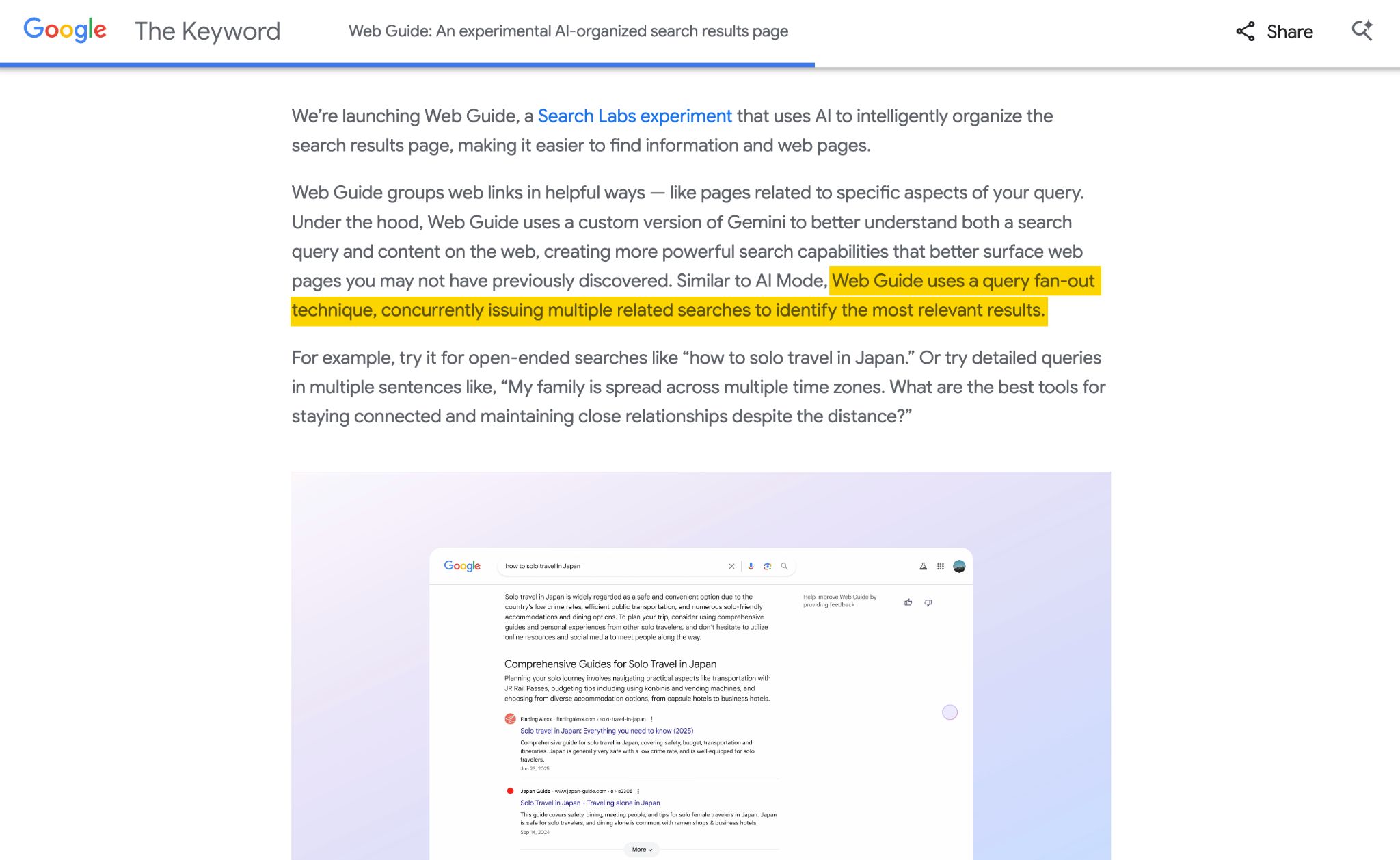
Google has introduced "Web Guide," a novel search feature that marks a significant shift in how the company interprets user intent and presents information. This new experience functions as a dynamically generated, magazine-style Search Engine Results Page (SERP) that curates AI-generated summaries alongside traditional organic results. Unlike previous AI-driven features like AI Overviews or AI Mode, Web Guide actively encourages users to click through to websites, positioning it as Google’s most website-friendly AI search offering to date.
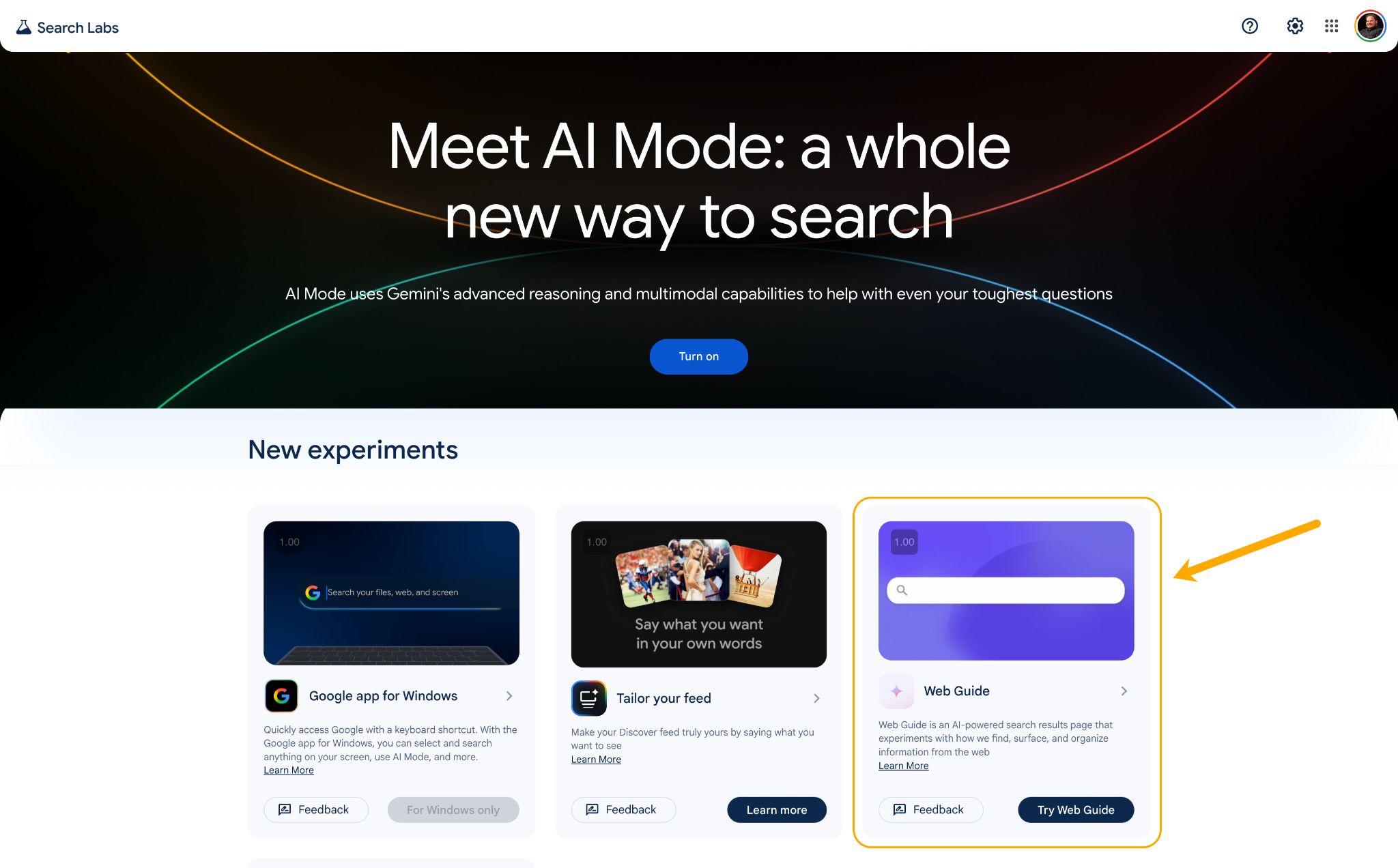
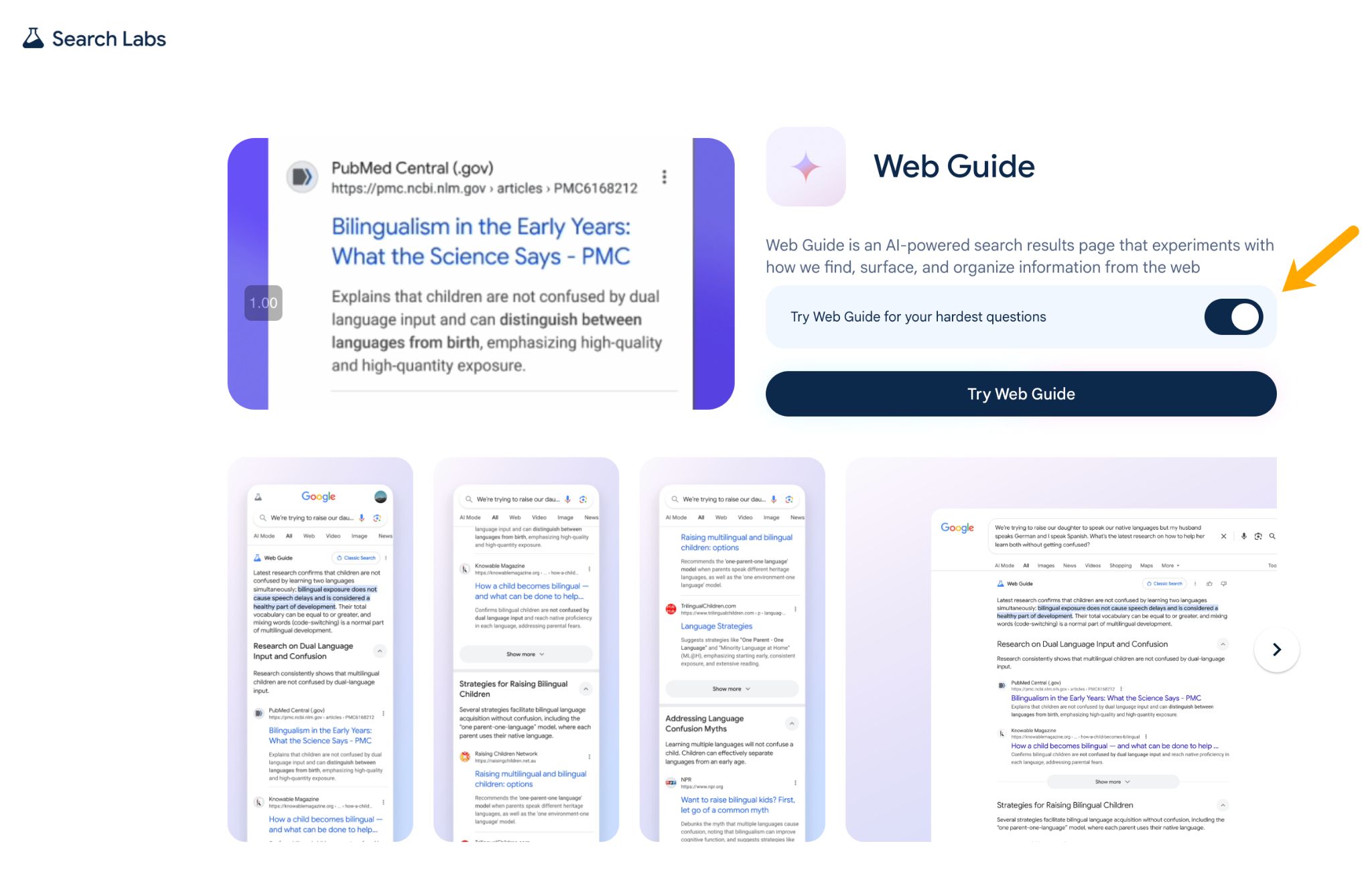
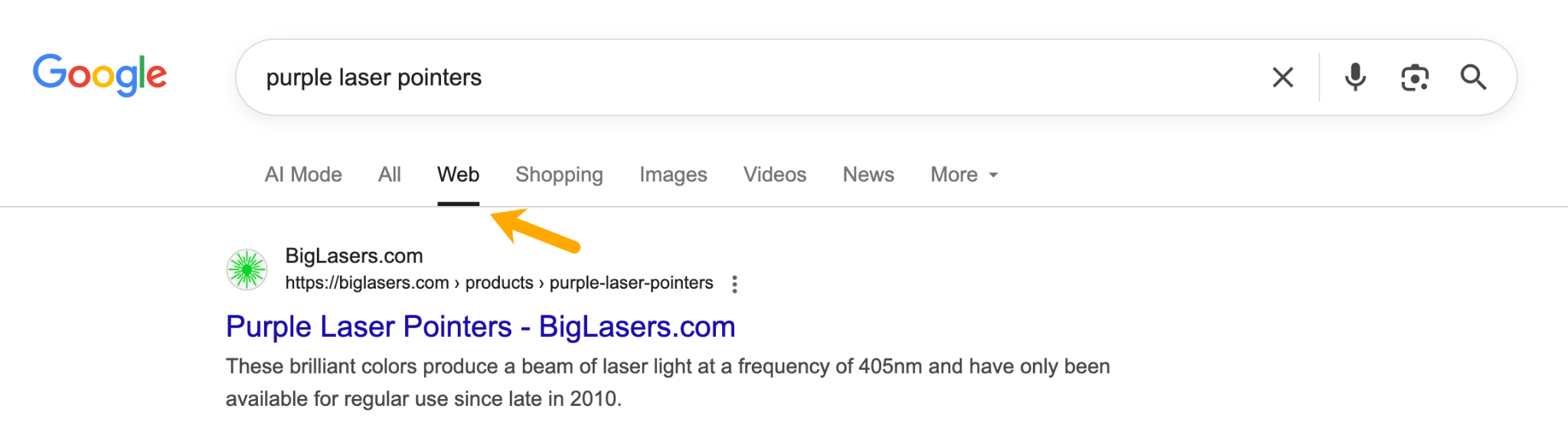
Web Guide is currently an opt-in experiment available through Google Search Labs. It utilizes a custom version of Gemini to organize search results into themed groups, moving away from the conventional "10 blue links" format. Launched on July 24, 2025, as an experiment, it initially appeared in the "Web" tab of Google Search, but Google has since been testing it within the main "All" tab for some users.
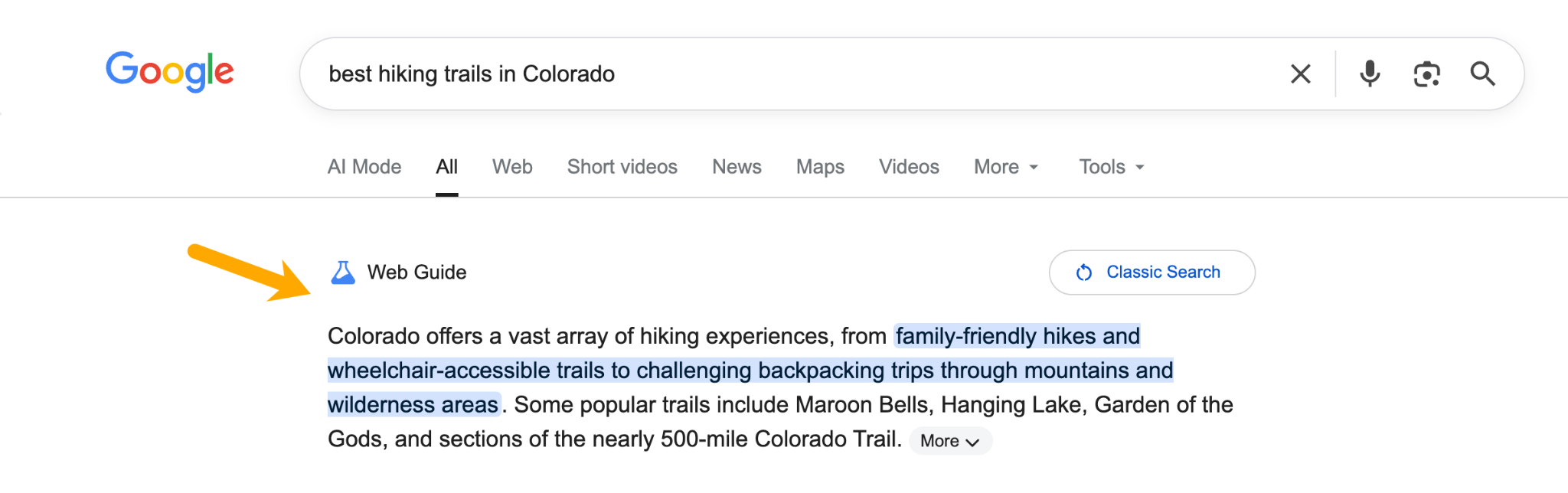
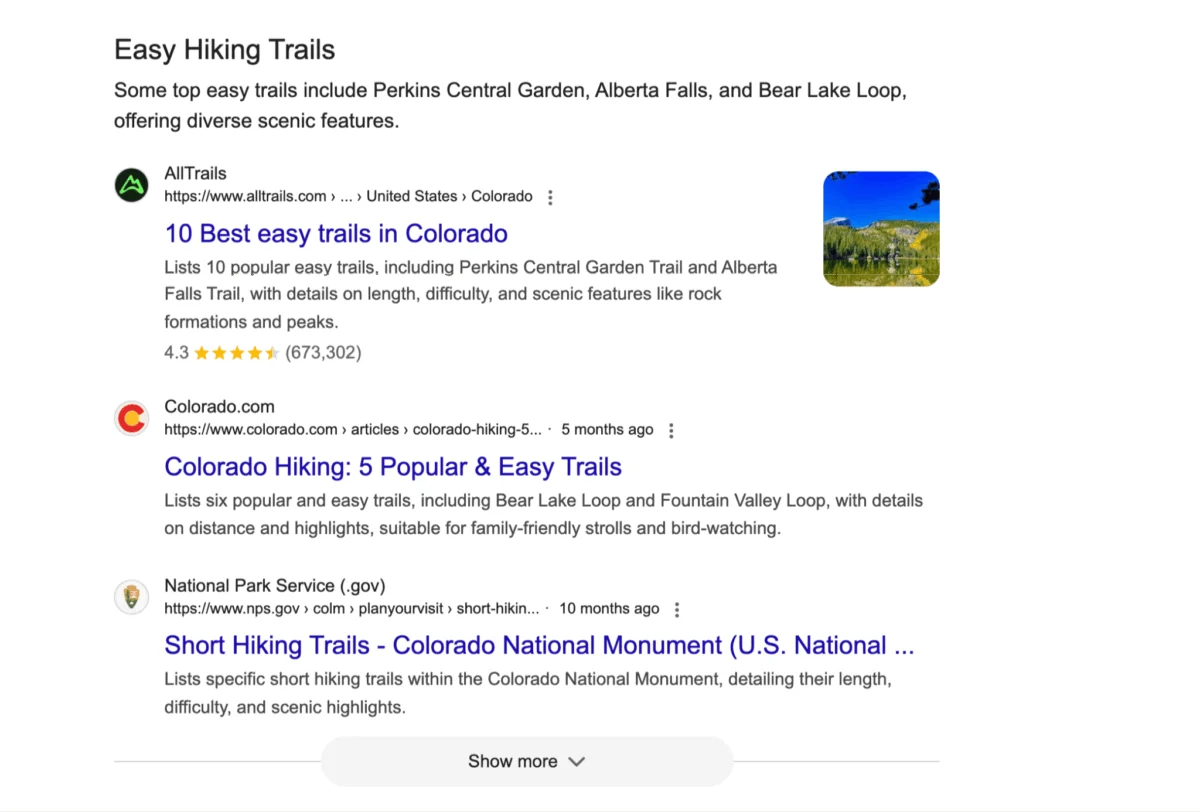
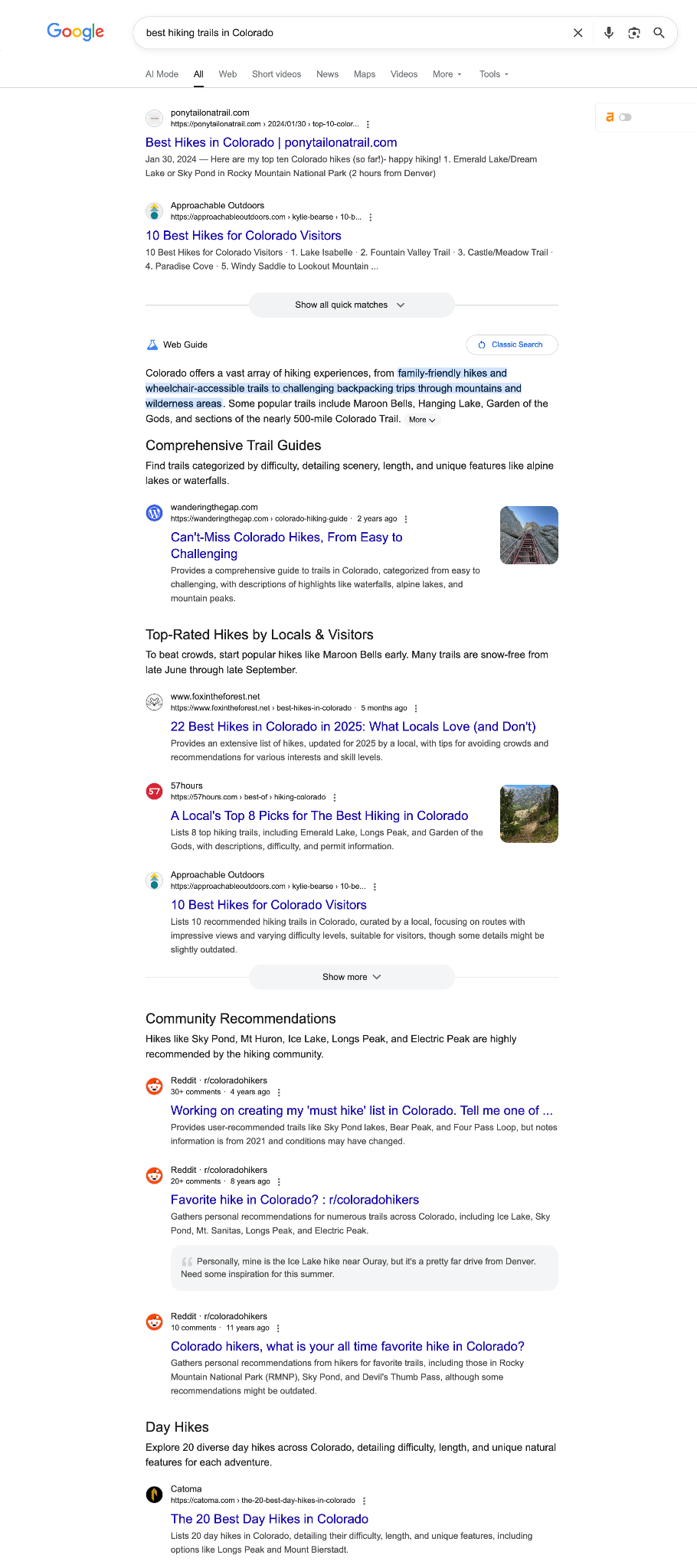
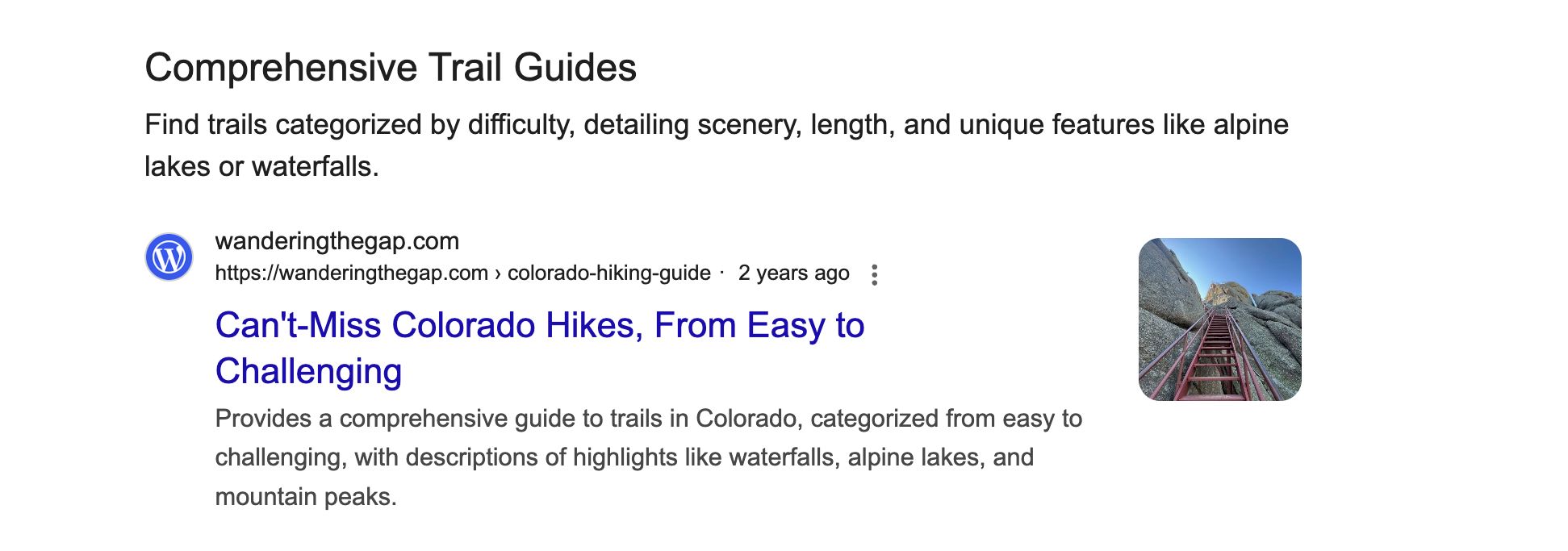
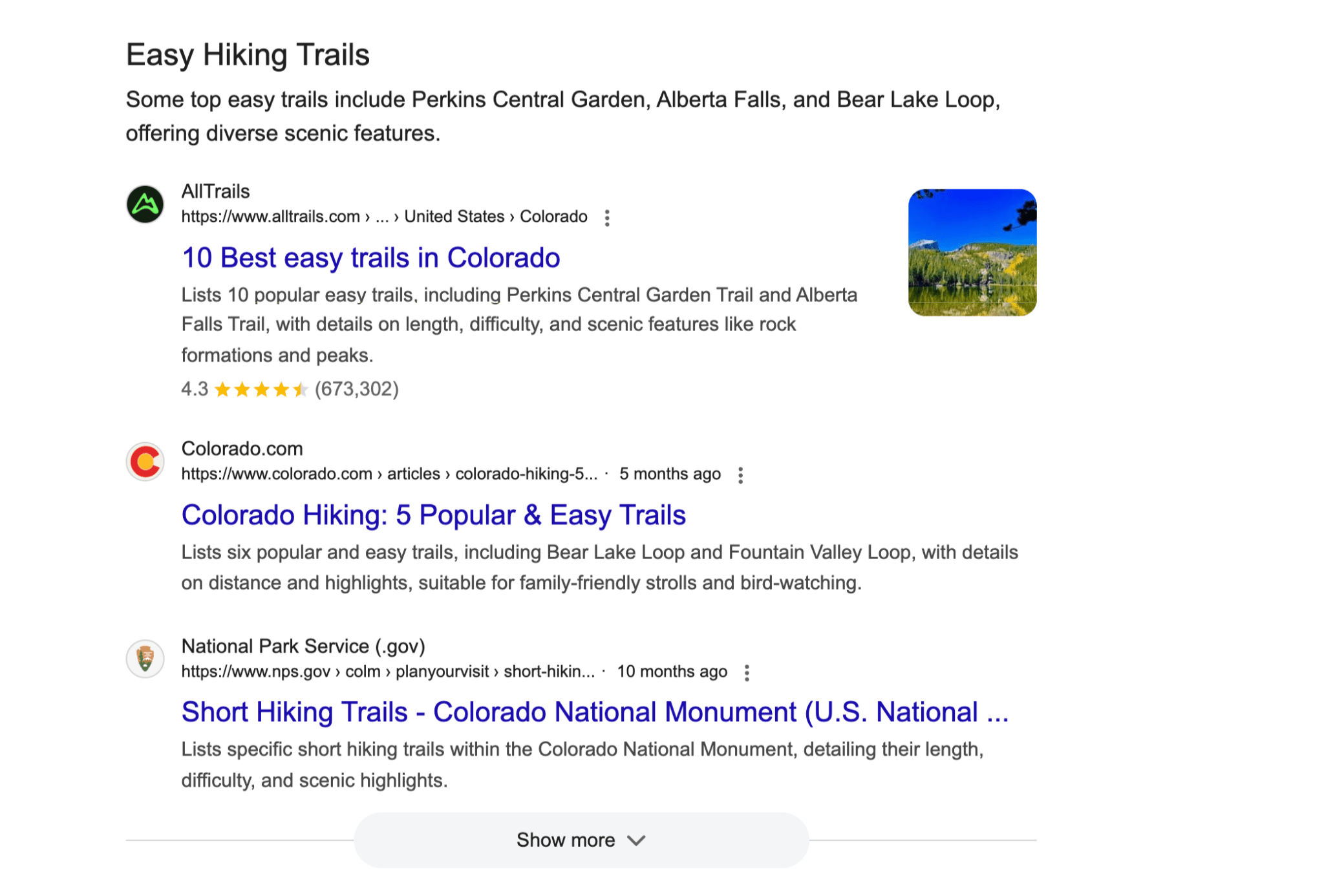
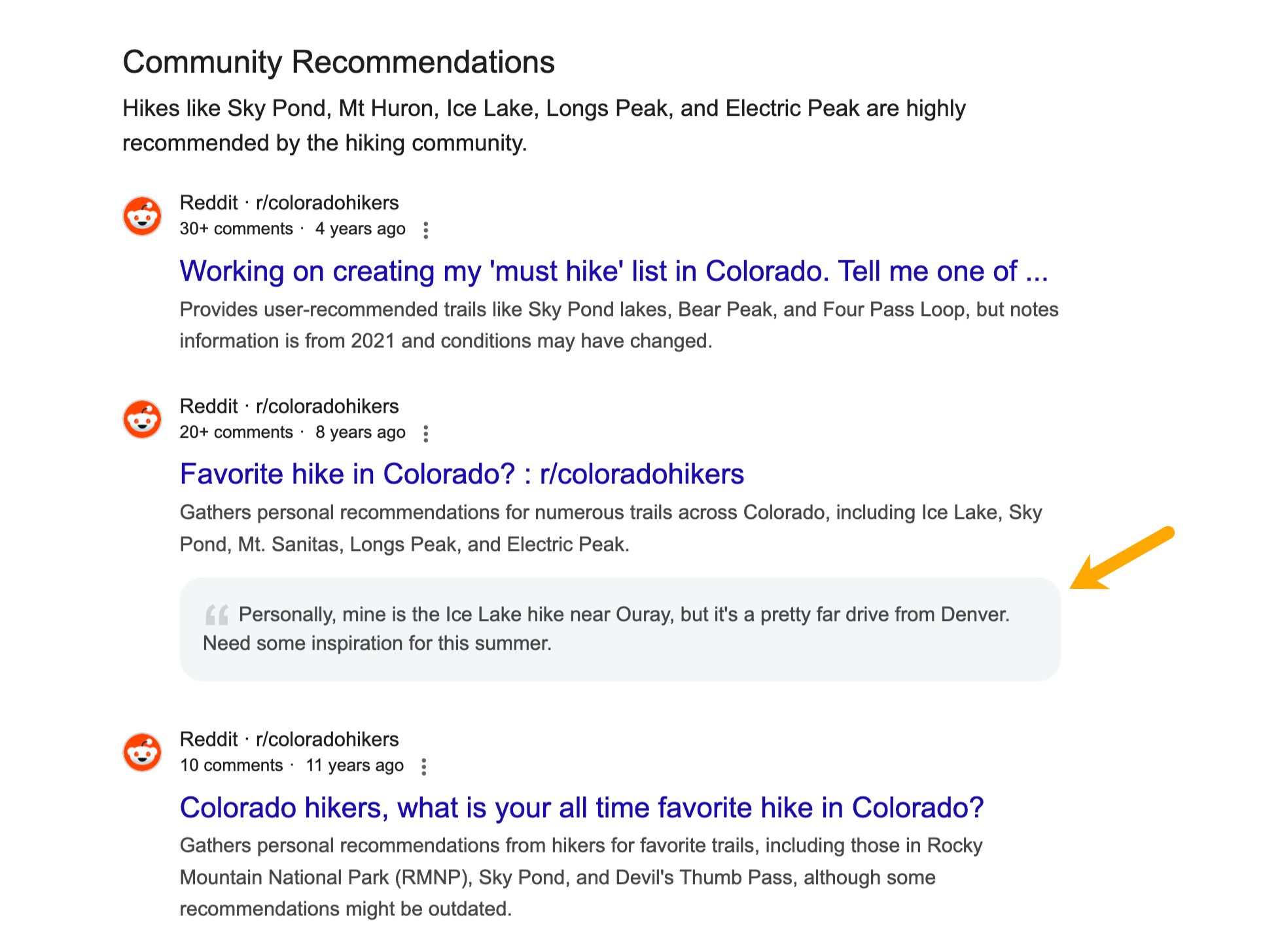
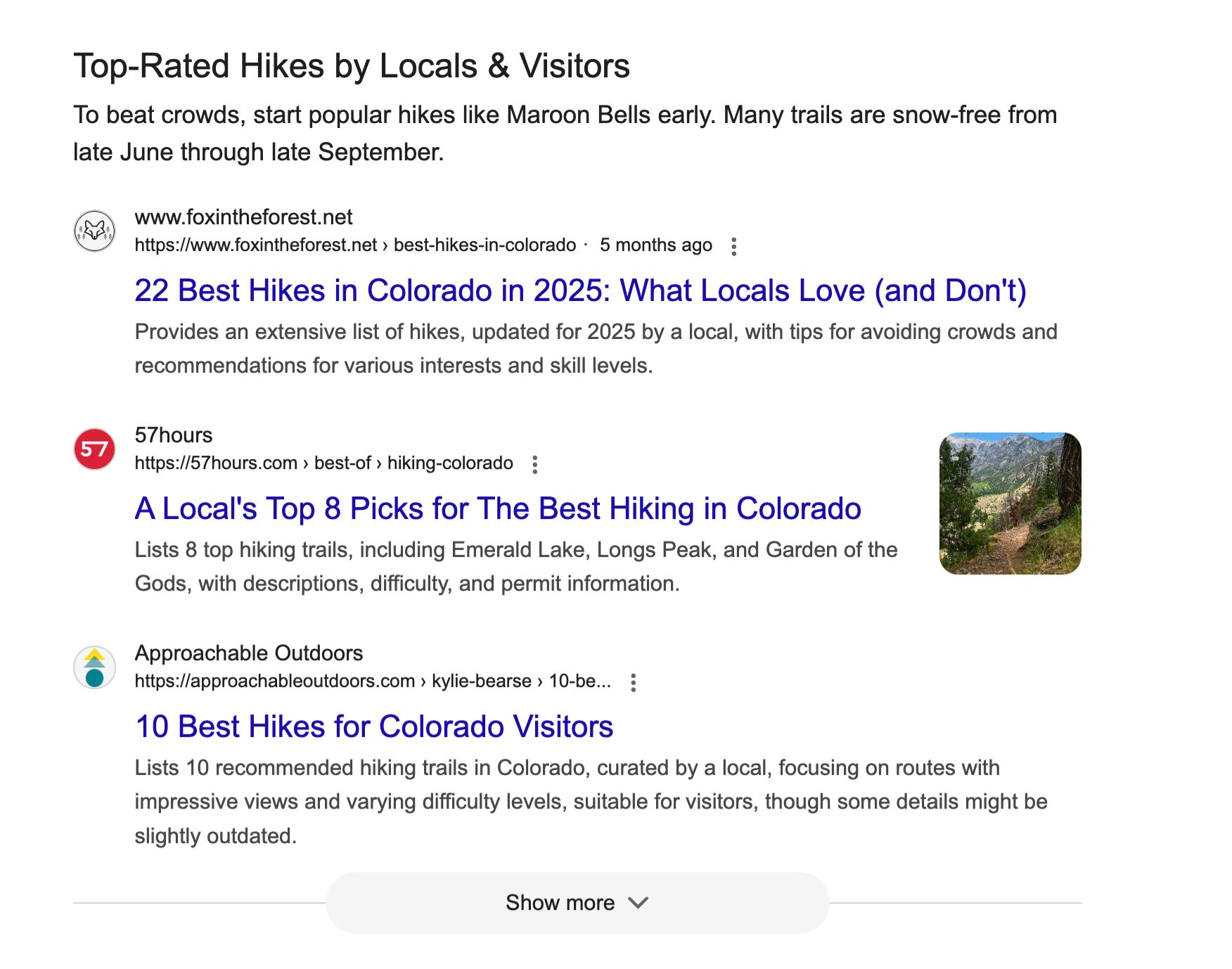
For a query such as "best hiking trails in Colorado," Web Guide might present results organized into categories like: an AI-powered introduction to Colorado hiking, a section for "Comprehensive Trail Guides" with relevant links, a categorized list for "Easy Hiking Trails," a module on "Community Recommendations" featuring Reddit discussions and quote blocks, and a reviews block for "Top-Rated Hikes by Locals & Visitors." The underlying principle is that for complex or exploratory searches, a simple ranked list may not be the most effective way to deliver information. Web Guide aims to present a mix of results grouped by inferred angles, sub-topics, and user intents. Google describes this dynamic SERP as using AI to "intelligently organize the search results page, making it easier to find information and web pages."
How Google Web Guide Works
Web Guide operates on three core elements:
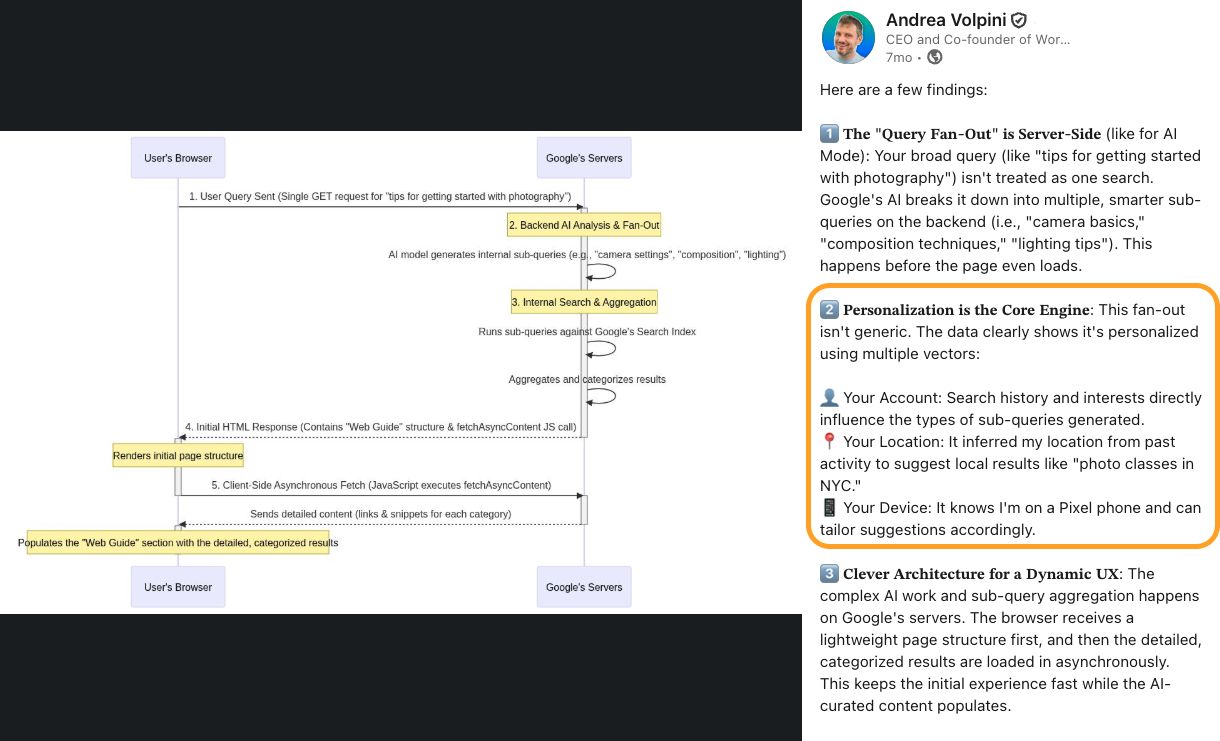
Query Fan-Out: This is the AI process where a single search query is broken down into multiple related sub-queries. The results from these sub-queries are then gathered and grouped into the themed clusters observed in Web Guide. This mechanism is also utilized in AI Mode and AI Overviews to gather information for citations. Each distinct block or header in Web Guide can be seen as a manifestation of these fan-out results.
Personalization: Web Guide results are significantly personalized, influenced by user data. Andrea Volpini, CEO of Wordlift, suggests that the fan-out process is shaped by personalization factors such as user history, location, and search patterns. This hyper-personalization aims to provide a richer and more diverse set of results, analyzed and organized into thematic clusters tailored to the individual user.
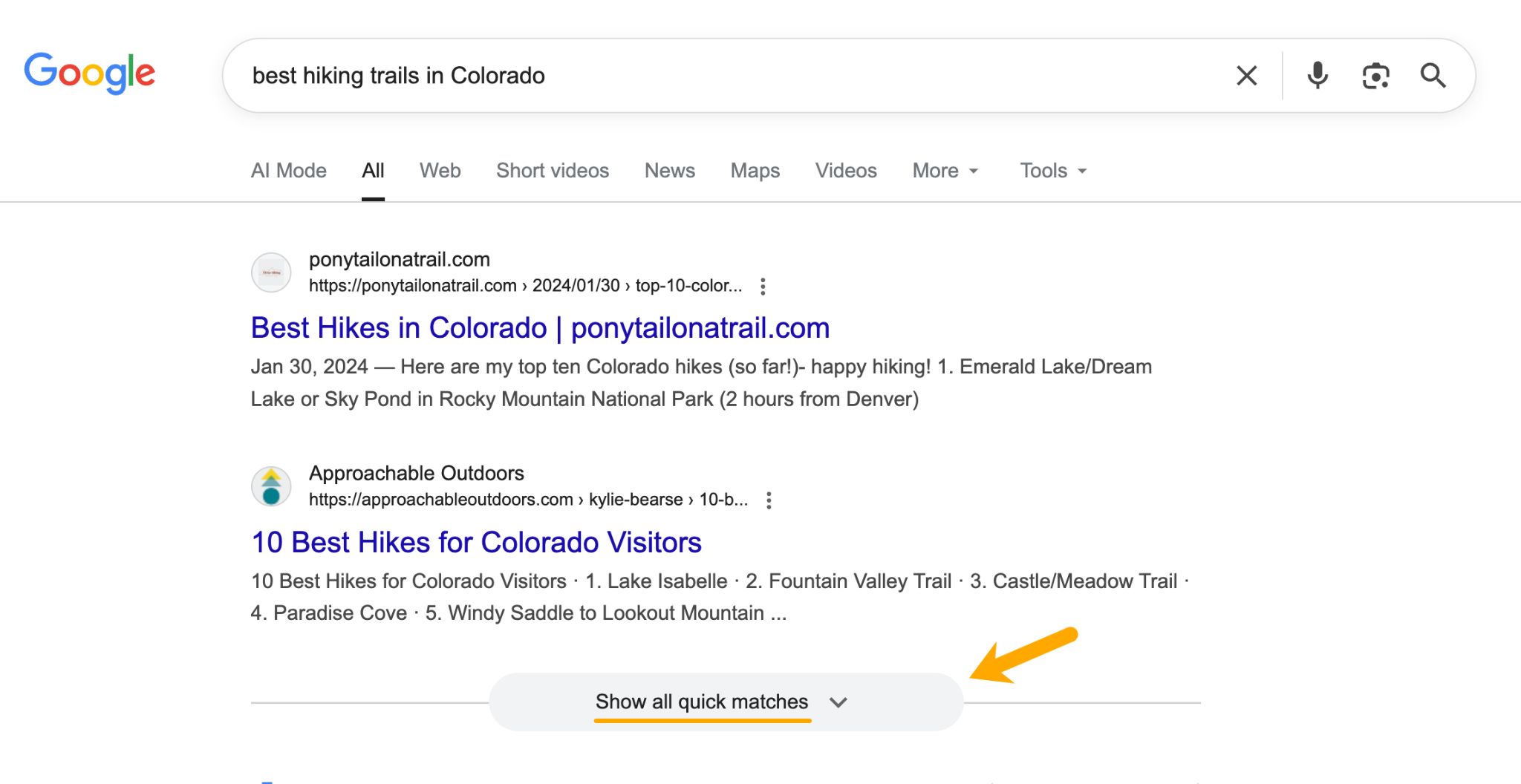
FastSearch: Web Guide often features "Quick matches" at the top of the SERP, which are standard, un-themed organic links. These results are powered by FastSearch, a streamlined retrieval system that uses RankEmbed—a deep-learning model—to deliver semantically relevant results rapidly. FastSearch is also the underlying technology for AI Overviews and AI Mode, emphasizing efficiency and clarity. This suggests that content optimized for quick understanding and clear structure will perform better.
Accessing Google Web Guide

To enable Web Guide, users must:
Web Guide vs. AI Overviews and AI Mode
While Google may soon have three primary AI search experiences—Web Guide, AI Overviews, and AI Mode—they differ in their presentation and user interaction:
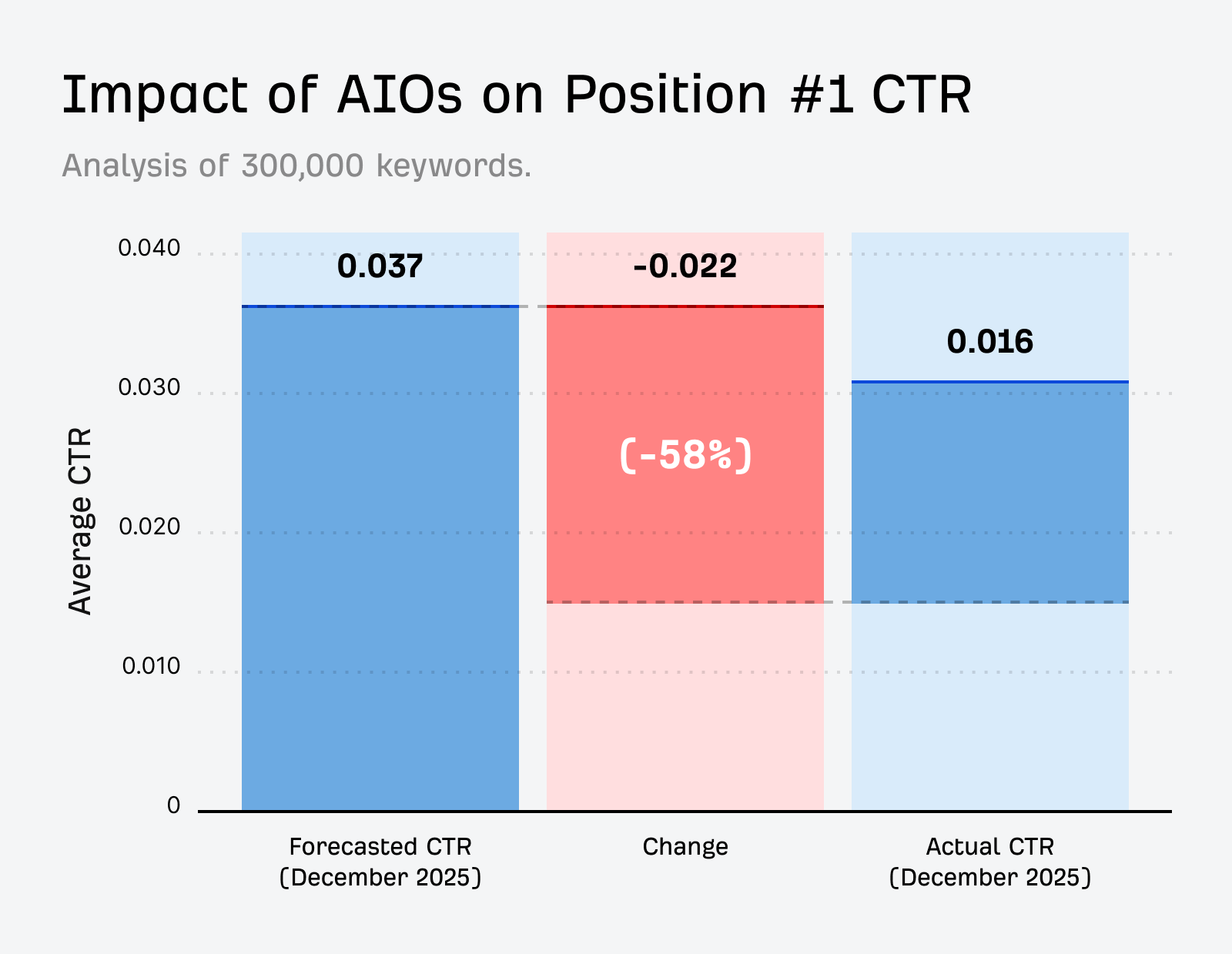
Web Guide’s primary advantage is its "website-friendly" nature, as all results are clickable links. This contrasts with AI Overviews and AI Mode, which can satisfy user intent on the SERP itself, potentially leading to fewer clicks. Research indicates that AI Overviews can suppress clicks significantly, while Web Guide aims to maintain user engagement with external websites. Web Guide is generally used for exploratory, complex, and open-ended queries, not for simple factual or navigational searches.
Monetization and Future Prospects
Web Guide offers a potential solution for Google’s monetization challenges associated with AI-driven search. While AI Overviews and AI Mode can reduce clicks, Web Guide’s format preserves the traditional advertising model where users click through to websites, allowing for ad placement and advertiser payment. Furthermore, Web Guide is considered an "AI-lite" solution, requiring less computational power than generating long-form AI answers, potentially making it more cost-effective to run. This could make Web Guide a more favorable format in the long term, especially if AI compute costs rise or ad revenue is impacted.
Optimizing Content for Web Guide
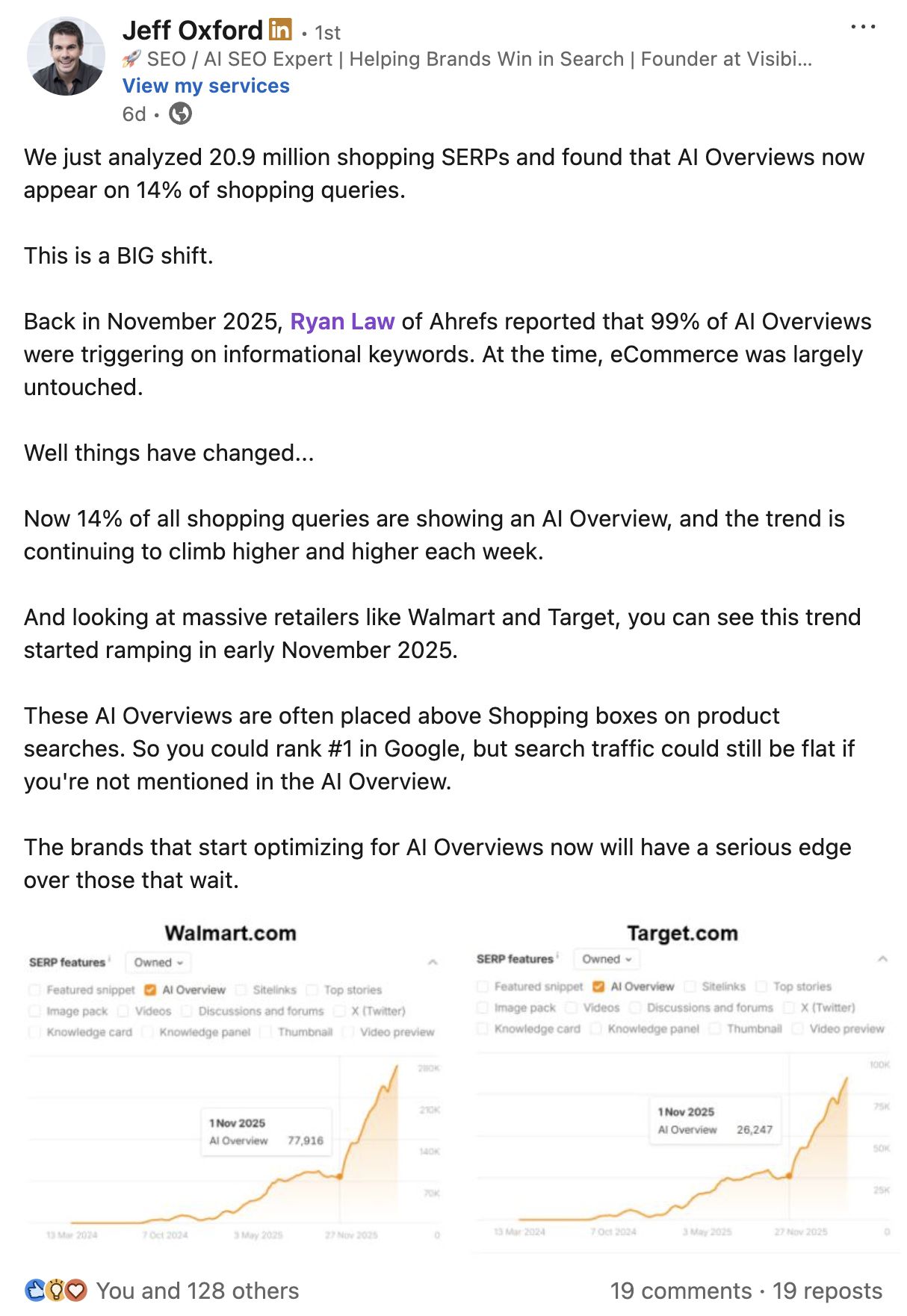
To improve visibility in Web Guide results, content creators should focus on:

Tracking Web Guide Visibility
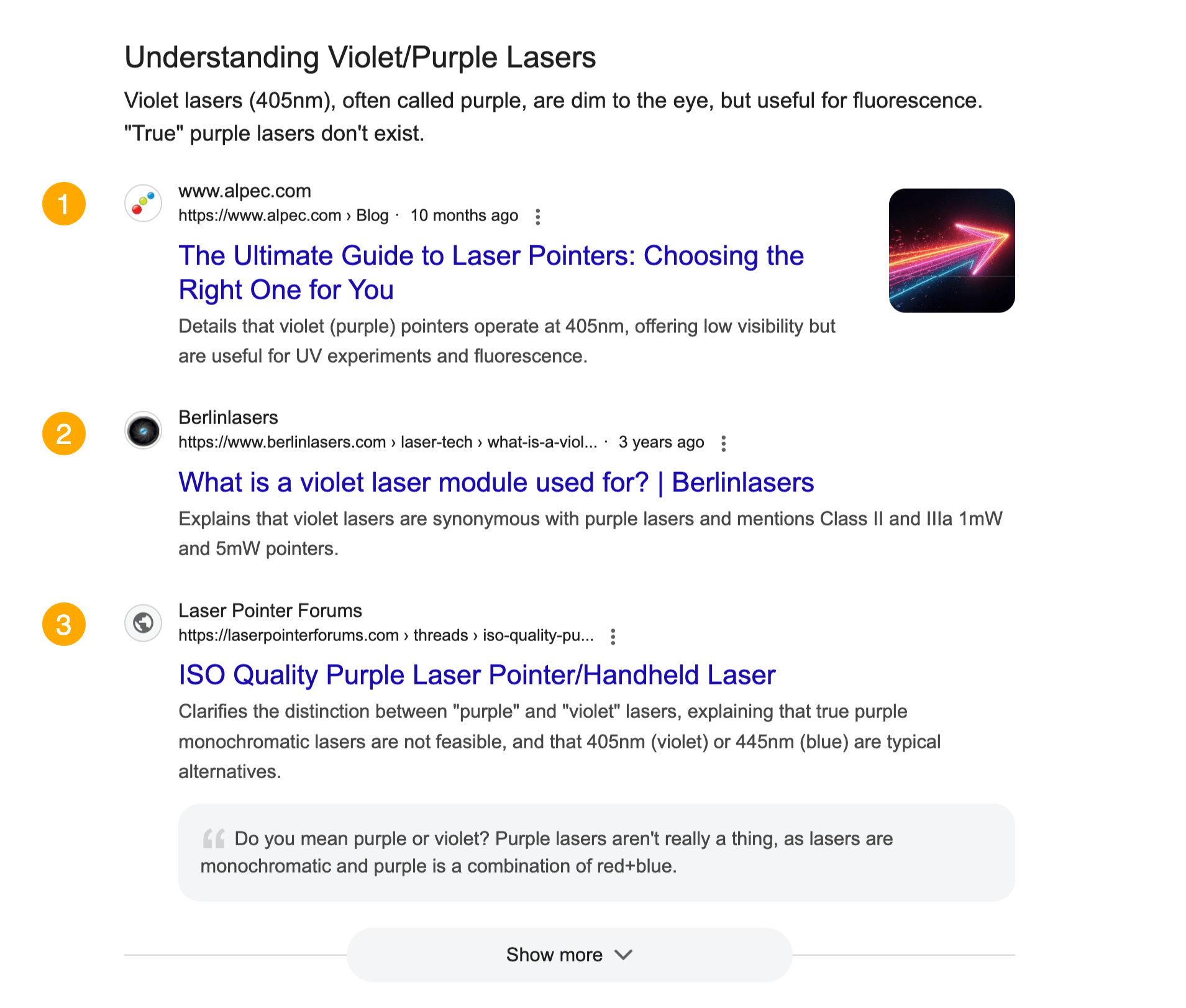
Currently, there isn’t a dedicated tool for tracking Web Guide visibility. However, SEO professionals can monitor signals such as:
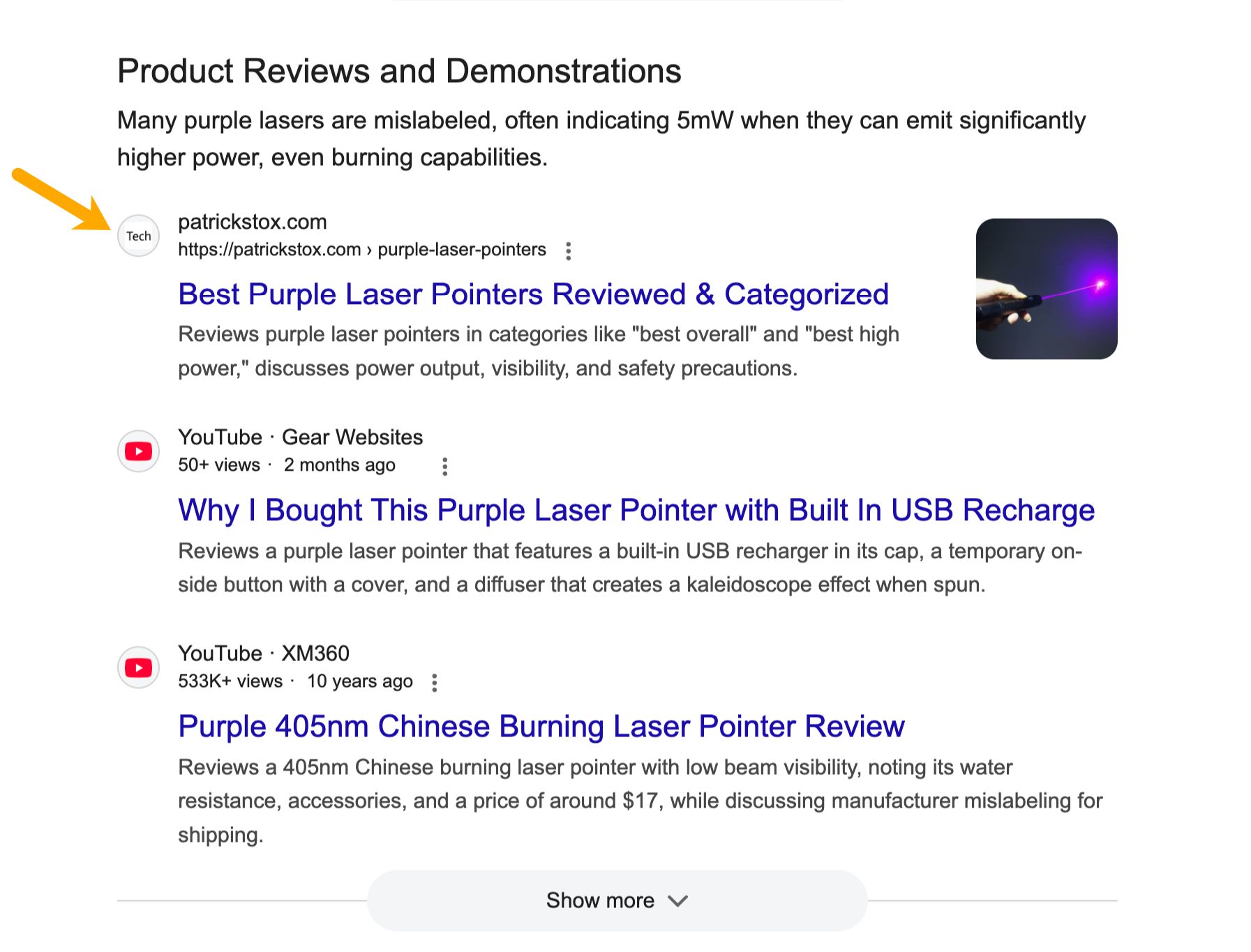
As Web Guide evolves and potentially moves out of Search Labs, dedicated tracking features are expected to emerge. Given its design to encourage clicks, Google may provide more transparent data on its performance compared to other low-click AI surfaces.