 11
11
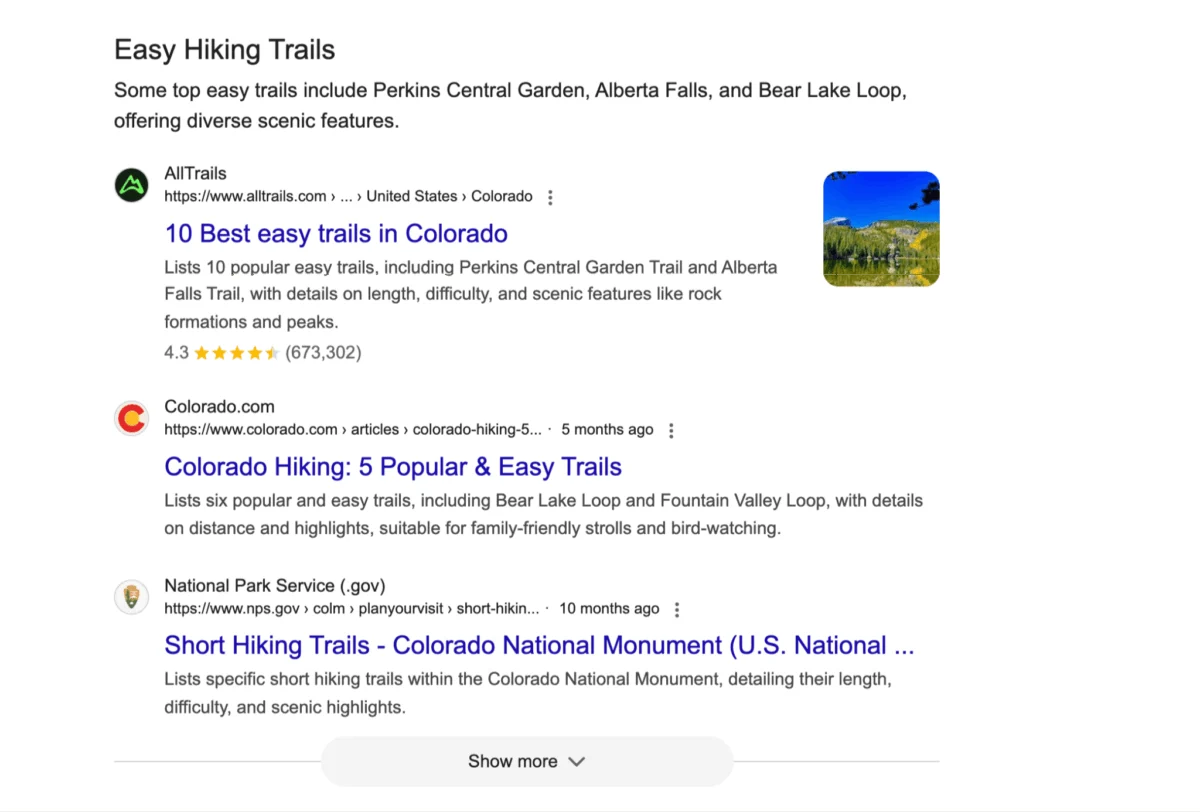
Just as search professionals were adapting to the implications of AI Overviews, Google has introduced another significant evolution in its search engine: Web Guide. This new feature represents a substantial shift in how Google interprets user intent and presents information, functioning as a dynamically generated, magazine-style Search Engine Results Page (SERP) that curates AI summaries alongside organic results.
A key differentiator for Web Guide, unlike its predecessors AI Overviews and AI Mode, is its explicit encouragement of user clicks. This makes it the most website-friendly AI-driven search feature Google has released to date, raising the question of whether it signifies the long-awaited resurgence in click-through rates for organic search.
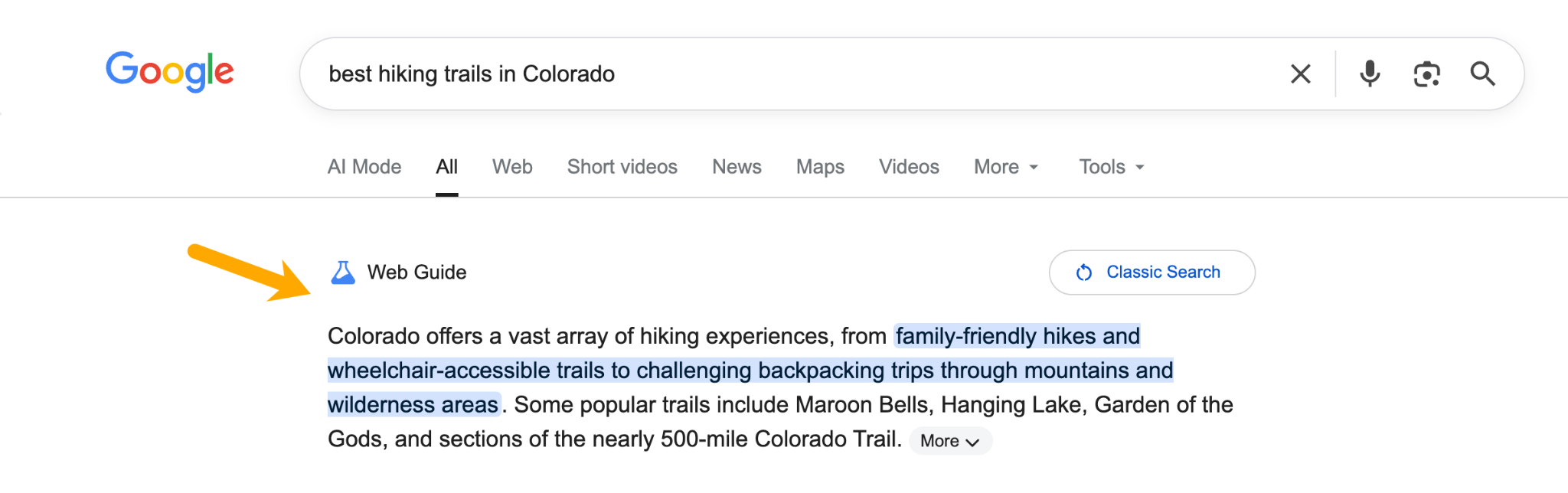
Understanding Google Web Guide
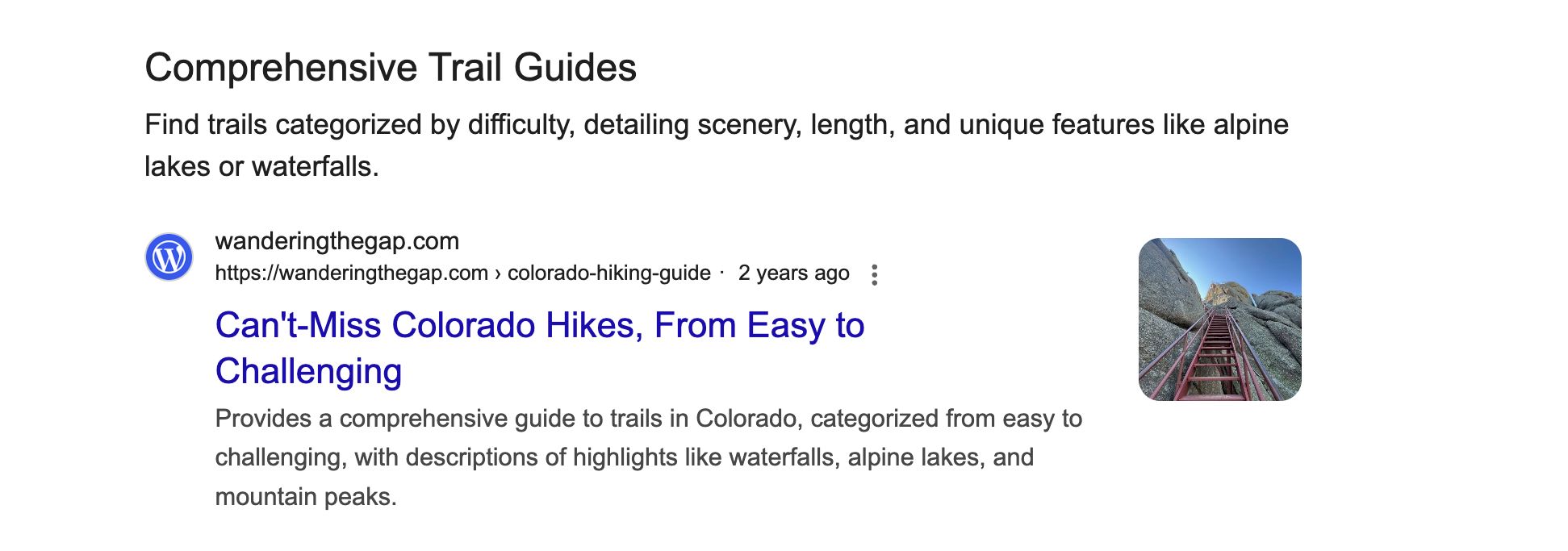
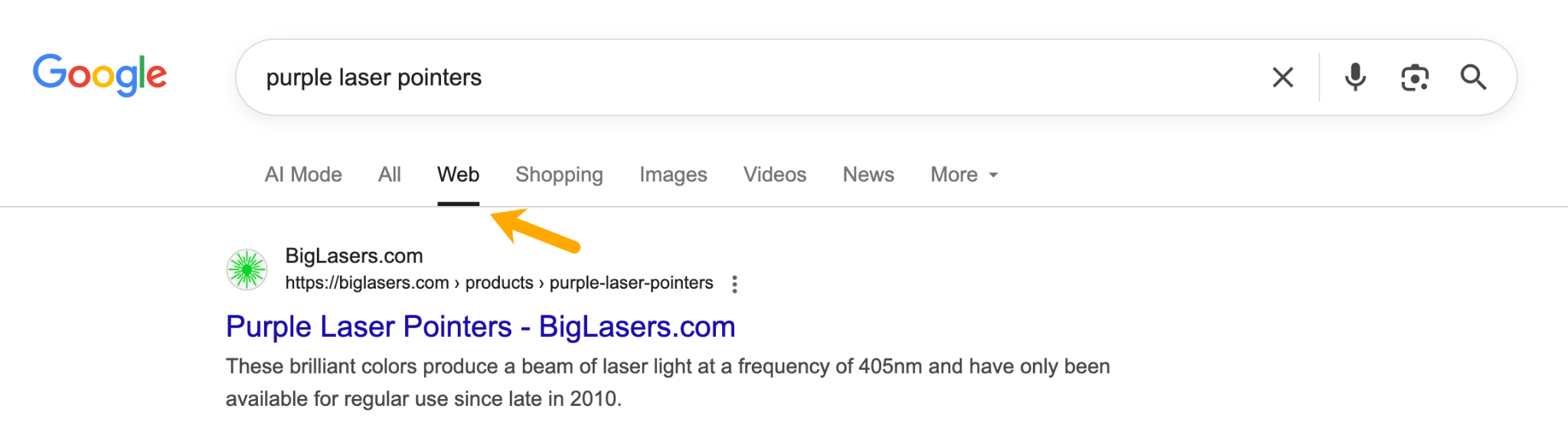
Google Web Guide is currently a Search Labs experiment, utilizing a customized version of Gemini, Google’s advanced AI model, to organize search results into themed groups rather than the traditional list of ten blue links. Launched on July 24, 2025, as an opt-in experiment, Web Guide initially appeared in the "Web" tab of Google Search. However, Google has since been testing its integration into the main "All" tab for a segment of users.
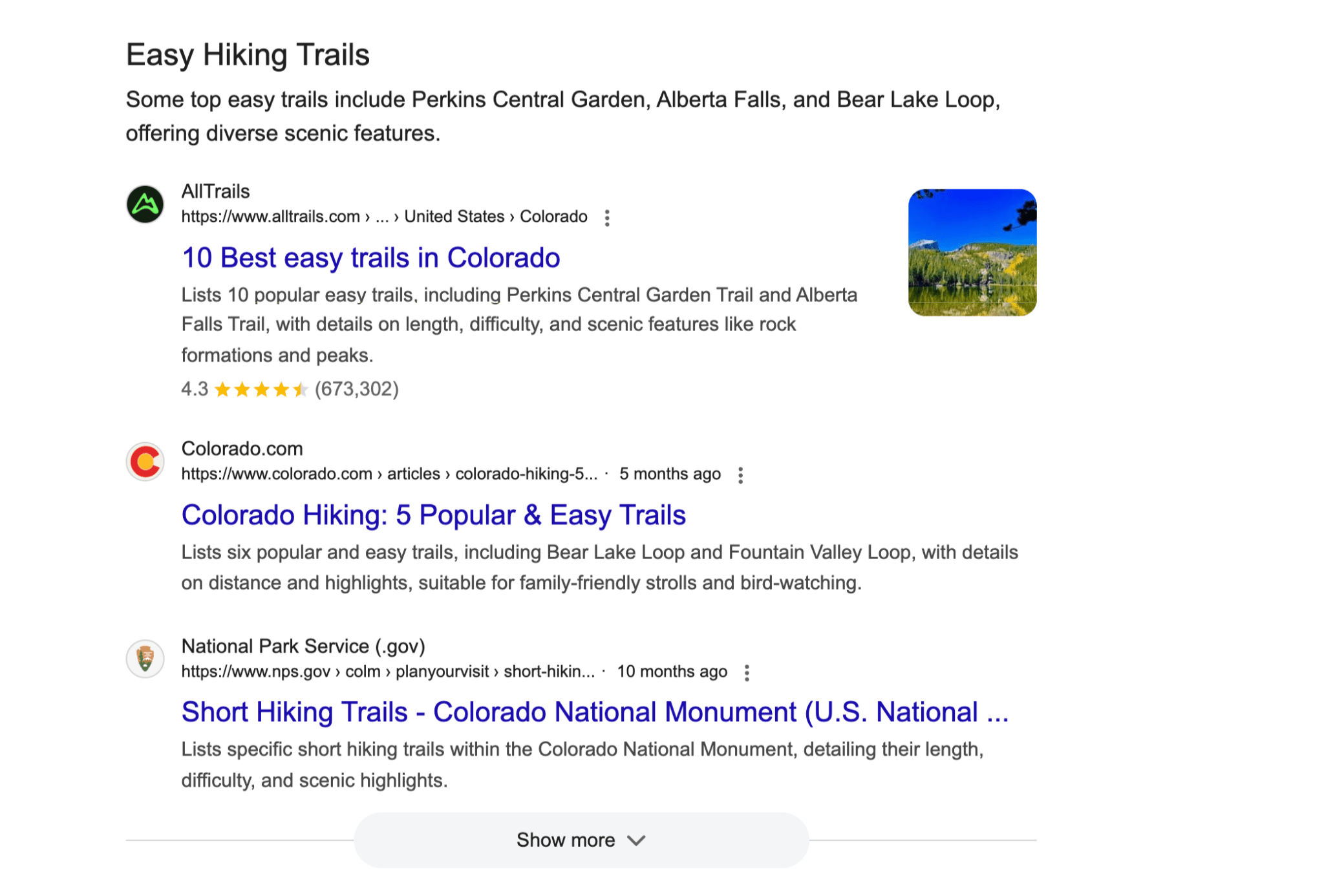
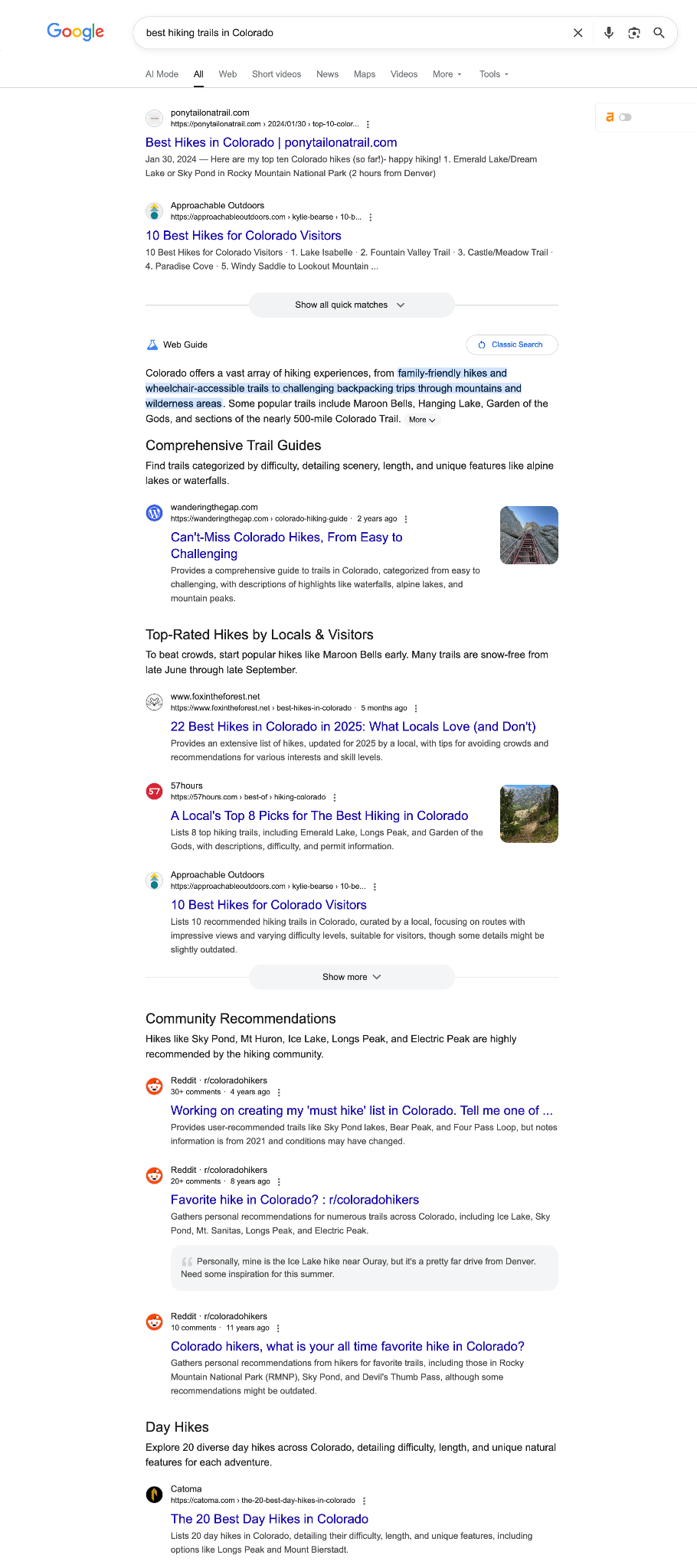
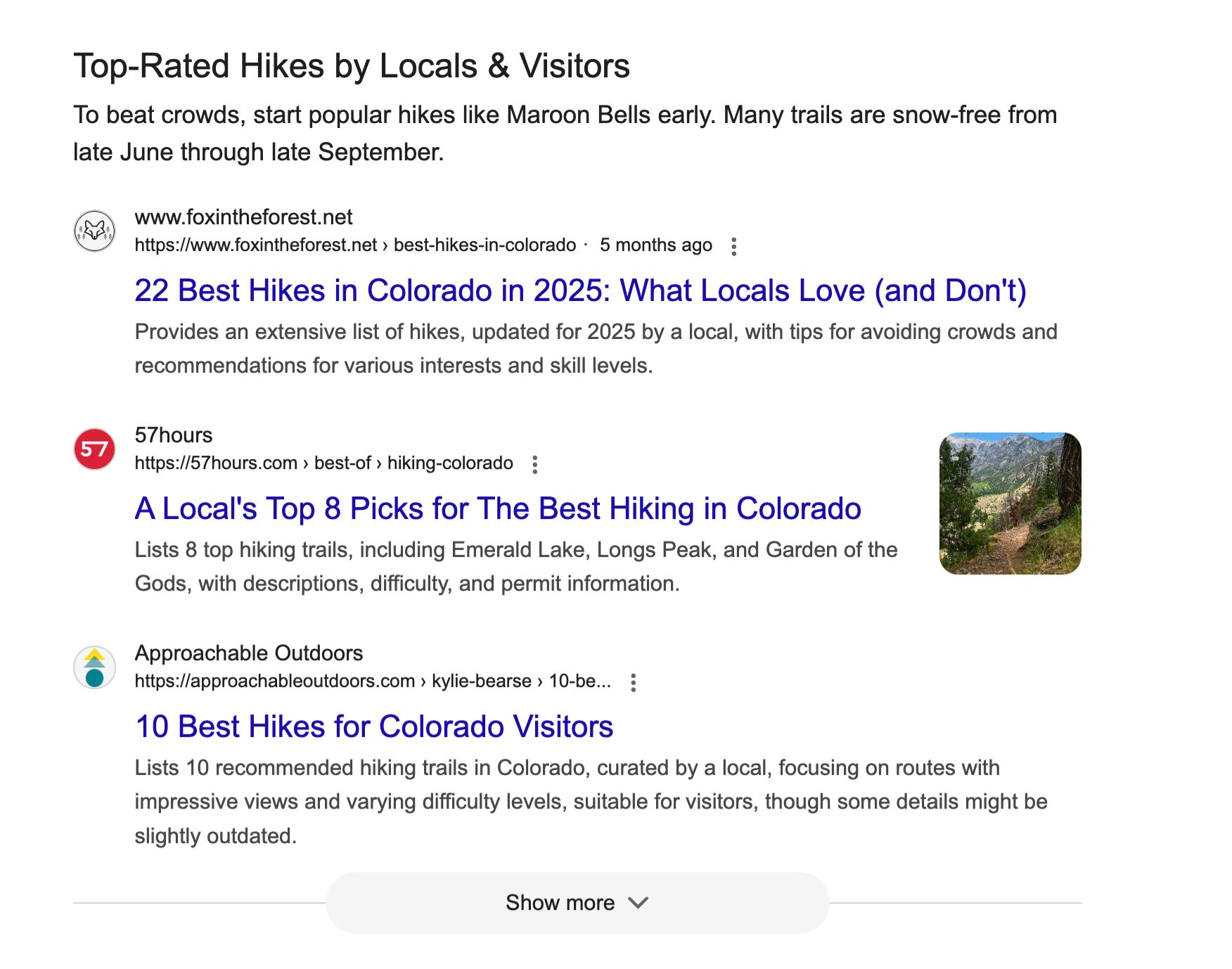
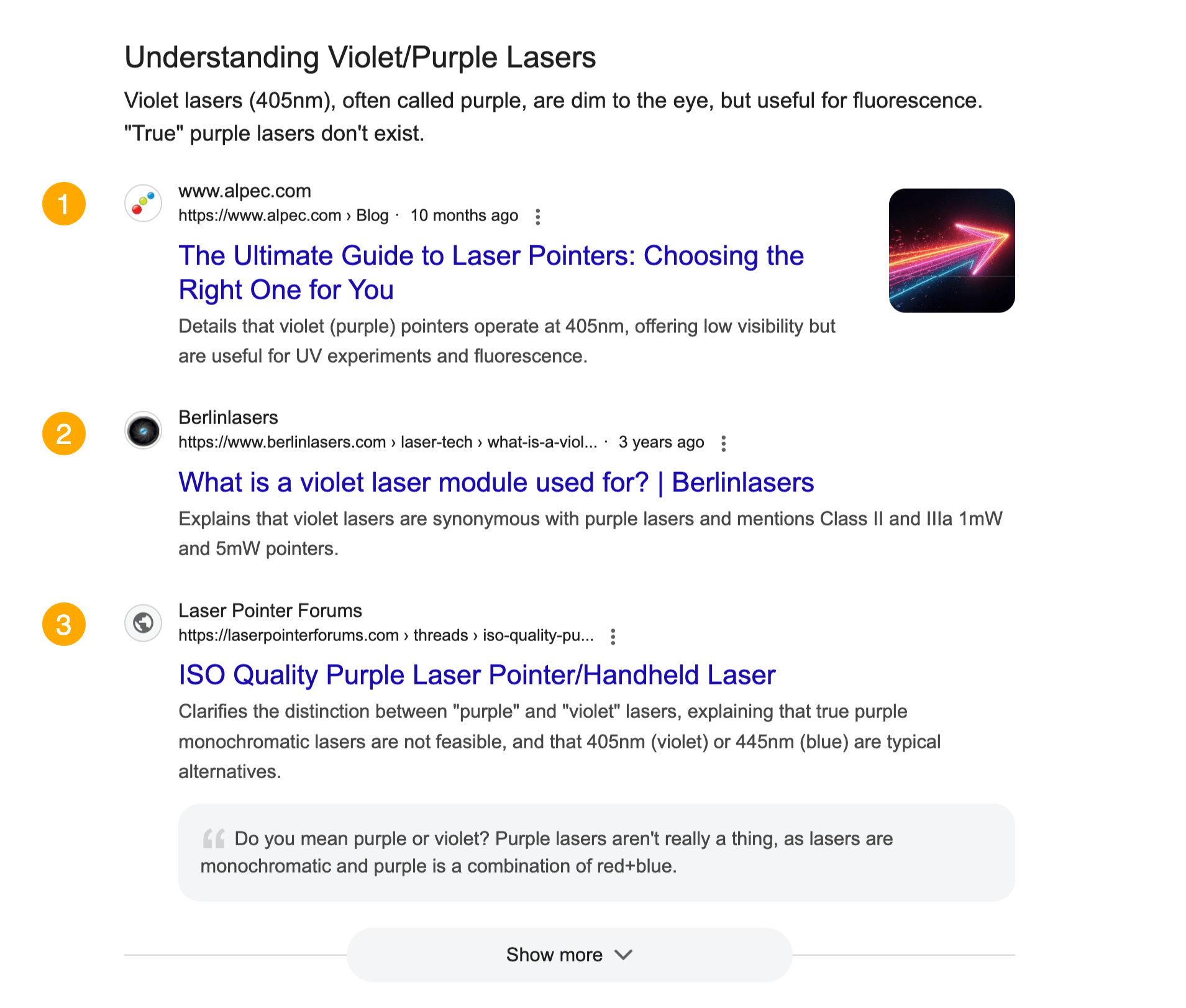
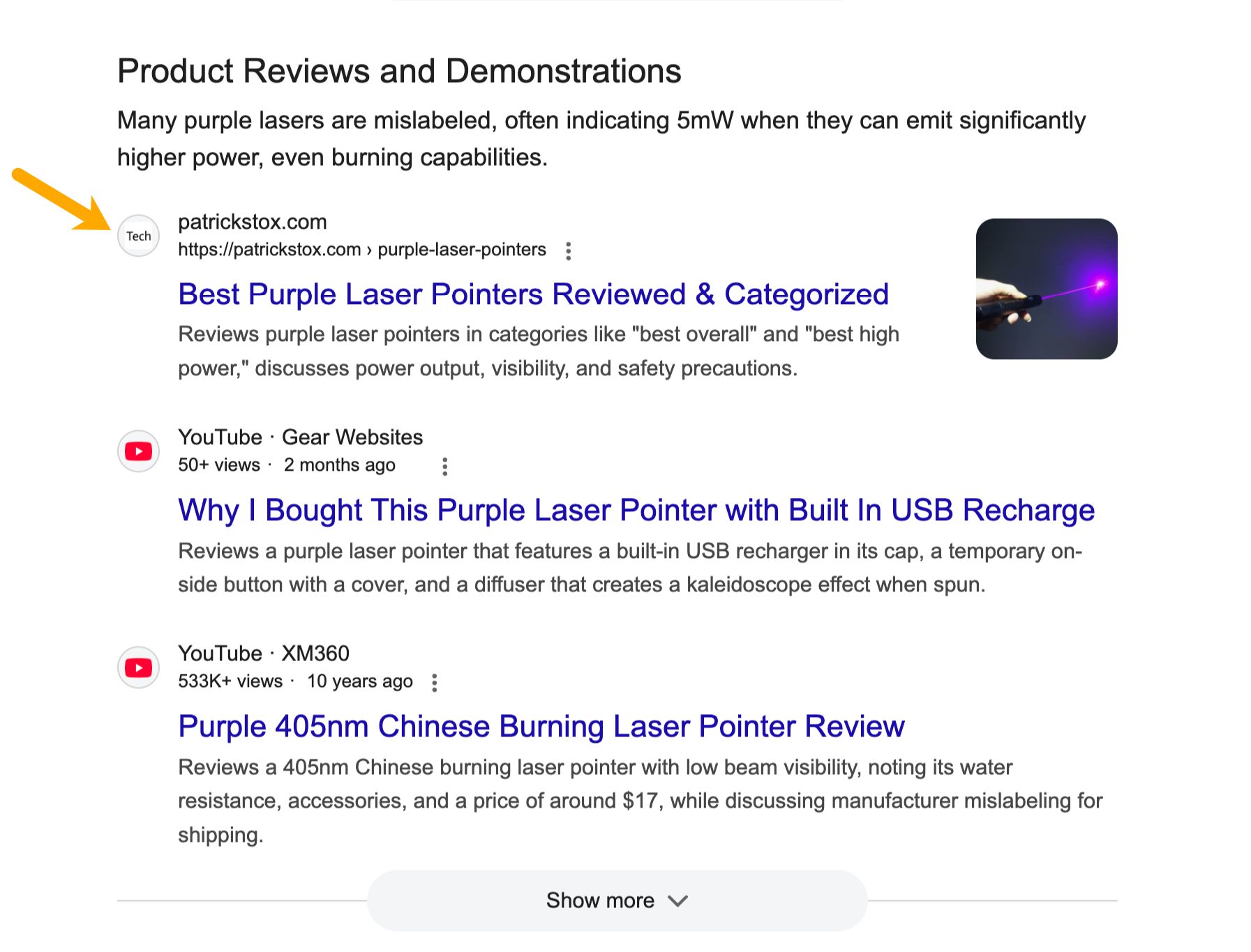
For queries that are exploratory or complex, such as "best hiking trails in Colorado," Web Guide moves beyond a single ranked list. Instead, it presents a structured set of results that may include:
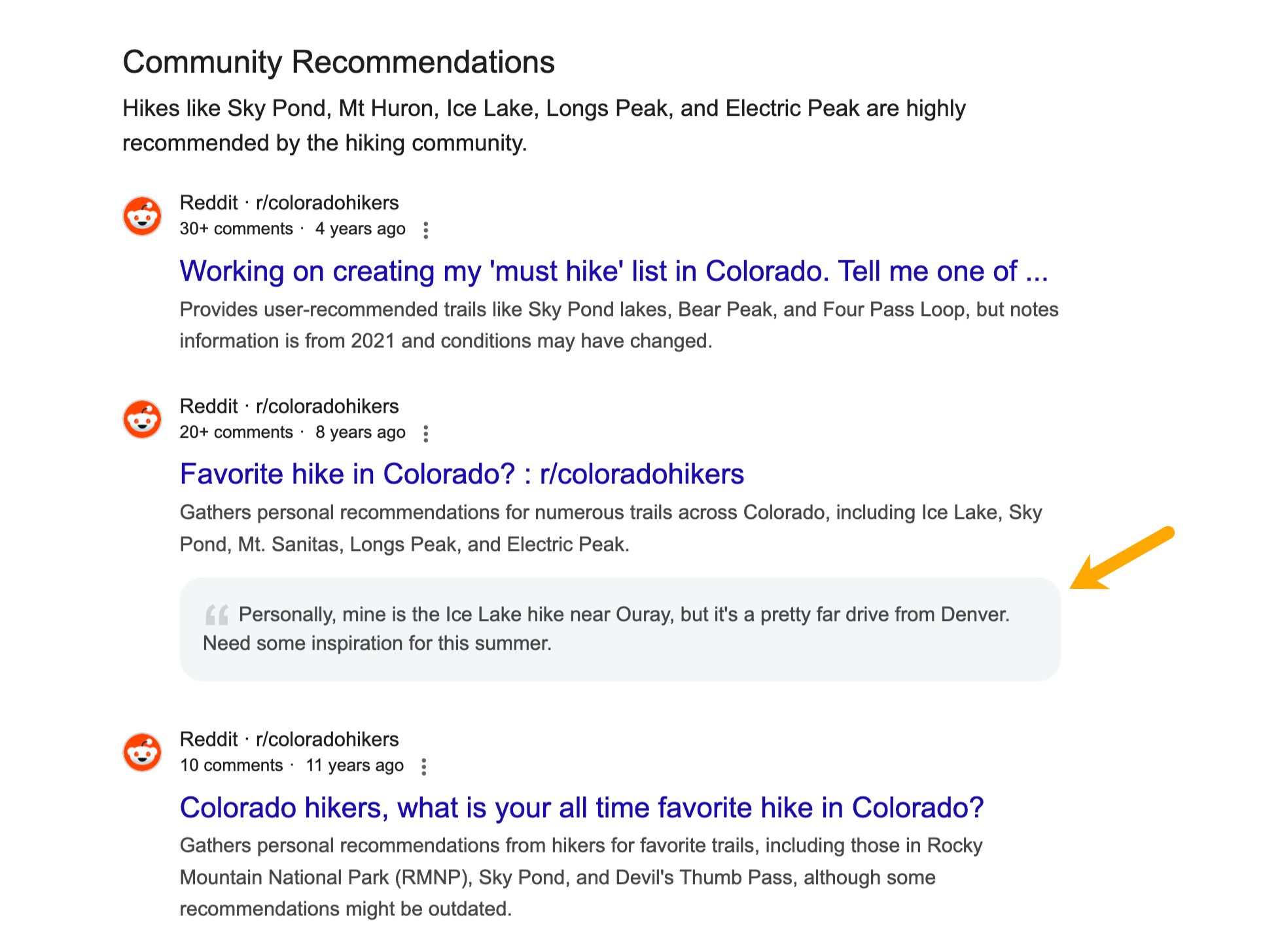
The core concept behind Web Guide is that a flat list of results is not always the most effective way for users to discover information for complex or exploratory searches. Web Guide aims to provide a mix of results grouped by different angles, sub-topics, and inferred user intents, making it easier to find relevant information and web pages.
How Google Web Guide Works Under the Hood
Web Guide is built upon three fundamental elements:
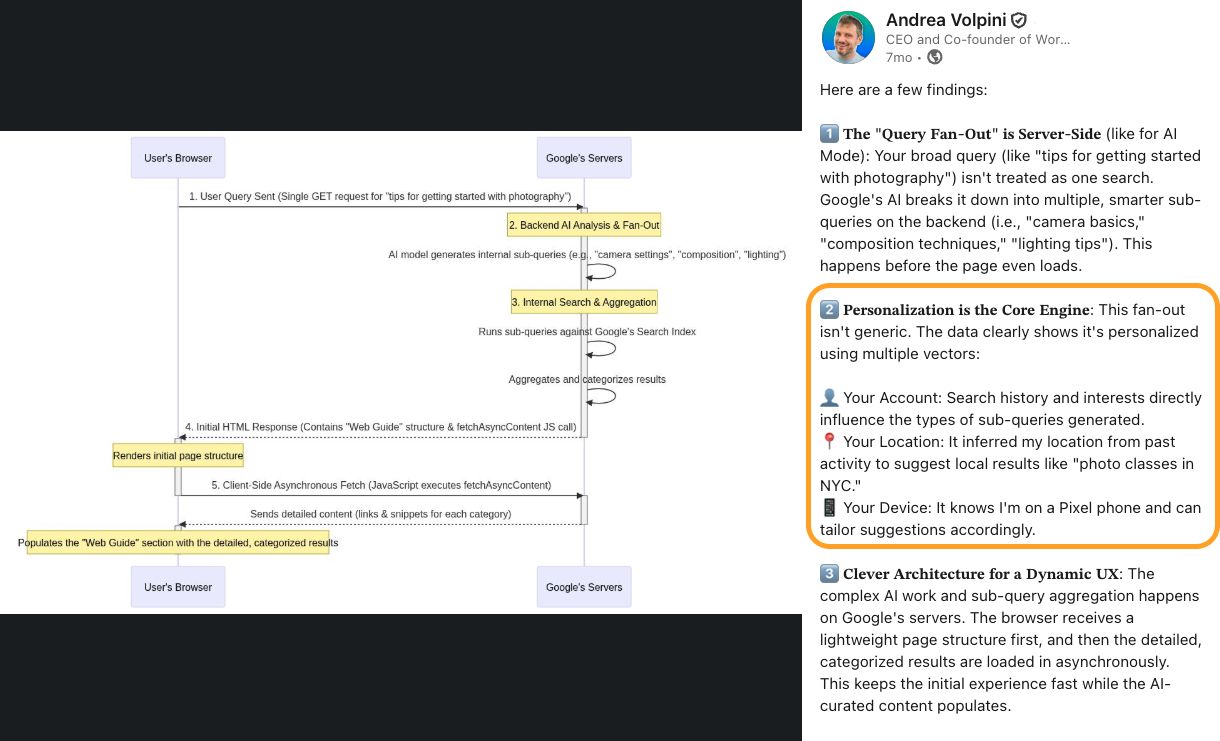
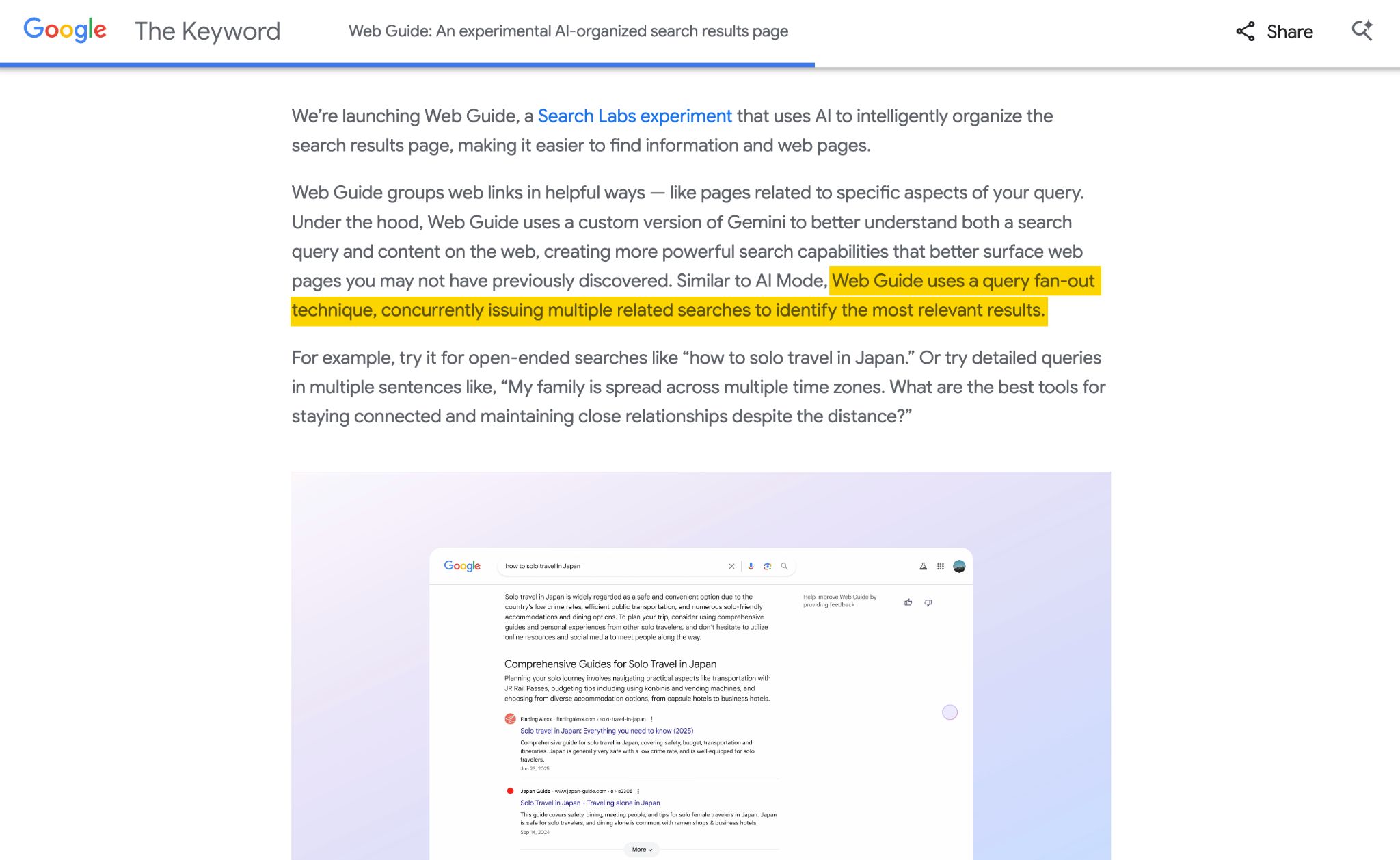
Query Fan-Out: This AI process involves taking a single user search query and breaking it down into multiple, related sub-queries. The AI then gathers results for these sub-queries and organizes them into the thematic clusters observed in Web Guide. This mechanism is also employed in AI Mode and AI Overviews, serving as the foundation for expanding the search scope and discovering a wider range of information. Each distinct block or header within a Web Guide result can be seen as a separate group of fan-out results.

Personalization: The results presented in Web Guide are significantly personalized based on user data. According to insights from industry experts who have analyzed network traffic, the fan-out process is influenced by personalization factors such as user search history, location, and other data points. This hyper-personalization aims to deliver a richer, more diverse set of results tailored to the individual user.
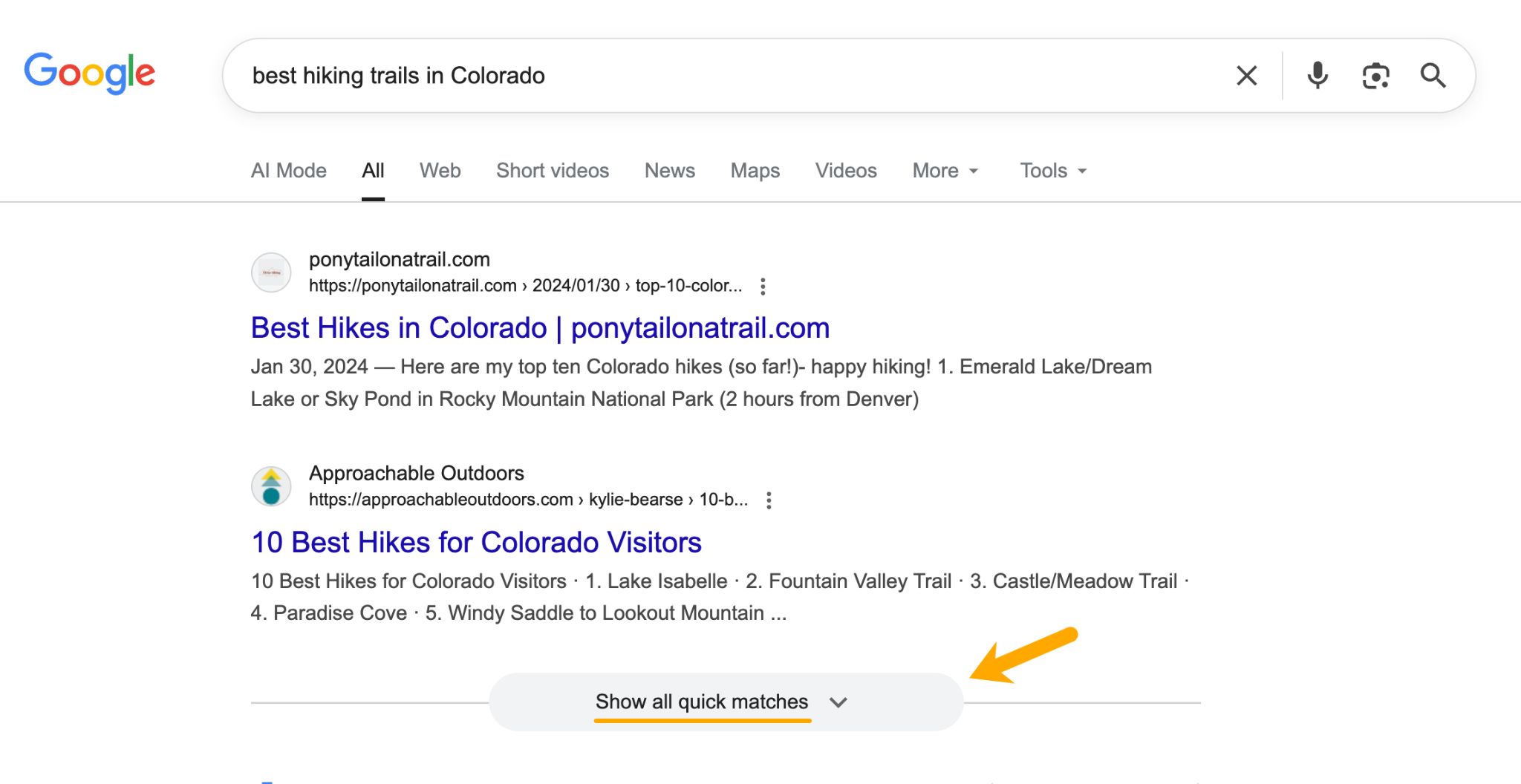
FastSearch: Often, Web Guide SERPs feature "Quick Matches" at the top, which are standard, un-themed organic links. These results leverage FastSearch, a lightweight and streamlined retrieval system. Instead of querying Google’s entire index, FastSearch utilizes RankEmbed, a deep-learning model, to return semantically relevant results rapidly. Notably, FastSearch is also the underlying technology powering AI Overviews and AI Mode, emphasizing efficiency and clarity in result retrieval. This suggests that content must be clear and well-structured to be easily understood by this system.
Accessing Google Web Guide
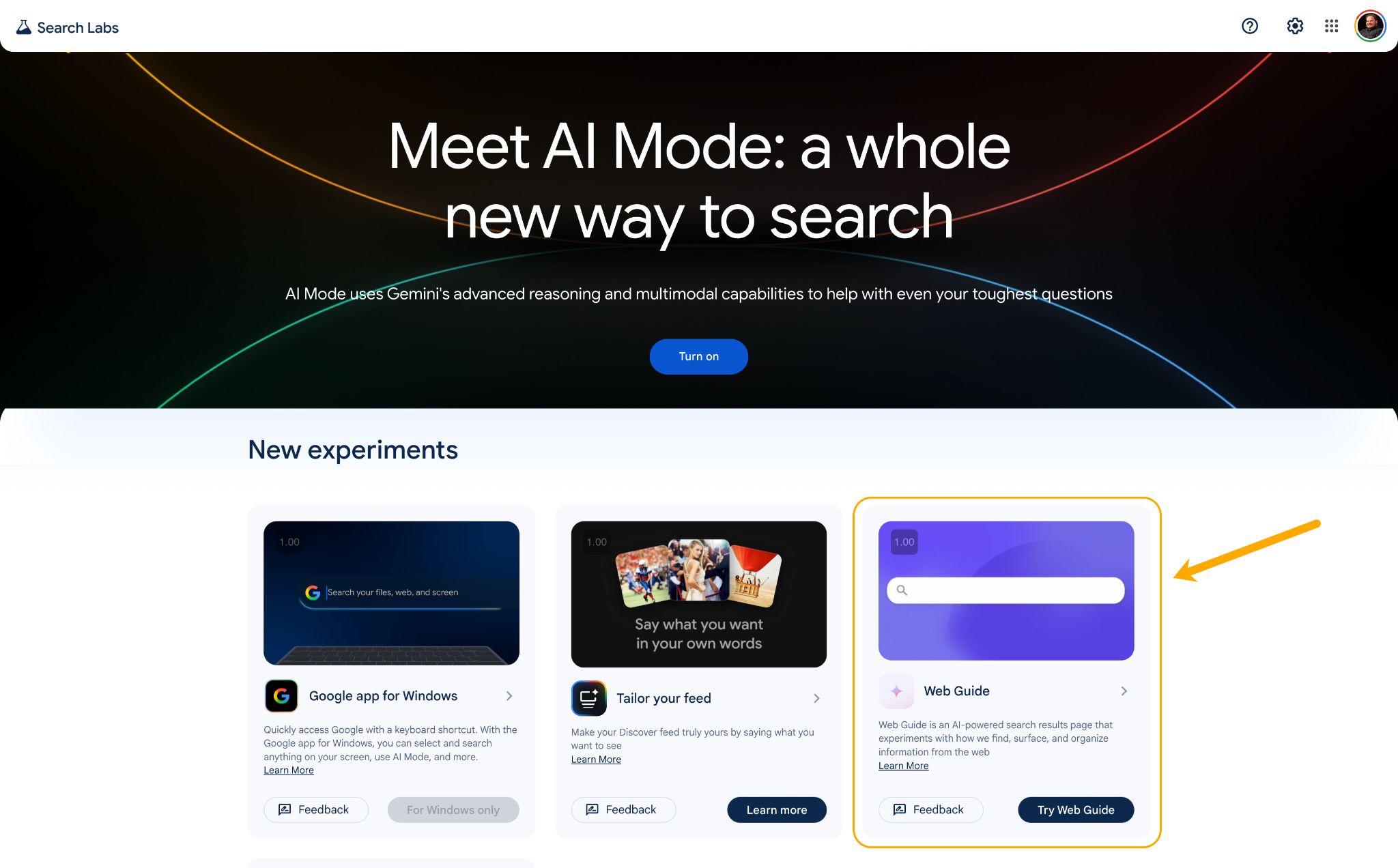
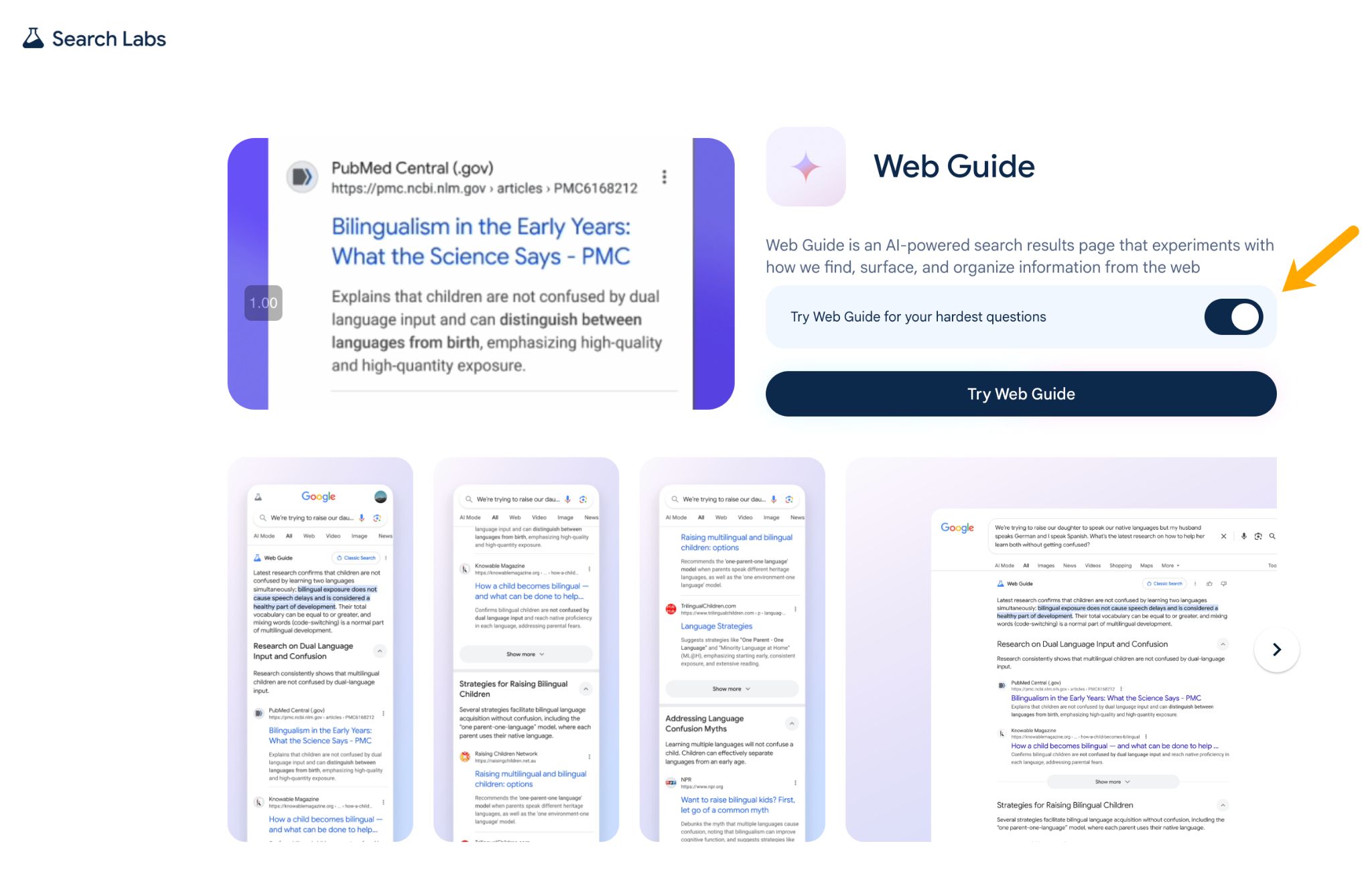
Web Guide is currently accessible as an opt-in experiment through Google Search Labs. To enable it, users must sign into their Google account, navigate to Google Search Labs (labs.google.com/search), find the "Web Guide" experiment, and toggle it on. Once enabled, Web Guide results will appear in the "Web" tab of Google Search. As of March 2026, Web Guide is available in the U.S., with plans for broader market expansion. It is important to note that Search Labs experiments are subject to change and may be retired or integrated into the main product over time. Google has indicated positive user feedback and is expanding the experiment’s scope.
Web Guide vs. AI Overviews and AI Mode
While Google may soon feature three distinct AI search experiences, they differ in their approach and output:
| Feature | Web Guide | AI Overviews | AI Mode | Traditional Search |
|---|---|---|---|---|
| What it shows | Clustered web links under themed headings | AI-written summary with inline citations | Conversational AI response with cited sources | Flat list of 10 blue links |
| Users click? | Yes, all results are clickable links | Rarely; full answer on SERP | Rarely; full answer on SERP | Yes |
| AI generates text? | Yes, short header intros | Yes, writes a summary | Yes, full conversational answer | No |
| Uses fan-out? | Yes, to group results by sub-topic | Yes, for citation gathering | Yes, for deep research queries | No |
| Best for | Exploratory, open-ended queries | Quick factual answers | Deep research, follow-ups | Direct, navigational queries |
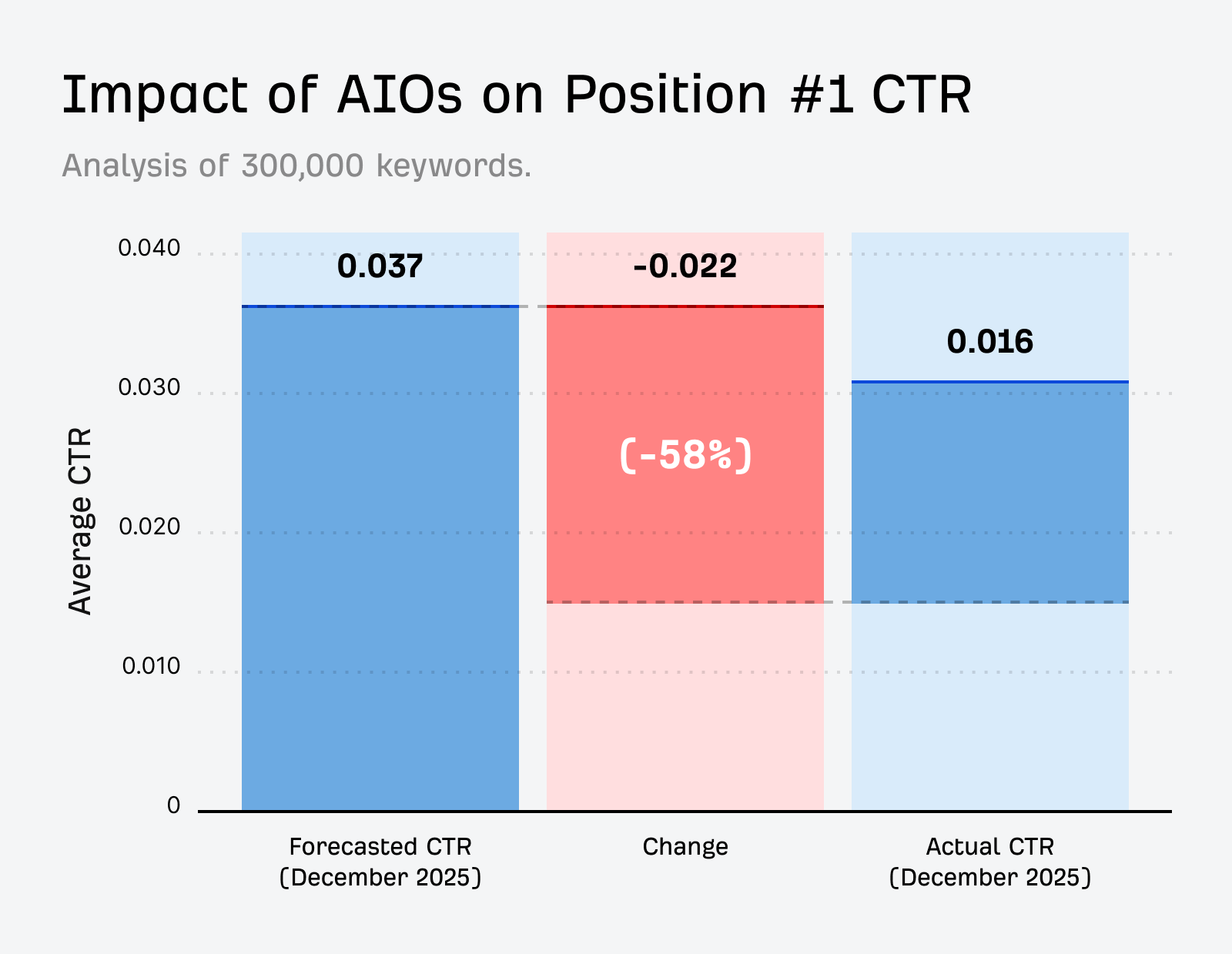
A significant advantage of Web Guide is its potential to increase click-through rates. Unlike AI Overviews and AI Mode, which can fully satisfy a user’s query on the SERP, Web Guide presents information in segmented, magazine-style modules that still require users to click through to websites for detailed content. This contrasts with research indicating that AI Overviews can reduce clicks by approximately 58%, and a Pew Research study finding only an 8% click rate on searches with AI Overviews compared to 15% without. Web Guide’s design aims to mitigate this "zero-click" issue, though its appearance is currently limited to specific types of queries.
Monetization and Efficiency Considerations

Web Guide presents a more straightforward monetization path for Google compared to AI Overviews and AI Mode. The traditional Google ad model relies on users clicking through to websites, a process that AI Overviews and AI Mode can circumvent. While ads have been integrated into AI Overview results, Web Guide’s structure, which maintains clickable links, preserves the established advertising ecosystem. Furthermore, Web Guide is an "AI-lite" solution, requiring less computational power than generative AI models, making it a more cost-effective option for Google.
Optimizing Content for Web Guide
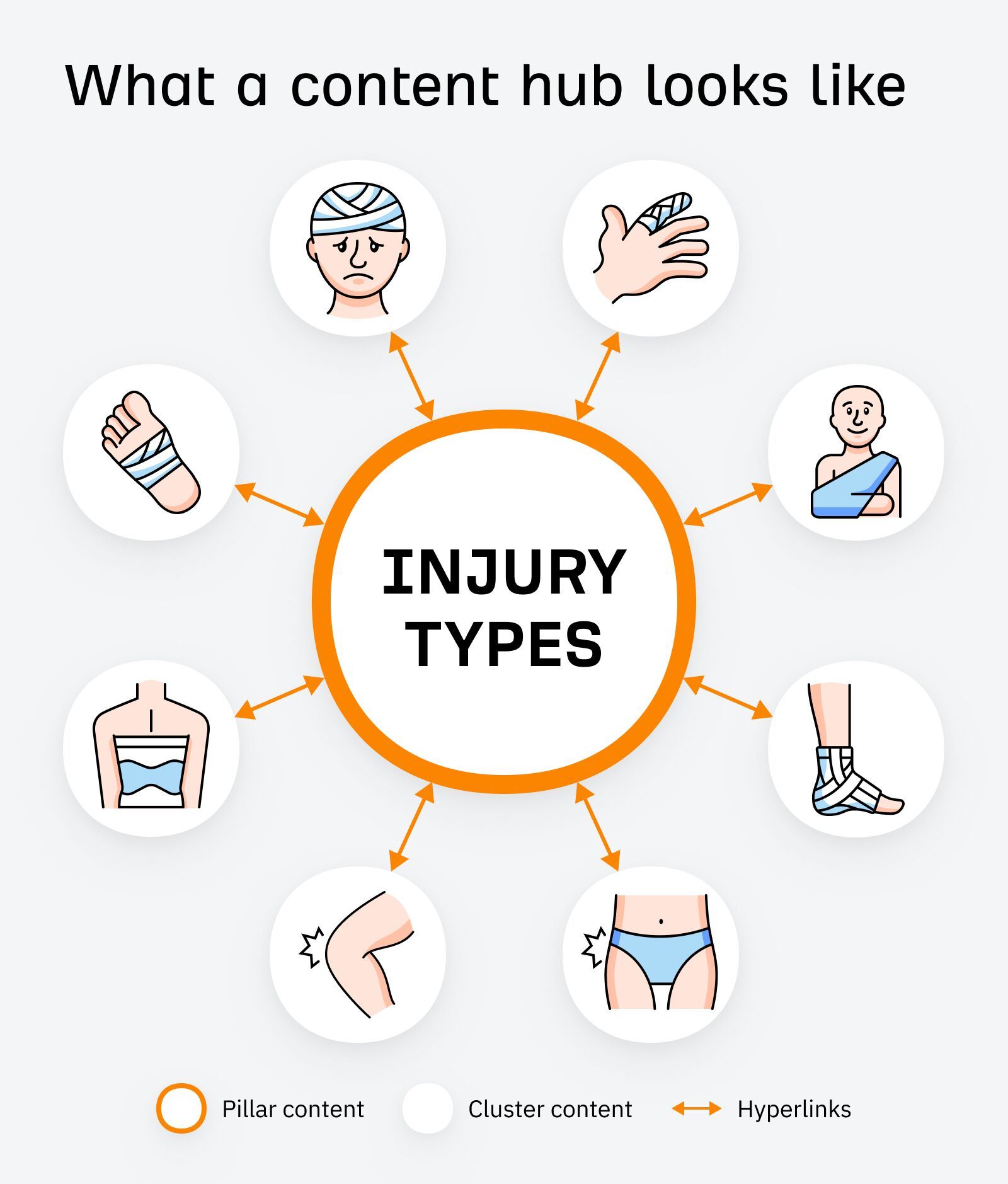
Effective optimization for Web Guide hinges on comprehensive topic coverage and clear content structure.
Tracking Visibility in Web Guide
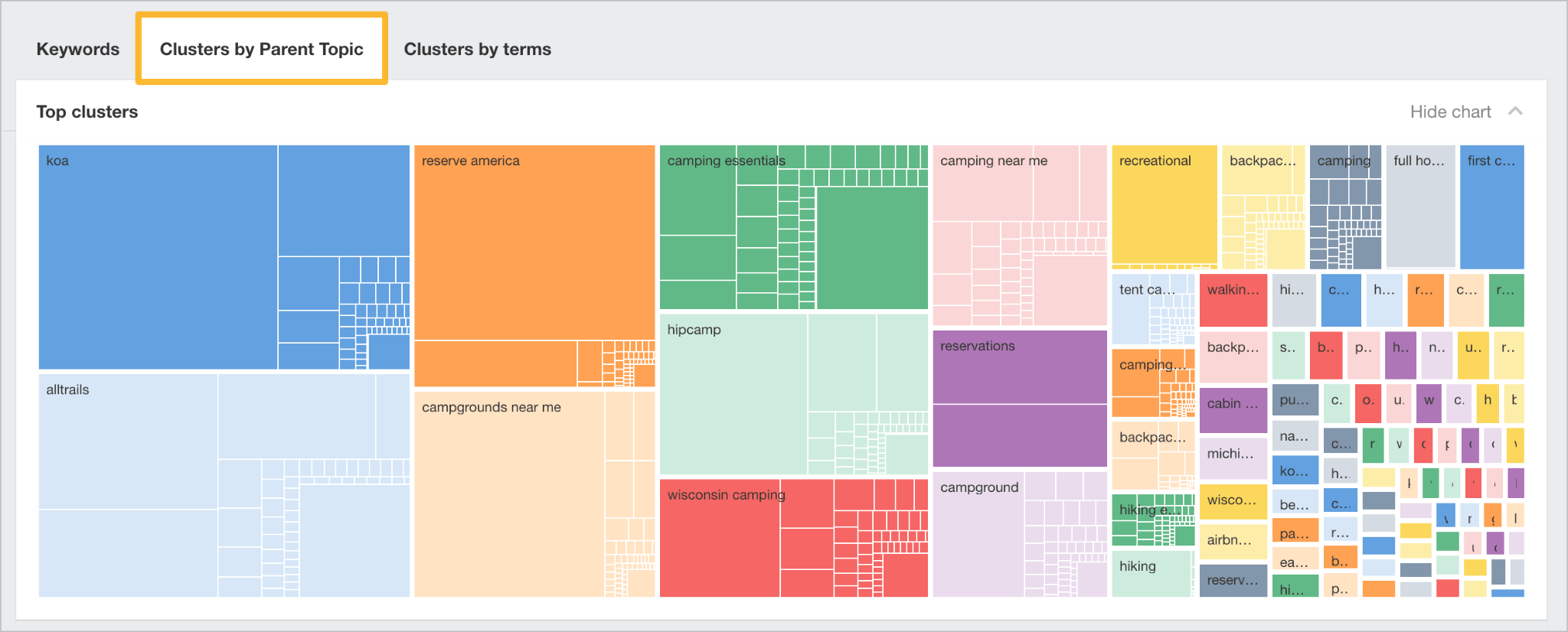
Direct tracking for Web Guide is not yet available. However, monitoring keyword rankings in tools like Ahrefs’ Rank Tracker for a comprehensive set of related sub-topic keywords can provide indirect signals. An increase in rankings and "Share of Voice" across multiple related queries may indicate presence within Web Guide clusters. Monitoring impression and click data in Google Search Console or web analytics platforms for unexpected upticks on specific sub-topic pages can also be indicative of Web Guide inclusion. As Web Guide evolves, dedicated tracking tools are expected to emerge.