 11
 1
 2
 3
Atlassian has officially announced the launch of Remote Access for Bitbucket Pipelines, a new feature currently in its Beta phase designed to fundamentally transform the debugging and development experience within Continuous Integration and Continuous Deployment (CI/CD) workflows. Traditionally, when a software build failed or exhibited unexpected behavior, developers were forced to engage in a repetitive and often time-consuming process. This legacy workflow typically involved modifying a configuration file, such as a YAML script, triggering a full pipeline execution, manually scouring through text logs for clues, making incremental adjustments, and restarting the entire cycle. Until the introduction of Remote Access, a Bitbucket Pipelines build was essentially a "closed box" where visibility was restricted to static log outputs generated during the execution of each step.
The introduction of Remote Access seeks to eliminate this lack of transparency by allowing developers to interact directly with a running pipeline step. By incorporating a specific remote-access declaration within a pipeline script, the execution of the step is paused, maintaining the environment in an active state. This pause allows users to establish a connection to a service running inside the container or virtual machine where the build is occurring. The feature is built to support any service that communicates via the Hypertext Transfer Protocol (HTTP), including those utilizing WebSockets. This broad compatibility enables a wide range of interactive tasks, such as opening a terminal window, previewing a web application, or utilizing a browser-based code editor, all within the live context of the running pipeline step.
Security and governance are central to the implementation of Remote Access. The feature is strictly opt-in and is disabled by default across all accounts. No modifications will occur to existing pipelines or workflows unless an administrator explicitly enables the feature and a developer adds the necessary remote-access declaration to a specific step within the configuration file. This ensures that organizations maintain full control over when and where interactive sessions are permitted.

The primary motivation behind the development of Remote Access is the resolution of situational debugging challenges. Developers often encounter "edge cases"—bugs that only manifest under specific environmental conditions or configurations—that are nearly impossible to diagnose through logs alone. Similarly, issues related to the pipeline environment itself, such as missing dependencies or incorrect file permissions, can be difficult to pinpoint from a distance. Remote Access allows developers to stop guessing and instead connect to the live step to investigate the environment firsthand. Beyond troubleshooting, the feature also enables the use of pipeline steps as short-lived, ephemeral environments. This is particularly useful for exploring the state of a build at a specific point in time, reviewing generated artifacts before they are moved to storage, or previewing the visual state of an application during the build process.
The technical implementation of Remote Access is designed to be straightforward for users familiar with the bitbucket-pipelines.yml configuration format. To utilize the feature, a developer must first ensure that the service they wish to connect to is running in the background of the pipeline step. This is typically achieved by appending an ampersand (&) to the command. Following the start of the service, the remote-access declaration is added to either the script or after-script section of the step.
The YAML syntax for this declaration includes several key parameters: name, which provides a label for the connection; port, which specifies the network port the service is listening on (e.g., 8080); and type, which identifies the protocol being used, currently specified as http. For example, a configuration might look like this:
pipelines:
  default:
    - step:
        name: Run app
        script:
          - ./app.sh --port 8080 &
          - remote-access:
              name: app
              port: 8080
              type: http
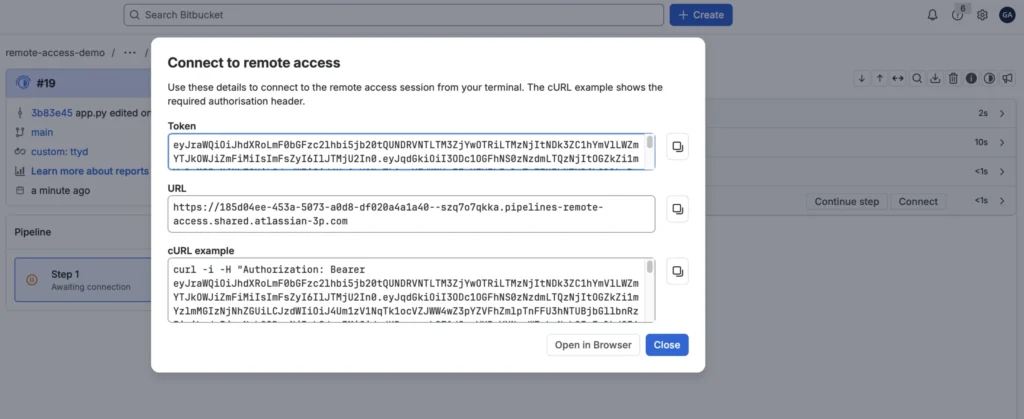
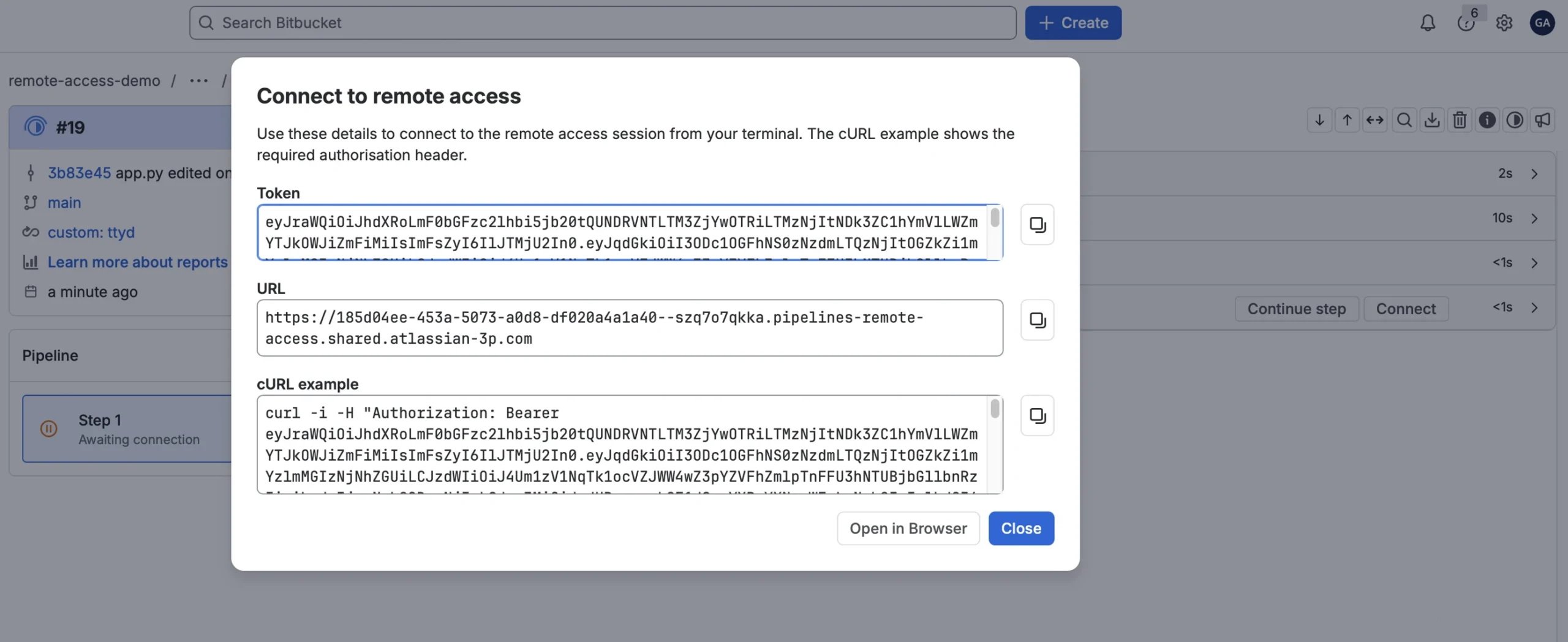
When the pipeline execution reaches the line containing the remote-access declaration, the process enters a specialized state. The pipeline interface will display an "Awaiting Connection" status, indicating that the step is active and ready for user interaction. In the log view, two buttons will appear to facilitate the connection: "Connect" and "Open in Browser." These options allow the user to bridge the gap between their local workstation and the remote pipeline environment seamlessly.

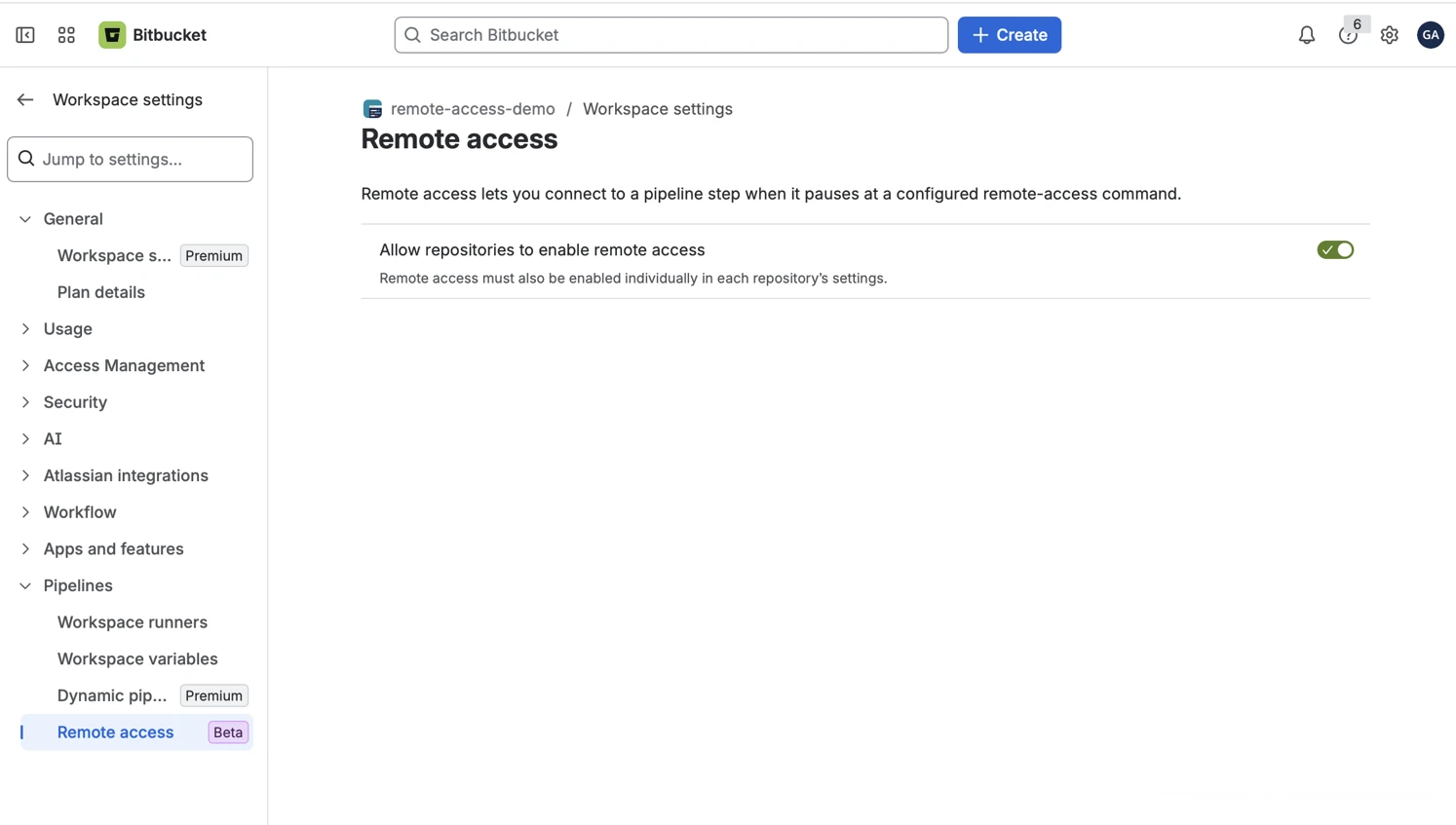
Enabling Remote Access requires a two-tiered administrative approval process to ensure security compliance. First, a workspace administrator must navigate to the Workspace settings, select the Pipelines menu, and then locate the Remote Access section to toggle the feature on for the entire workspace. This action authorizes the use of Remote Access but does not automatically enable it for individual projects. The second step requires a repository administrator to go into the Repository settings, select Pipelines, and then Remote Access to enable the feature for that specific repository. Only after both administrative levels have granted permission can the remote-access declaration be successfully used in a bitbucket-pipelines.yml file.
Atlassian provided several practical examples to illustrate the utility of the feature. One prominent use case involves opening a terminal directly within a running step. By using a tool like ttyd, which serves a shell over a WebSocket, developers can gain full command-line access through their web browser. In the provided example, a step uses an Ubuntu image to install ttyd, starts it on port 7681 in the background, and then declares remote access for that port. Once the pipeline reaches that point, clicking "Connect" opens a functional bash terminal, allowing the developer to run commands, inspect files, and check environment variables in real-time.
Another example focuses on web development, specifically connecting to a Node.js application. In this scenario, a developer can start an application’s development server (such as npm start) in the background. By declaring remote access on port 8080, the developer can open the application in a new browser tab. This allows for a visual verification of how the application behaves within the specific constraints of the pipeline environment, which may differ from a local development machine.
Furthermore, Remote Access offers a powerful solution for post-failure investigation. By placing the remote-access declaration within the after-script section of a step, the declaration will execute regardless of whether the primary script succeeded or failed. This ensures that if a build fails, the step will pause and wait for a connection, giving the developer a chance to inspect the failed state, examine error logs that might not have been fully captured, or check the filesystem for corrupted artifacts.
From an operational and cost perspective, Atlassian notes that a step waiting for a connection is still considered a "running" step. Consequently, the time spent in the "Awaiting Connection" state counts toward the step’s max-time limit and consumes build minutes. Users are encouraged to set appropriate max-time values to prevent excessive consumption of resources if a connection is not established.
In terms of availability, Remote Access is currently restricted to the Linux cloud runtime. It is available to paid users who have established billing accounts with Atlassian. At this stage of the Beta, self-hosted runners are not supported. The pricing model for Remote Access is integrated into the standard Bitbucket Pipelines billing structure; steps utilizing Remote Access are charged at the same rate as any other running step based on the duration of execution.
This release represents a significant shift in the CI/CD landscape for Bitbucket users, moving away from a purely automated, "fire-and-forget" model toward a more interactive and developer-centric approach. By providing the tools to peer inside the "closed box" of a build, Atlassian aims to reduce the "mean time to resolution" for build failures and provide a more flexible environment for modern software engineering teams. As the feature remains in Beta, further updates and refinements are expected based on user feedback and usage patterns within the Linux cloud environment.